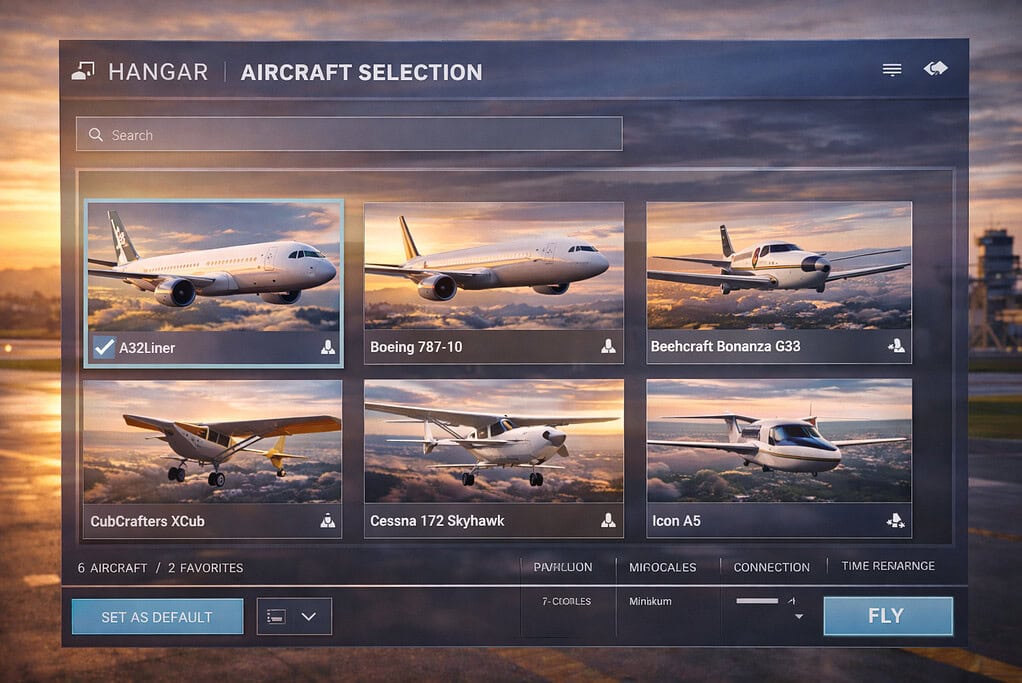
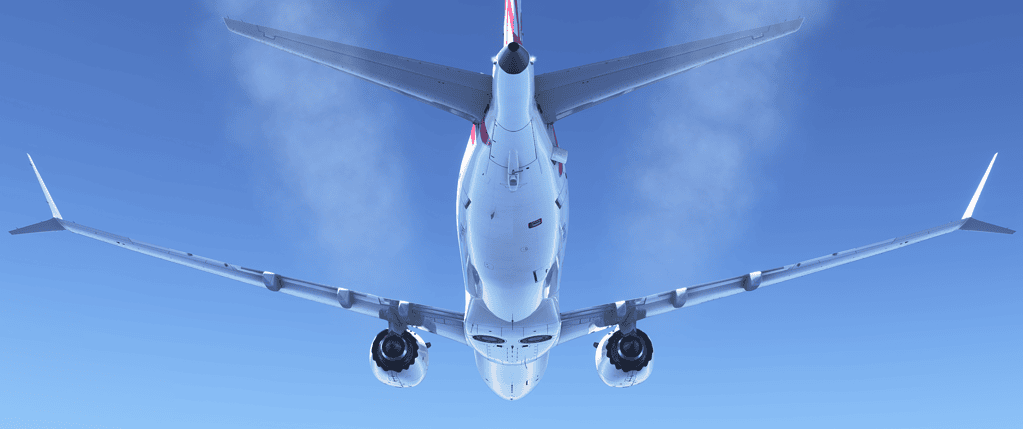
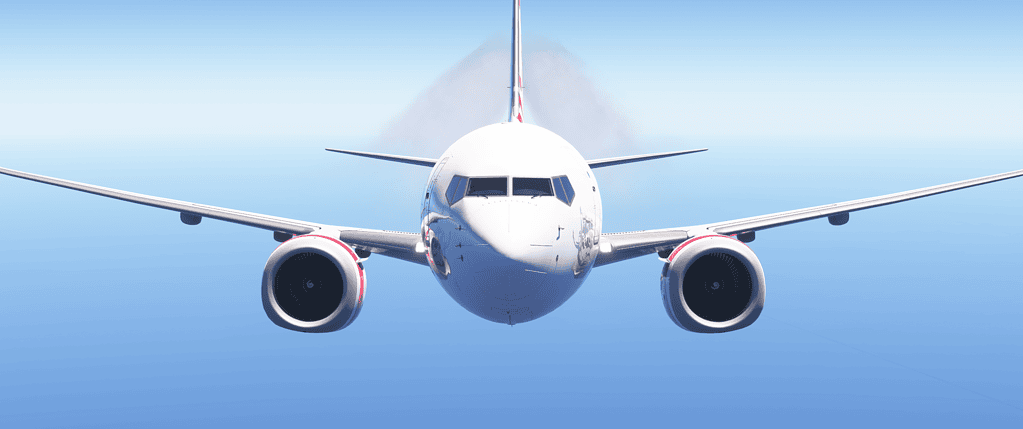
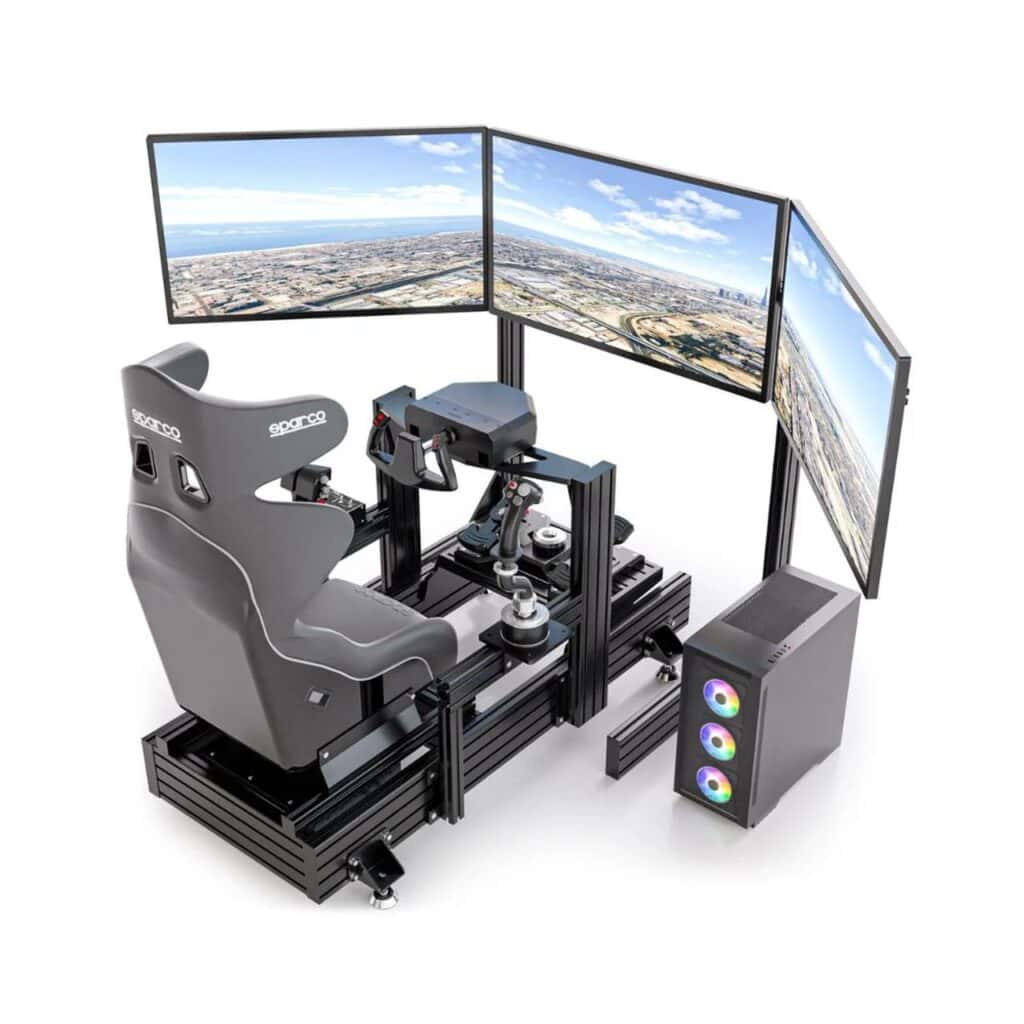
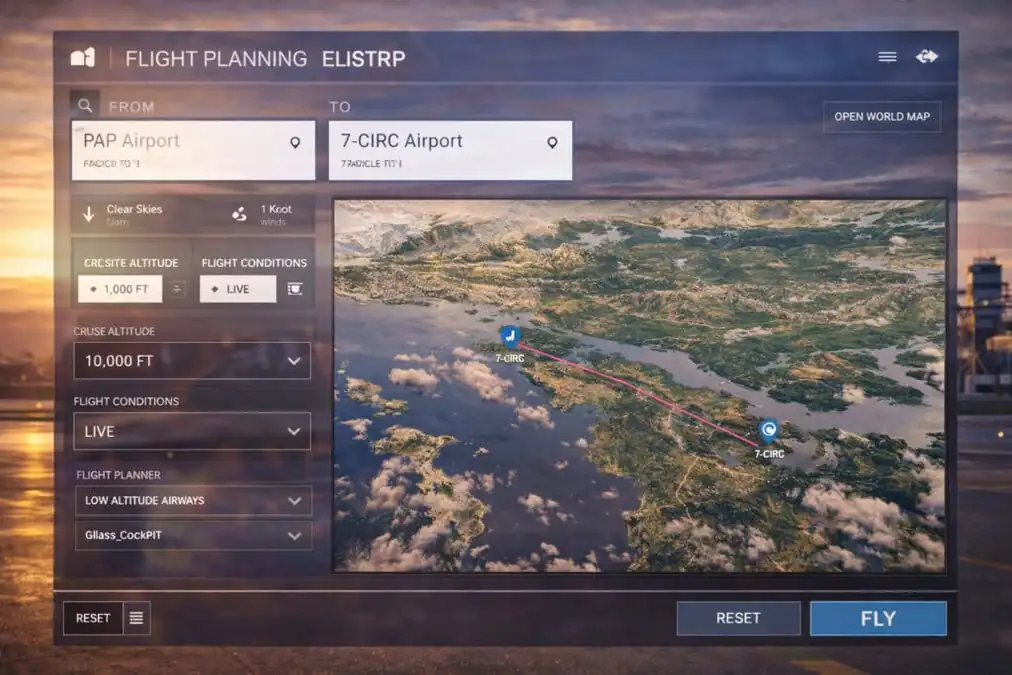
Tutorials play a huge role in helping flight simulation enthusiasts get the most out of Microsoft Flight Simulator 2024.
Because the simulator is packed with detailed aircraft systems, navigation features, weather controls, and advanced settings, good tutorials can save users many hours of confusion and frustration.
One of the most popular types of tutorials focuses on aircraft operation. These guides teach simmers how to start aircraft from cold and dark, taxi correctly, take off safely, use autopilot systems, and complete proper landings.
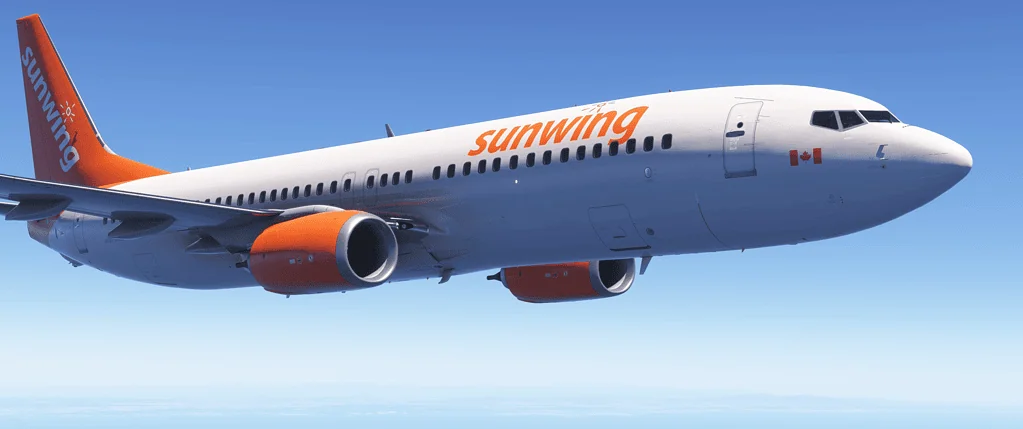
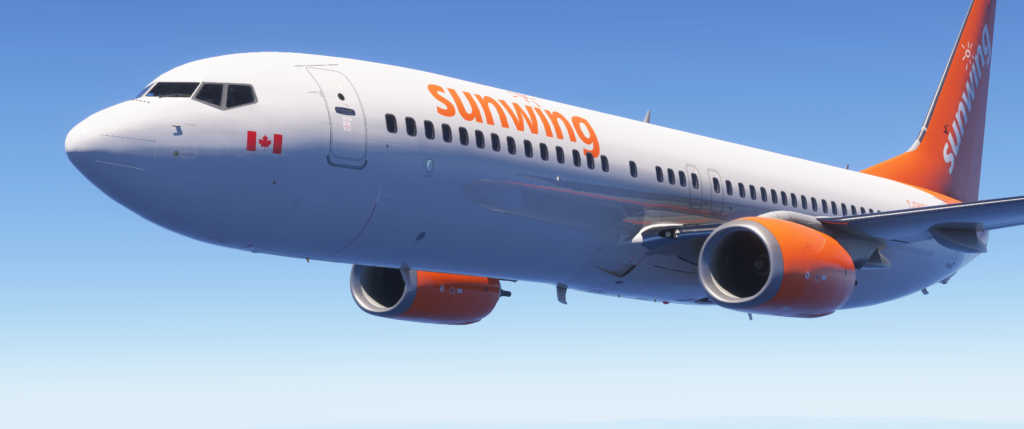
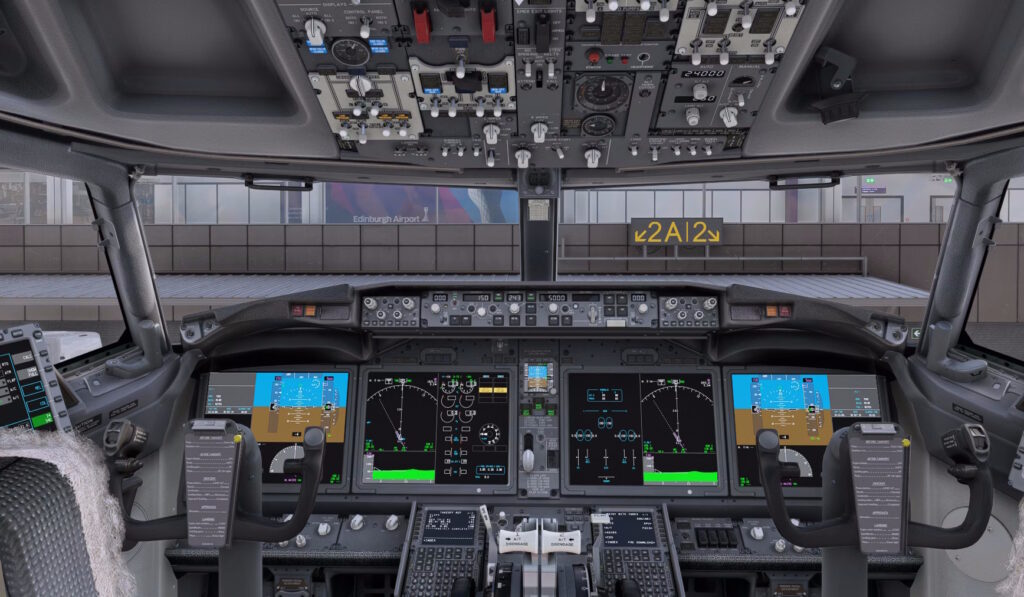
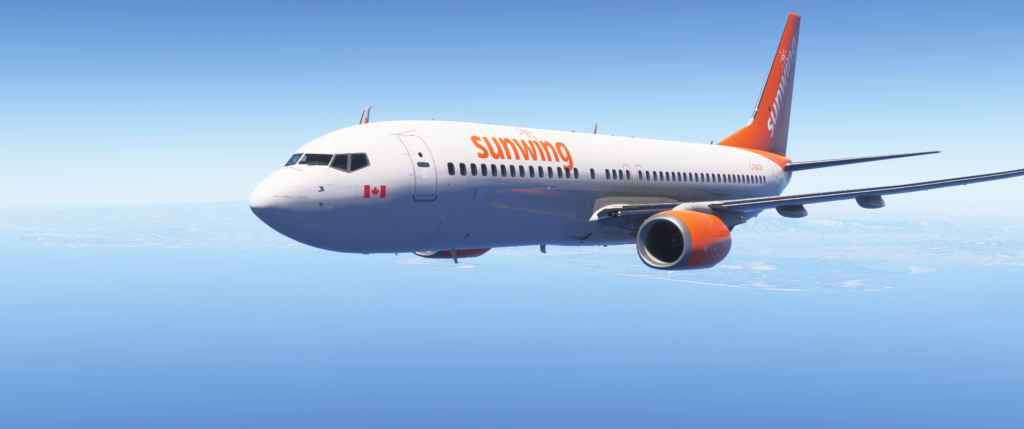
Airliner tutorials are especially popular because aircraft such as the Airbus A320 and Boeing 737 contain highly detailed cockpit systems that can seem intimidating at first.
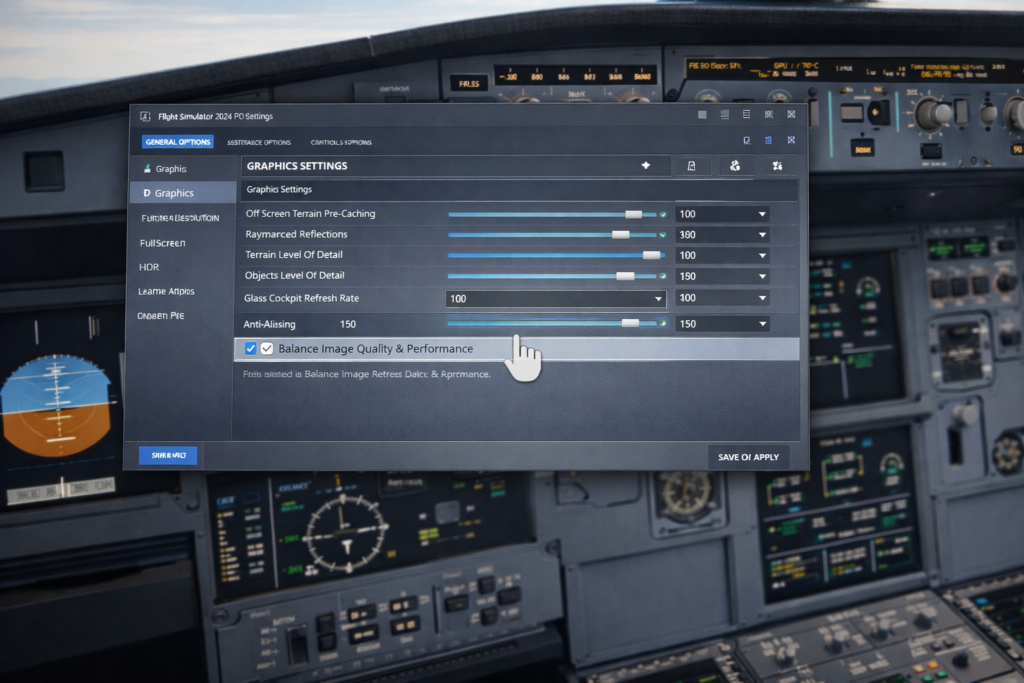
Tutorials also help users improve simulator performance and graphics. Many simmers search for guides explaining the best graphics settings, frame-rate optimization techniques, controller sensitivity adjustments, and hardware recommendations.
These tutorials are extremely useful because every computer setup is slightly different.
One of the biggest differences between a rushed, unrealistic flight and a smooth, professional one comes down to a single skill: descent planning.
If you’ve ever found yourself too high on approach, diving toward the runway, or wondering why VNAV isn’t behaving properly, you’re not alone. This is one of the most common challenges in flight simulation, from beginners right through to experienced sim pilots.
In this guide, we’ll walk through why descent planning matters, and more importantly, how to do it properly using simple, reliable techniques.
Why Descent Planning Matters
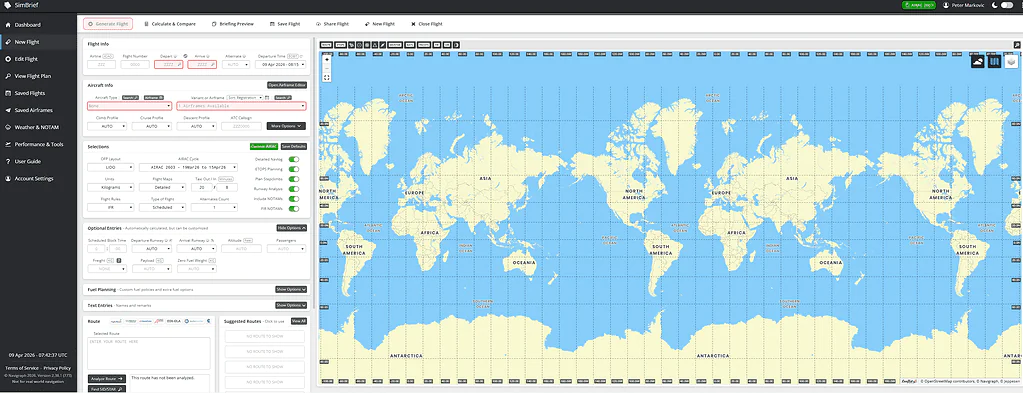
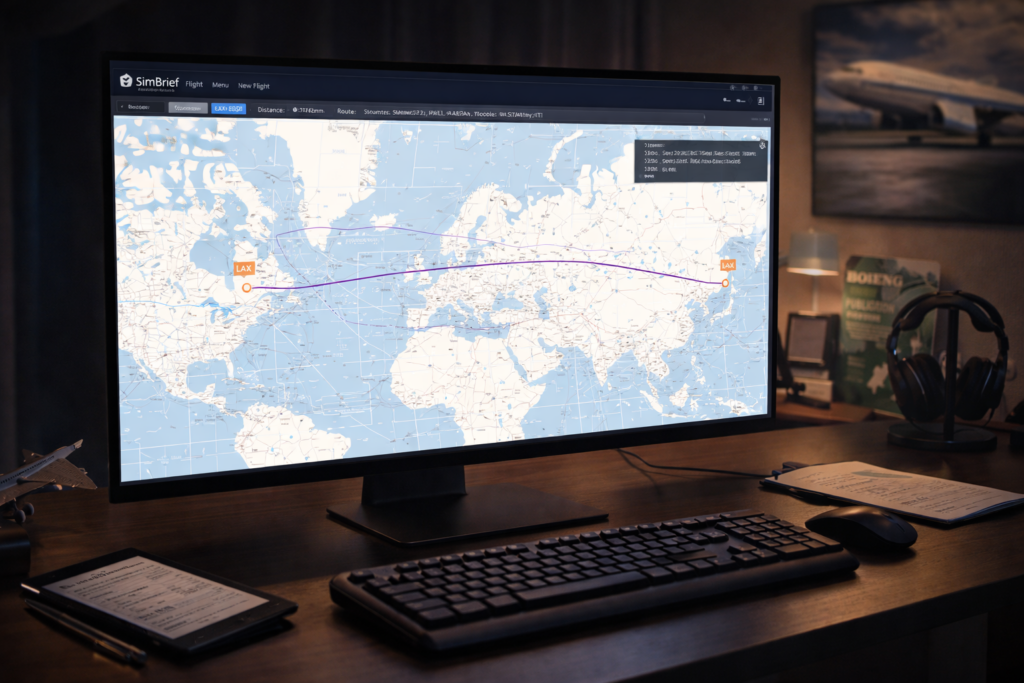
In real aviation, the descent phase is planned well in advance — often over 100 nautical miles before reaching the airport. The goal is simple: arrive at the correct altitude, at the correct speed, fully configured for a stable approach.
Microsoft Flight Simulator 2024 has taken a massive step forward in visual fidelity, realism, and overall experience. But here’s the thing I’ve learned over time — immersion doesn’t come from just cranking everything to Ultra and hoping for the best.
True immersion is built. Layer by layer.
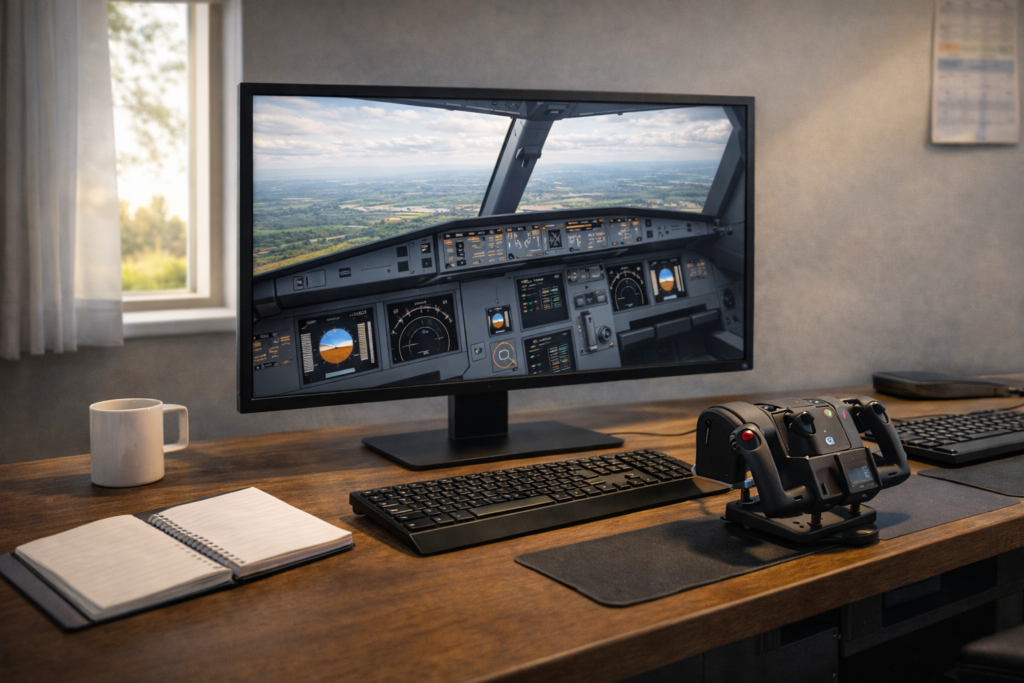
If you’ve ever had a moment where you genuinely forgot you were sitting at your desk, then you already know what we’re chasing here. And the good news is, with the right setup and approach, MSFS 2024 can deliver that in a big way.
Let’s walk through how to get there.
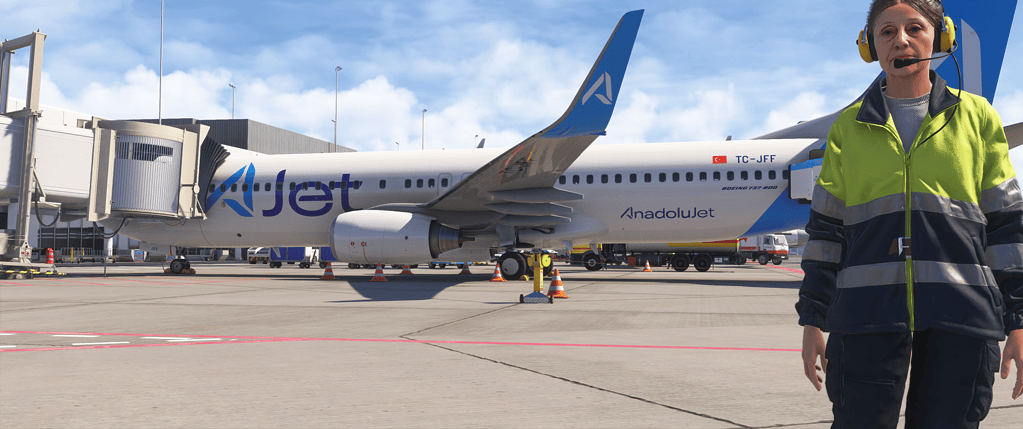
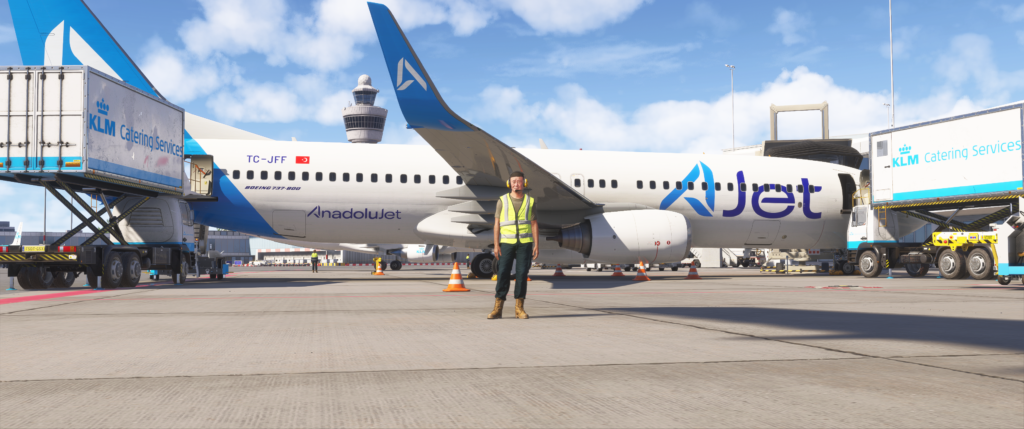
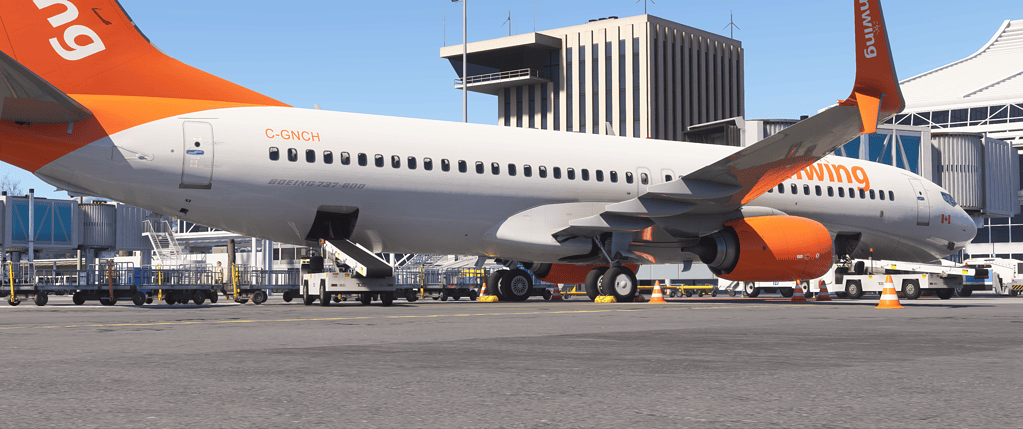
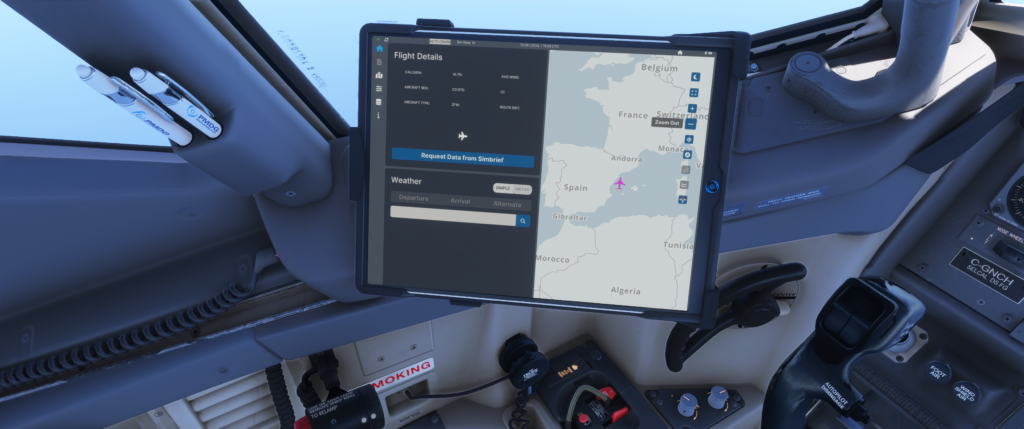
GSX ground operations add a surprising amount of immersion to MSFS 2024.
What “Immersion” Actually Means in Flight Simulation
Before diving into hardware and settings, it’s worth understanding what we’re aiming for.
Immersion isn’t just graphics.
It’s the feeling that:
The aircraft has weight and presence
The environment reacts realistically
You’re mentally in the cockpit, not in a game
It’s a combination of:
Visual realism
Audio depth
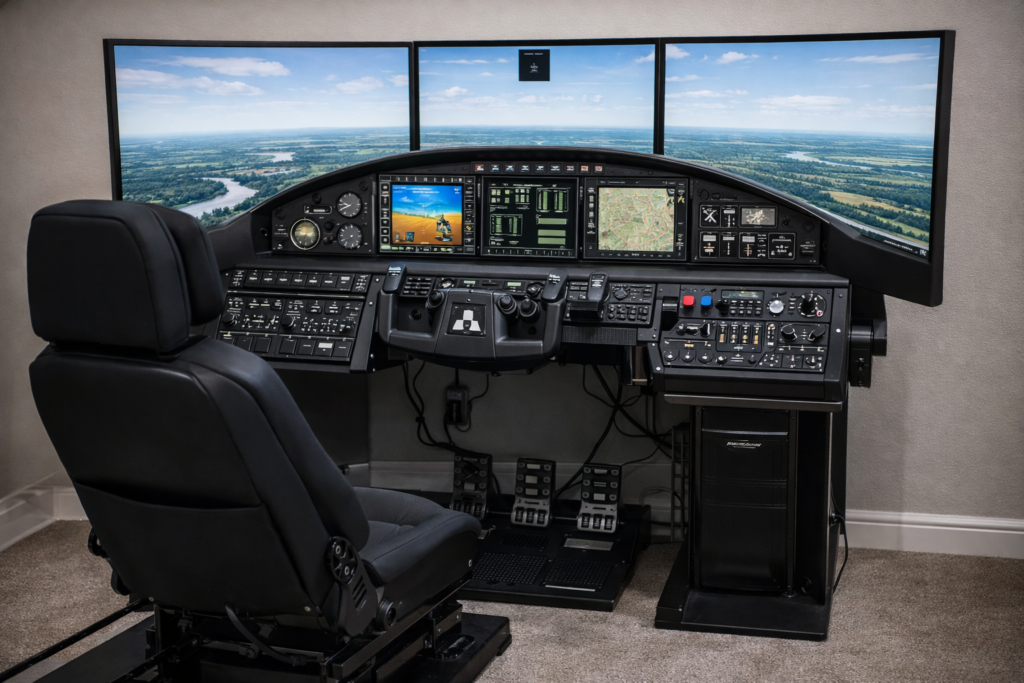
Control feedback
Workflow and procedures
Environmental consistency
When all of those align, that’s when the magic happens.
The Foundation: A Smooth, Stable Simulator
This might not be the most exciting part, but it’s the most important.
If your sim is stuttering, hitching, or constantly loading scenery, immersion breaks instantly.
What to Focus On
Stable frame pacing (not just high FPS)
Reliable internet connection for scenery streaming
From my own experience, a smooth 40–60 FPS with no stutters feels far more immersive than a choppy 80 FPS.
Key Tip
If you’re seeing buildings “morph” or load late, that’s usually streaming — not your GPU. Improving network stability can make a surprising difference.
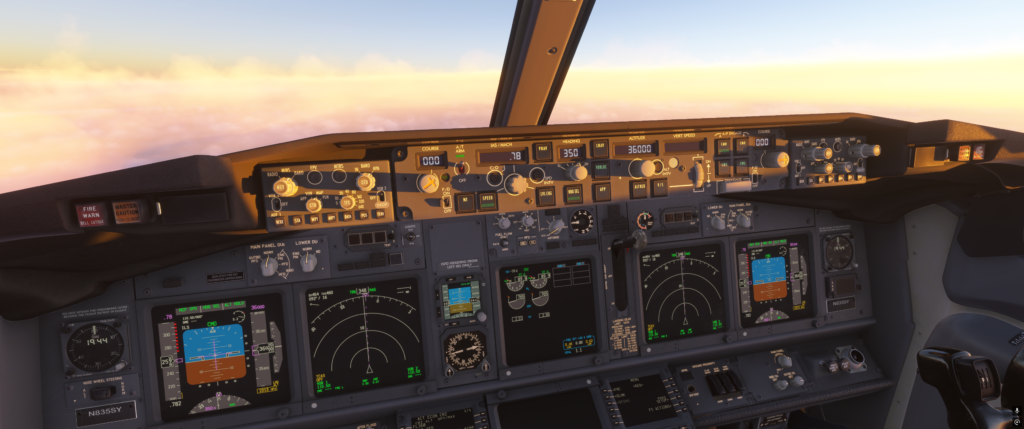
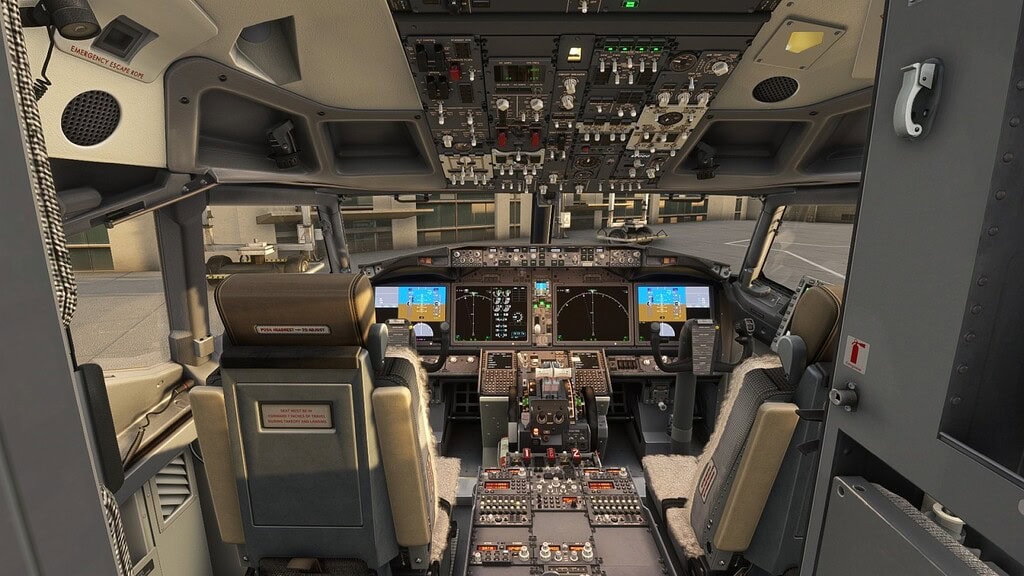
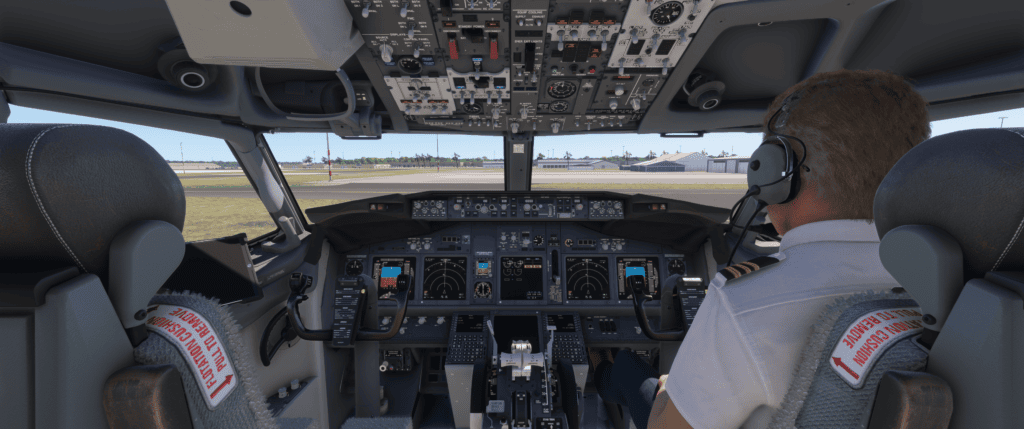
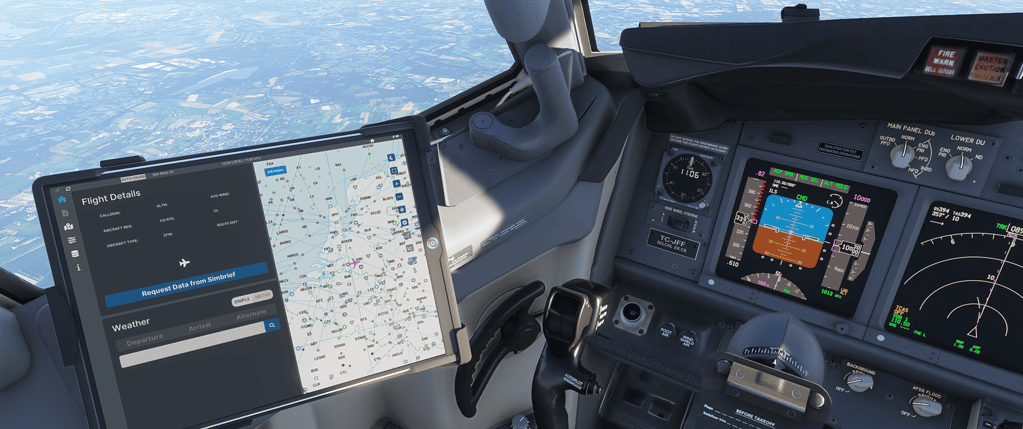
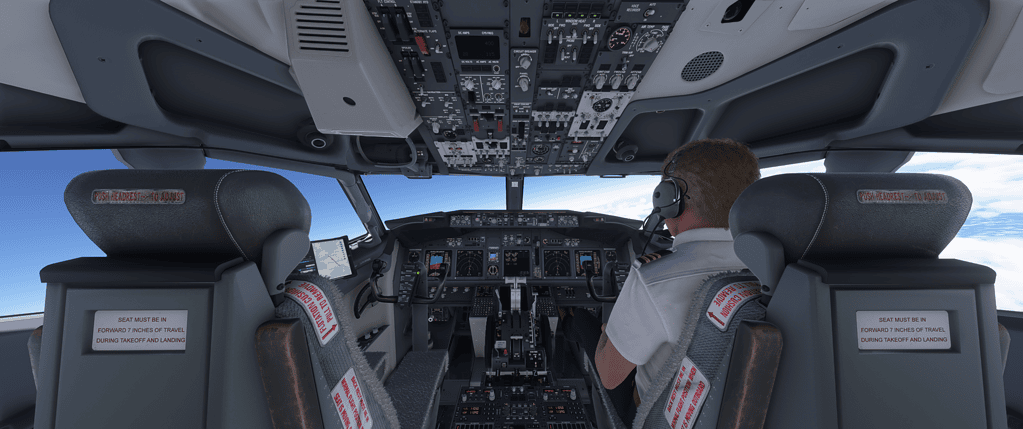
A fully operational cockpit adds immersion.
Visual Immersion: More Than Just Ultra Settings
MSFS 2024 already looks fantastic, but immersion comes from consistency, not just detail.
Focus on These
Terrain Level of Detail (TLOD)
Object Level of Detail (OLOD)
Lighting and shadows
Anti-aliasing clarity in the cockpit
What Actually Matters
A sharp, readable cockpit
Smooth distant terrain loading
Natural lighting transitions
You don’t need everything maxed — you need it balanced.
Audio: The Most Underrated Immersion Tool
This is one area many people overlook.
Good audio can completely transform your experience.
The more familiar you become with your aircraft, the more natural everything feels.
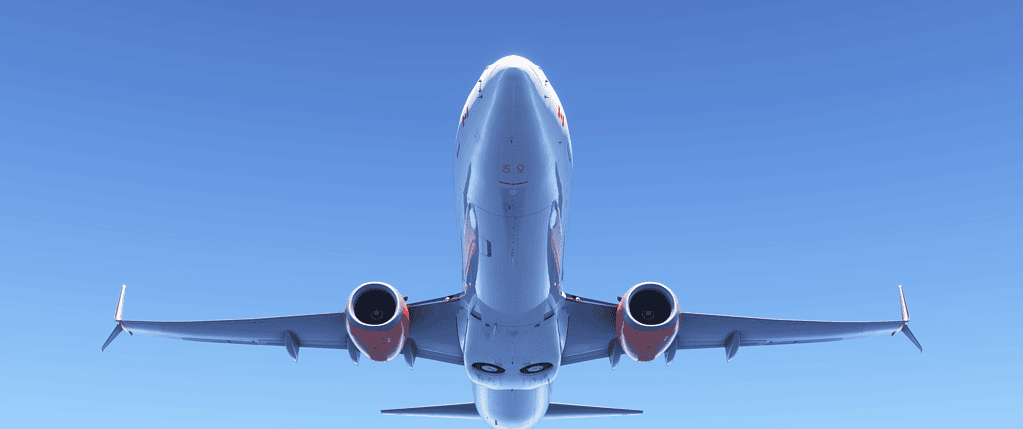
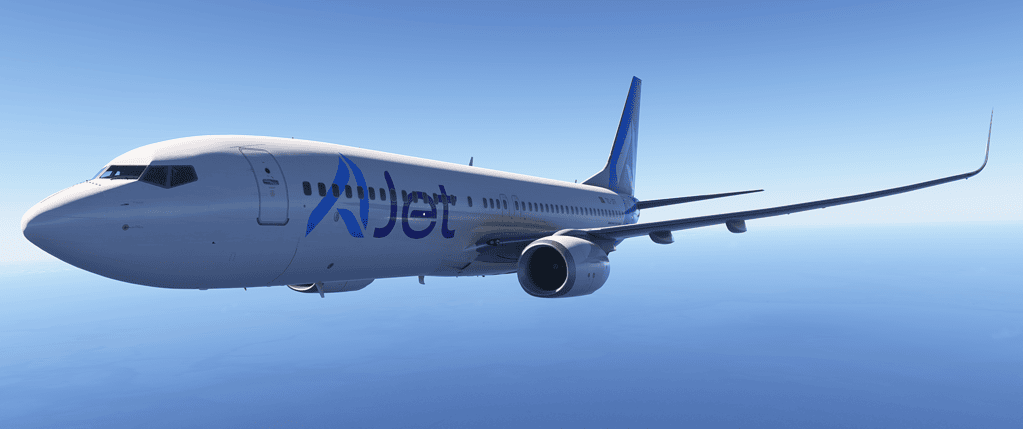
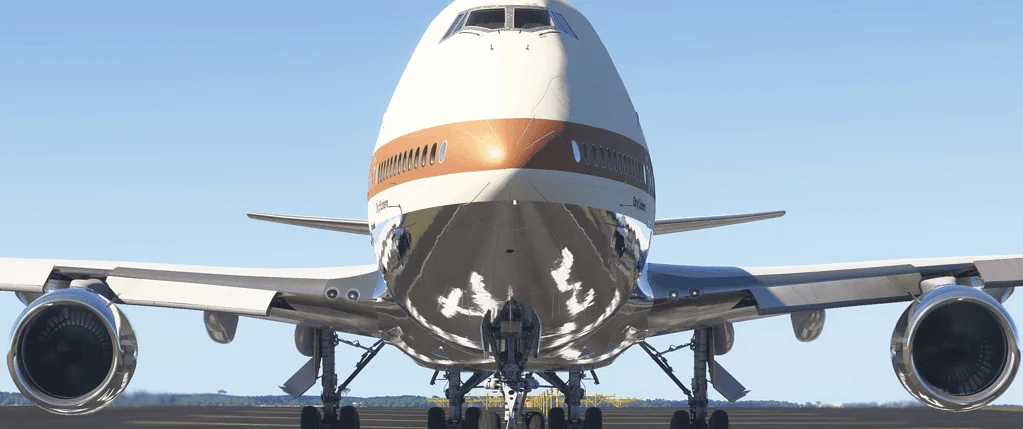
Detailed aircraft add significantly to immersion.
Bringing It All Together
When everything clicks — smooth performance, solid controls, good audio, proper procedures — something changes.
You stop “playing” the sim.
You start flying.
And that’s where MSFS 2024 really shines.
Flight simulation immersion in MSFS 2024 isn’t about one setting or one piece of hardware — it’s the combination of performance, visuals, sound, controls, and how you approach your flying. Focus on balance, stability, and realism, and the experience becomes something genuinely special.
Active Sky for Microsoft Flight Simulator: What It Does and How It Improves Your Flights
If you’ve spent any time flying in Microsoft Flight Simulator, you’ll already know that weather plays a huge role in how immersive a flight feels. Clear skies are fine, but it’s the dynamic, changing conditions that really bring a flight to life.
Active Sky is one of those add-ons that aims to improve exactly that. It doesn’t replace your aircraft or scenery — instead, it works behind the scenes to enhance how weather behaves, transitions, and feels during your flights.
In this guide, I’ll walk you through what Active Sky actually does, where it shines, and how it fits into a modern MSFS 2024 setup.
https://youtu.be/X59X8AV2H7o
What Active Sky Does
At its core, Active Sky is a weather engine enhancement tool.
It connects to real-world weather data and injects it into the simulator in a more controlled and realistic way than the default system.
Instead of relying purely on the sim’s built-in weather logic, Active Sky focuses on:
Smoother weather transitions
More accurate wind behaviour
Better cloud and atmospheric consistency
Realistic turbulence and air movement
It’s not about making weather look dramatically different — it’s about making it behave more like the real world.
How It Works in MSFS
Active Sky runs alongside your simulator and continuously updates weather conditions based on real-world data.
This Flight Simulator 2024 Guide is for beginners to advanced — everything you need to start flying properly and actually understand what’s going on
Microsoft Flight Simulator 2024 is one of those experiences that immediately grabs your attention. The first time you load it up, it’s hard not to be impressed. The scenery looks real, the lighting feels natural, and the aircraft have a presence that makes everything feel alive.But once that initial excitement settles, most people hit the same point. You get airborne, you’re flying along, everything looks fantastic… and then the thought creeps in:
“I don’t actually know what I’m doing.”
Switches everywhere
There are switches everywhere, autopilot modes that don’t behave the way you expect, and aircraft that sometimes feel like they’re doing their own thing. If that sounds familiar, you’re not alone. I’ve been through the same process — and not just recently.
First version of Microsoft Flight Simulator
I actually started with the very first version of Microsoft Flight Simulator. Back then, it was basic compared to what we have now, but it sparked something. I enjoyed it enough that it eventually led me to gain my pilot’s licence.
Enjoying simming
These days, I don’t fly in the real world anymore, but I’m still flying regularly in the simulator — and still enjoying it just as much. And when I’m not simming, I enjoy writing about it. That’s really what this site is about — sharing what I’ve learned in a way that actually makes sense.
About this guide
Over time, I’ve worked through what really matters in flight simulation, what can be ignored early on, and how everything fits together in a practical way. That’s exactly what this guide is.
Not a manual
This isn’t a manual, and it’s not a list of disconnected tips. This is a complete, structured way to approach Microsoft Flight Simulator so that things start to make sense — step by step. You don’t need to rush through it. In fact, it’s better if you don’t. Just take it one section at a time, and you’ll find things start to click naturally.
Before You Even Fly (This Will Save You a Lot of Frustration)
This is the part almost everyone skips — and it’s usually why things feel difficult later.
Don’t Judge the Simulator Too Quickly
When you first install Microsoft Flight Simulator, it’s very tempting to jump straight into a flight. But it’s worth slowing down just for a moment.
Let the simulator:
Fully update
Load completely at least once
Sit on the menu for a few minutes
MSFS does a lot in the background:
It connects to streaming servers
It builds and manages cache
It prepares scenery data
If you rush into flying straight away, performance can feel inconsistent, and that often gives the impression that something is wrong. Most of the time, it isn’t.
Graphics vs Smoothness (What Actually Matters)
This is something many people learn the hard way. It’s easy to push everything to Ultra settings — and visually, it looks incredible. But from experience, this is the truth:
A smooth simulator feels real. A stuttering one breaks immersion instantly.
You want:
Consistent frame rate
Smooth camera movement
Immediate response from your controls
If your sim feels smooth, you’re in a very good place — even if every setting isn’t maxed out.
Understanding Streaming (This Explains a Lot)
One of the biggest differences with modern Microsoft Flight Simulator is that it streams the world in real time. This means things don’t behave like traditional offline simulators.
You might notice:
Buildings appearing gradually
Terrain changing shape as it loads
Objects popping in
This can look strange if you’re not expecting it. But it’s not your system struggling — it’s simply how the simulator works. Once you understand this, you stop chasing the wrong fixes, and things become much less frustrating.
This is where everything begins — and it should feel straightforward, not overwhelming.
Start With the Right Aircraft
For your first flights, use something like:
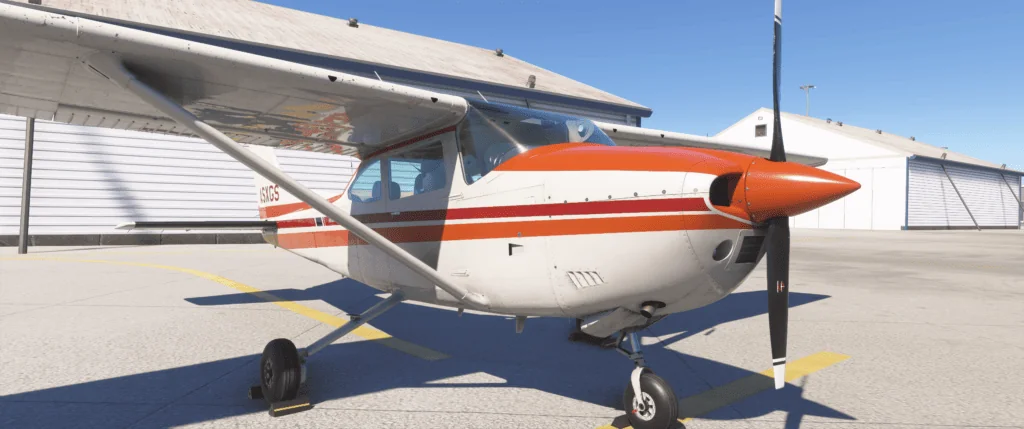
Cessna 172
It’s stable, predictable, and designed for exactly this purpose — learning. There’s no complex automation to deal with, which means you can focus entirely on flying.
What You Should Focus On
At this stage, ignore anything advanced.
Just concentrate on:
Getting the aircraft moving
Keeping it straight
Getting airborne
Holding altitude
Bringing it back down
That’s your entire focus. You don’t need navigation systems, autopilot, or procedures yet.
A Real Insight From Flying
One of the most common mistakes — both in real-world flying and in the simulator — is overcontrolling.
New pilots tend to:
Make large control inputs
Constantly try to correct the aircraft
But the reality is quite different.
Aircraft are designed to be stable.
They don’t need constant correction.
Small, smooth inputs are all that’s required.
Once you get used to that, flying becomes much more relaxed and natural.
Controls and Setup (Fix This Early — It Makes Everything Easier)
If the aircraft feels difficult to control, it’s often not your flying — it’s your setup.
Sensitivity Settings (The Hidden Problem)
If your controls feel:
Too sensitive
Jerky
Difficult to manage
This is almost always down to sensitivity settings. Even a small adjustment can completely change how the aircraft behaves. Reducing sensitivity slightly makes the controls feel smoother and more predictable. It’s one of the biggest improvements you can make early on.
This is where things start to make sense. Different aircraft behave differently — and once you understand why, a lot of confusion disappears.
General Aviation Aircraft (Cessna, etc.)
These are:
Manual
Direct
Straightforward
What you do with the controls directly affects the aircraft. There’s very little automation involved. This is why they’re ideal for learning.
Airbus Aircraft
Airbus aircraft introduces a different concept.
They are:
Highly automated
System-driven
“Managed” by onboard computers
The aircraft often controls:
Speed
Descent
Flight profile
This can feel confusing at first because it’s not always obvious what the aircraft is doing or why. Flying Aircraft (737). Boeing aircraft take a more direct approach.
They are:
Less automated
More pilot-controlled
More predictable in behaviour
You tell the aircraft what to do — and it does it. This is why many people (myself included) find Boeing aircraft easier to understand when learning.
See: Airbus A320 Guide See: Boeing 737 Guide
Navigation Basics (The Step That Brings It All Together)
Flying is one thing. Flying somewhere properly is where everything starts to connect.
This is the part that turns the simulator from “confusing” into something that actually makes sense.
UNDERSTANDING & CONTROL
Autopilot Explained (This Is Where Everything Starts to Click)
If there’s one area that confuses almost everyone in Microsoft Flight Simulator, it’s autopilot. And the reason is simple.
Most people expect autopilot to “just work”.
They assume:
The aircraft knows where it’s going
It understands what they want
It will just handle things automatically
But that’s not how it works.
What Autopilot Actually Is
Autopilot is not intelligent.
It doesn’t think or anticipate. It simply follows:
The modes you select
The instructions you give
That’s it.
Once you understand that, everything becomes much clearer.
Why Autopilot Feels So Confusing at First
The confusion usually comes from expectation.
You might:
Set an altitude
Expect the aircraft to descend
Watch…, and nothing happens
So it feels broken. But it isn’t. The autopilot is doing exactly what you told it to do — just not what you expected it to do.
Modes Are Everything
This is the key concept.
Autopilot works through modes.
Each mode tells the aircraft what to do:
Heading mode → follow a direction
Altitude hold → stay at a level
Vertical speed → climb or descend
LNAV → follow route
VNAV → follow vertical profile
If the wrong mode is active: The aircraft will do the wrong thing
A Real-World Style Scenario
Let’s say you’re cruising along at 35,000 feet. You’re approaching your destination, and you expect the aircraft to start descending. But it doesn’t.
You’re still at cruise altitude. Closer… closer… still nothing. Now you’re getting near the airport, and you’re way too high. The aircraft won’t come down
Flight simulation is one of those things where there’s always more to learn.
You don’t need to rush.
You don’t need to be perfect.
Just keep flying.
And over time, everything starts to make sense.
Frequently Asked Questions (MSFS 2024)
Is Microsoft Flight Simulator 2024 good for beginners?
Yes — but only if you approach it the right way.
The simulator itself is very detailed, which can feel overwhelming at first. The key is to start simple, use a basic aircraft like the Cessna 172, and focus only on the fundamentals.
Once you build confidence, everything else becomes much easier to understand.
What is the best aircraft to start with in MSFS?
For beginners, the best choice is a light aircraft such as the Cessna 172.
It’s stable, predictable, and doesn’t rely on complex systems. This allows you to focus on actually learning how to fly, rather than managing automation.
Why does my aircraft feel hard to control?
In most cases, this comes down to sensitivity settings.
If the controls feel too responsive or unstable, adjusting sensitivity can make a huge difference. Small changes here often completely transform how the aircraft behaves.
Why won’t my aircraft descend properly?
This is one of the most common issues — especially in airliners.
The usual cause is starting the descent too late. Aircraft need distance, not just time, to lose altitude.
Start your descent earlier than you think you need to.
What does autopilot actually do?
Autopilot doesn’t “fly the aircraft” smartly or automatically.
It simply follows:
The modes you select
The instructions you give it
If something isn’t behaving correctly, it’s almost always because the wrong mode is active.
Do I need add-ons to enjoy MSFS 2024?
No, the simulator is already very good on its own.
Add-ons can improve realism and depth, but they’re not essential. It’s better to learn the basics first, then add improvements gradually.
Why do buildings load slowly or look distorted?
This is caused by streaming.
Microsoft Flight Simulator loads scenery data from the internet in real time. If your connection is slower or unstable, buildings may:
Appear late
Look distorted briefly
This is normal behaviour and not usually a problem with your PC.
No, not unless you want to. You can enjoy the simulator casually, or you can gradually introduce realism over time. There’s no right or wrong way to use MSFS.
Nice little finishing touch (optional but powerful)
Right under the FAQ, add this line:
If you’re just getting started, begin with the Cessna 172 guide here.
Microsoft Flight Simulator FAQ, a complete beginner to advanced answers to the most common MSFS questions
If you’ve spent any time in Microsoft Flight Simulator, you’ll know that questions come up very quickly.
At first, they tend to be simple. You might wonder what aircraft to start with, or why the controls feel difficult. Then, as you spend more time in the simulator, the questions become more specific.
Why does everything seem to behave differently from one aircraft to another?
This is completely normal.
Flight simulation combines real-world aviation concepts with a highly detailed environment, and it takes time for everything to make sense. I’ve been through that process myself, starting right back with the very first version of Microsoft Flight Simulator. I enjoyed it enough that it eventually led me to gain my pilot’s licence.
These days, I don’t fly in the real world anymore, but I still fly regularly in the simulator and still enjoy it just as much. And when I’m not flying, I enjoy writing about it, which is what this site is all about.
This FAQ is designed to answer the most common questions clearly and practically. You don’t need to understand everything at once. Just dip in where you need help, and come back whenever something doesn’t quite make sense.
Getting Started
Is Microsoft Flight Simulator good for beginners?
Yes, but only if you approach it properly.
The simulator is incredibly detailed, and if you try to take everything in at once, it can feel overwhelming very quickly. The key is to simplify things right at the beginning.
Use a basic aircraft like the Cessna 172, focus on learning how to control the aircraft, and ignore most of the advanced systems. Once you are comfortable flying, everything else becomes much easier to understand.
What aircraft should I start with?
The best aircraft to start with is something simple and predictable, such as the Cessna 172.
It gives you time to think, responds smoothly to inputs, and doesn’t rely on complex automation. This allows you to concentrate on the fundamentals of flying rather than trying to manage systems you don’t yet understand.
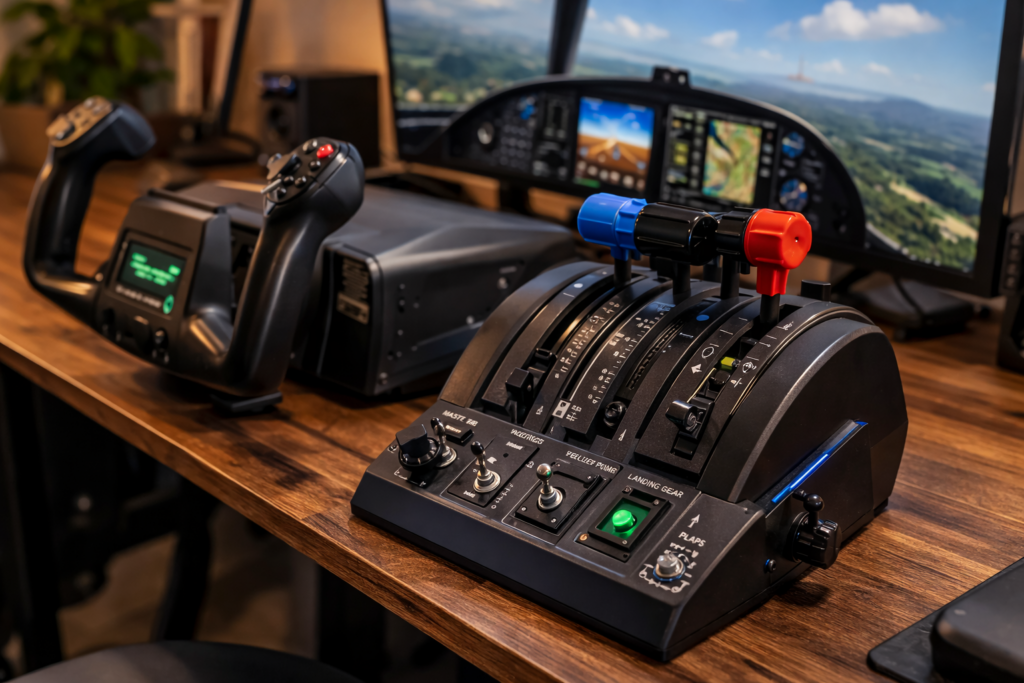
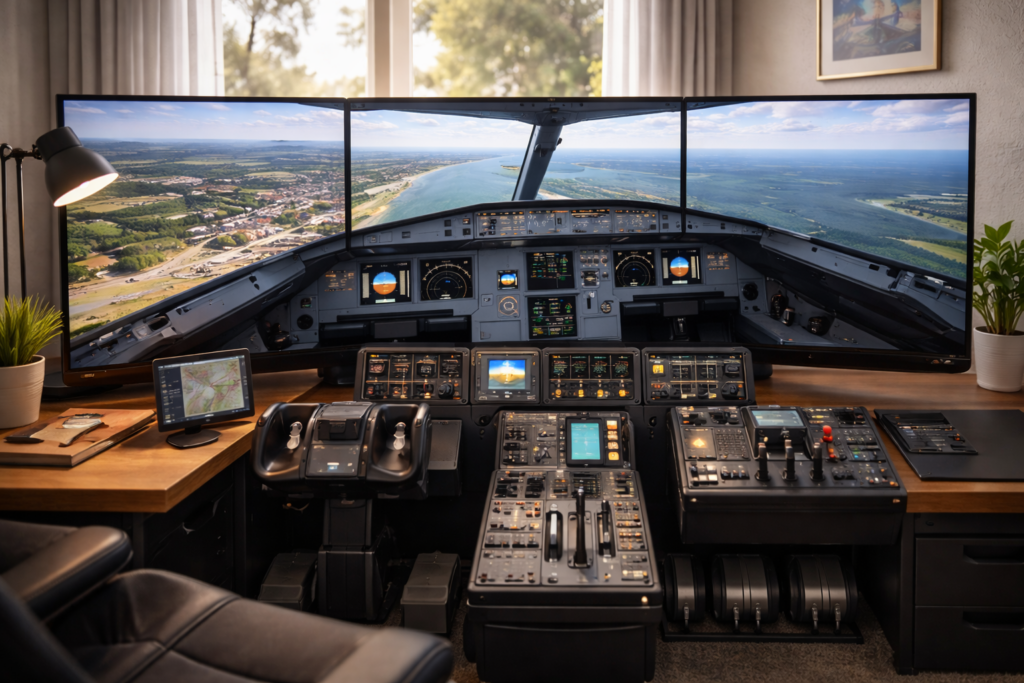
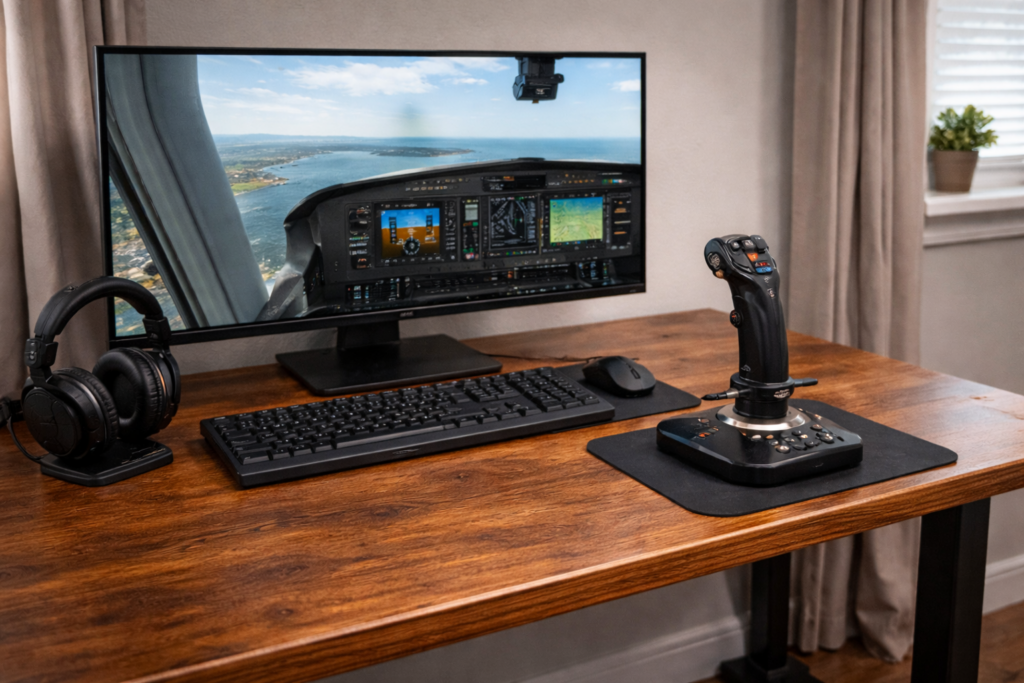
Do I need a joystick or yoke to enjoy the simulator?
No, you can start with whatever you already have.
A controller works perfectly well for getting started. A joystick gives you more precision and tends to feel more natural. A yoke adds realism, particularly for larger aircraft.
The most important thing is not the hardware itself, but how comfortable and predictable it feels when you use it.
Why does everything feel so complicated at the beginning?
Because you’re being exposed to multiple layers of complexity all at once.
You’re not just learning how to control an aircraft. You’re also being introduced to navigation, systems, procedures, and real-world aviation concepts. The trick is to ignore most of that early on.
Focus on flying first. Everything else can come later.
How long does it take to feel comfortable?
That depends on how often you fly, but most people notice improvements quite quickly.
Within a few flights, basic control starts to feel more natural. Within a few weeks, confidence builds. Over time, understanding develops.
There isn’t a single moment where everything clicks, but there is a gradual shift where things start to feel easier.
Flying Basics
Why is my aircraft difficult to control?
This is almost always caused by sensitivity settings.
If the controls feel too responsive or unpredictable, the aircraft will be difficult to manage. Reducing sensitivity slightly makes a significant difference and helps smooth out your inputs.
Overcontrolling is another common issue. Small, gentle movements are far more effective than large corrections.
Why do I keep crashing when I try to land?
Landing is one of the most difficult parts of flying, especially when you’re starting out.
Most crashes happen because the aircraft is either too fast, too high, or not stabilised on approach. A better approach is to reduce speed earlier, establish a steady descent, and avoid making large control inputs close to the ground.
Landing improves with practice and patience.
Why do I float along the runway instead of landing?
This happens when your speed is too high.
At higher speeds, the aircraft continues to generate lift, which prevents it from settling onto the runway. Reducing speed earlier in the approach makes a big difference.
Why do I bounce on landing?
Bouncing usually occurs when the aircraft is descending too quickly or when you try to force it onto the runway.
A smooth landing comes from a stable approach and allowing the aircraft to settle naturally rather than pushing it down.
Why does my aircraft stall?
A stall happens when the aircraft is no longer generating enough lift to stay in the air.
This is usually caused by flying too slowly or pulling back too aggressively on the controls. Maintaining proper airspeed and avoiding steep climbs helps prevent stalls.
Why does the aircraft veer off the runway on takeoff?
This is very common, particularly in smaller aircraft.
It can be caused by engine torque, crosswinds, or overcorrection. Small rudder inputs are the key to maintaining a straight line during takeoff.
Why does the aircraft feel unstable in flight?
In most cases, this is due to overcontrolling.
Aircraft are designed to be stable. If you constantly try to correct every small movement, you actually introduce instability. Smooth, minimal inputs produce much better results.
How can I improve my flying?
The best way to improve is to keep things simple and fly regularly.
Focus on one area at a time, such as takeoffs or landings, and avoid trying to learn everything at once. Over time, your control, awareness, and confidence will naturally improve.
Autopilot and Airliners
Why isn’t my autopilot working?
Autopilot is almost always working correctly, but it only does what you tell it to do.
If the wrong mode is active, the aircraft will not behave as expected. Understanding which mode is engaged is essential.
What does autopilot actually do?
Autopilot follows instructions. It maintains headings, altitudes, and vertical speeds based on the modes you select.
It does not make decisions on its own or understand what you intend to do.
The usual cause is that descent was started too late. Aircraft require distance to descend, not just time. If you wait too long, you will arrive at your destination too late.
When should I start descending?
A simple guideline is the 3-to-1 rule.
For every 1,000 feet of altitude you need to lose, allow approximately 3 nautical miles. This gives you a rough idea of when to begin descent.
What is VNAV?
VNAV controls the vertical profile of the aircraft.
It manages climb and descent based on programmed data. However, it only works properly if everything has been set up correctly.
What is LNAV?
LNAV controls the aircraft’s horizontal path and allows it to follow the programmed route.
Why is my aircraft not following the route?
This usually means LNAV is not active or the flight plan has not been entered correctly.
Why does the aircraft level off instead of descending?
Microsoft Flight Simulator 2024 is an incredible step forward in realism, immersion, and sheer scale—but it can also feel overwhelming at times. Whether you’re just starting out or already flying regularly, a few smart tips can dramatically improve your experience, performance, and overall enjoyment.
In this guide, we’ll walk through practical, real-world tips that make a genuine difference—no fluff, just things that actually help when you’re sitting in the cockpit.
Getting Started the Right Way
Before diving into advanced flying techniques, it’s worth setting up your sim properly.
Adjust Your Assistance Settings
MSFS 2024 includes a wide range of assistance options, and getting these right is key.
Start with Medium assistance if you’re unsure
Gradually reduce assists as you improve
Turn off the auto-rudder early if you want better control
Disable AI piloting features to build real skills
The goal is to strike a balance between realism and enjoyment.
Improve Performance and Reduce Stutters
Even on a good system, MSFS 2024 can struggle if not configured properly.
Once you’re comfortable, add-ons can enhance your experience.
Better aircraft for realism
High-quality airports
Weather and traffic enhancements
But don’t rush into this—master the basics first.
Final Thoughts
Microsoft Flight Simulator 2024 is one of the most rewarding simulation experiences available today, but it really shines when you take the time to learn it properly.
Start simple, stay consistent, and focus on small improvements each time you fly. Before long, everything—from navigation to landings—will feel natural.
And most importantly, enjoy the journey. That’s what it’s all about.