

Last Updated: May 2026
Microsoft Flight Simulator 2024 is one of the most realistic and visually impressive flight simulators ever created for home computers. For beginners, however, it can also feel overwhelming at first. The good news is that you do not need to learn everything immediately. Like real-world flying, flight simulation is best learned step by step.
This guide will help you get started with the basics of flying, understanding the simulator, setting up controls, and completing your first successful flights in Microsoft Flight Simulator 2024.
Quick Answer
If you are new to Microsoft Flight Simulator 2024, start with a simple aircraft such as the Cessna 152 or Cessna 172, use clear weather conditions, practice short flights, and focus on smooth control inputs rather than trying to master advanced systems immediately.
Understanding the Simulator Environment
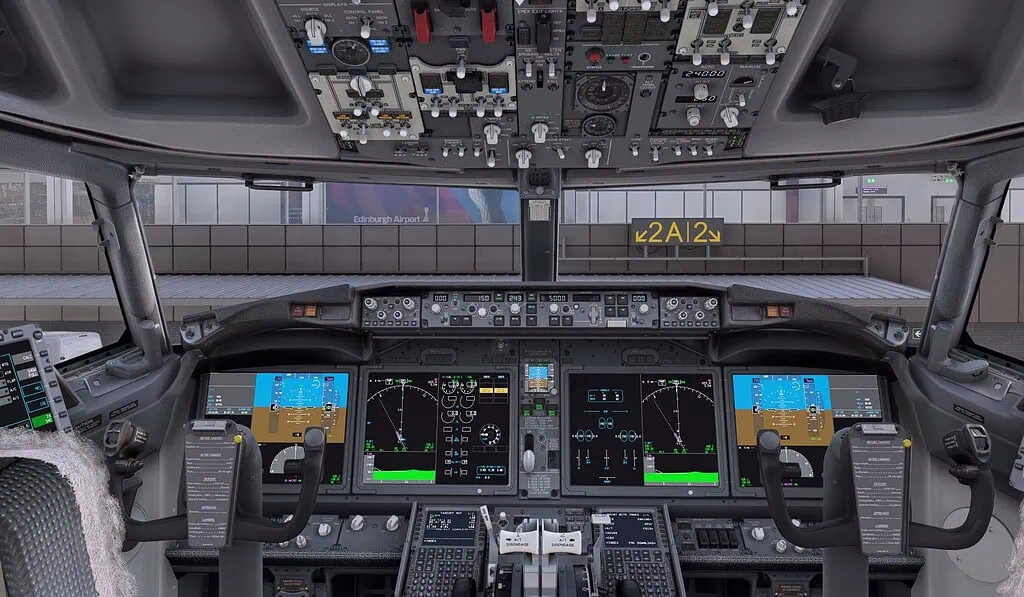
Microsoft Flight Simulator 2024 recreates the entire world using satellite imagery, advanced weather systems, realistic aircraft, and highly detailed airports. While the simulator can look intimidating initially, most beginners only need a small number of features to begin flying successfully.
The simulator includes:
- Free flight mode
- Training activities
- Real-world weather simulation
- Air traffic systems
- Aircraft ranging from small trainers to large airliners
- Built-in assistance settings for beginners
One of the best aspects of flight simulation is that mistakes cost nothing. If a landing goes badly or you crash the aircraft, you can instantly restart and try again. This ability to repeat flights is one of the fastest ways to improve your flying skills.
Installing and Launching Microsoft Flight Simulator
Microsoft Flight Simulator 2024 is a very large program, so installation can take some time depending on your internet speed. Ensure you have sufficient storage space available before beginning.
Once installed, the simulator may download additional updates during the first launch. This is normal. Many beginners worry that something is wrong because the initial setup takes a long time, but patience is important during this stage.
For the best experience:
- Install the simulator on an SSD if possible
- Keep graphics drivers updated
- Allow time for initial content downloads
- Use a stable internet connection
Exploring the Main Menu Interface
The main menu is the control centre of the simulator. While there are many options available, beginners should focus primarily on the following areas:
- World Map – plan and start flights
- Training – learn basic flying skills
- Options – graphics and control settings
- Marketplace – optional add-ons and aircraft
- Profile – achievements and logbook
Do not feel pressured to understand every menu immediately. Most beginners spend nearly all of their time using the World Map and adjusting controls during the first few weeks.
Planning Flights Using the World Map
The World Map allows you to choose departure airports, destinations, aircraft, weather, and flight conditions.
For your first flights:
- Choose a small local airport
- Select daytime conditions
- Use clear weather
- Avoid strong winds initially
- Keep flights short
Many beginners make the mistake of attempting long airliner flights immediately. Starting small will help you build confidence much faster.
Choosing Your First Aircraft
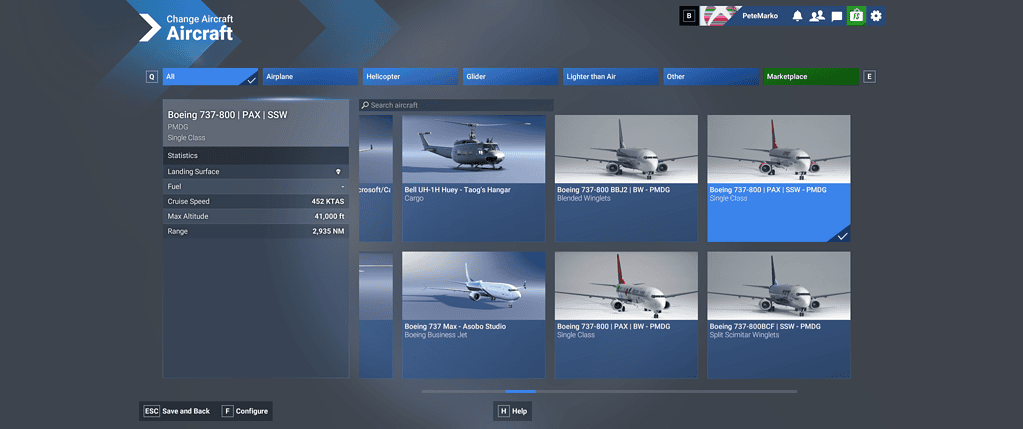
Your first aircraft choice is extremely important. Complex airliners may look exciting, but they are difficult for new pilots to manage.
The best beginner aircraft include:
- Cessna 152
- Cessna 172
- Diamond DA40
- Cub-style bush aircraft
These aircraft are slower, easier to control, and far more forgiving during takeoffs and landings.
As a real pilot myself, I strongly recommend learning proper flying fundamentals in a small aircraft first before moving into faster and more advanced aircraft.
Setting Up Flight Controls
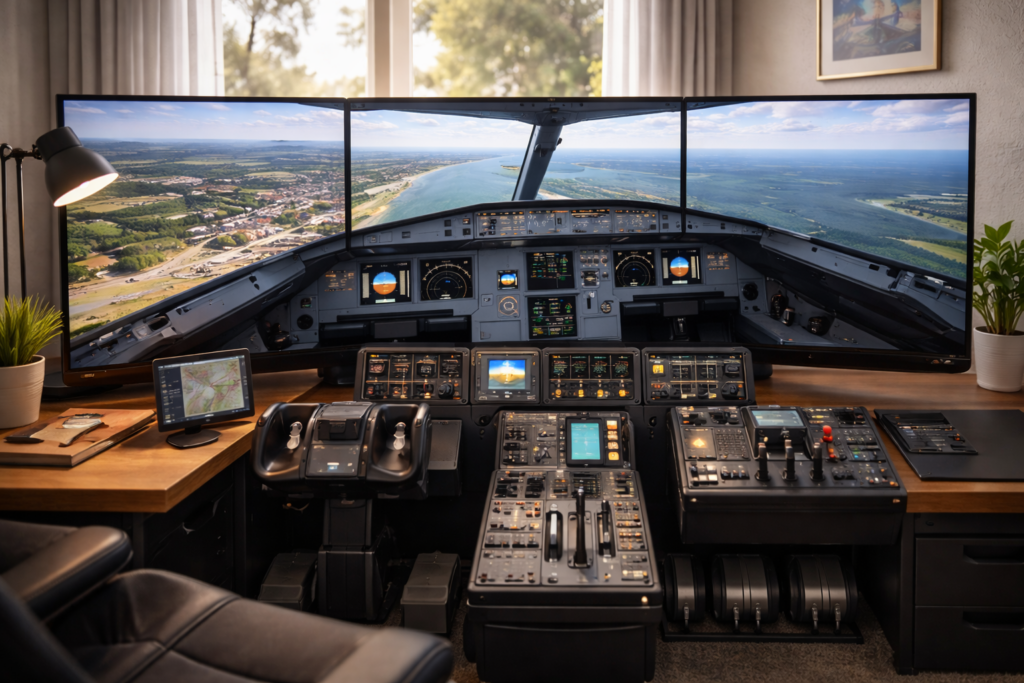
Good controls can dramatically improve the experience, but you do not need an expensive setup to begin.
Many beginners start successfully with:
- An Xbox controller
- A basic joystick
- Entry-level yoke systems
One of the most important things you can do is reduce over-sensitive controls. Beginners often overcontrol the aircraft because the default sensitivity settings can feel twitchy.
Try to:
- Use smooth, gentle movements
- Avoid sudden stick inputs
- Reduce sensitivity slightly if needed
- Practice coordinated turns gradually
Learning the Basic Cockpit Instruments
You do not need to understand every instrument immediately. Focus on learning the primary flight instruments first.
The most important beginner instruments are:
- Airspeed Indicator – shows aircraft speed
- Altimeter – shows altitude
- Attitude Indicator – shows aircraft pitch and bank angle
- Heading Indicator – shows aircraft direction
- Vertical Speed Indicator – shows climb and descent rate
Learning to scan these instruments while also looking outside is one of the key skills of flying.
Managing Airspeed and Altitude
New pilots often focus too much on steering and forget the importance of stable airspeed and altitude control.
In simple terms:
- The throttle largely controls speed
- Pitch largely controls climb and descent
If the aircraft feels unstable, small corrections are usually far better than aggressive control movements.
Smooth flying always looks better than fast flying.
Performing Your First Takeoff
Your first takeoff should be simple and calm.
Basic beginner takeoff steps:
- Line up on the runway centreline
- Apply smooth throttle
- Keep the aircraft straight using the rudder
- Gently raise the nose at the rotation speed
- Climb steadily without overpulling
Many beginners pull back too aggressively, causing unstable climbs or stalls. Smooth control inputs are the key.
Practicing Straight and Level Flight
Straight and level flight sounds easy, but it is one of the most important skills in aviation.
Your goal is to:
- Maintain constant altitude
- Hold a stable heading
- Keep airspeed consistent
- Use trim to reduce control pressure
Once you can comfortably maintain straight and level flight, every other skill becomes easier.
Learning Basic Turns
Turns should be smooth and coordinated.
For beginner turns:
- Bank gently
- Maintain altitude during the turn
- Avoid excessive bank angles
- Roll out smoothly onto the new heading
Overcontrolling is extremely common early on. Small inputs produce better results than large movements.
Understanding Aircraft Trim
Trim is one of the most misunderstood concepts for beginners.
Trim helps reduce the physical pressure needed on the controls. Instead of constantly pulling or pushing the joystick, trim allows the aircraft to maintain stable flight more naturally.
Good trim usage makes flying far smoother and far less tiring.
Navigation for Beginner Pilots
Navigation can initially seem complicated, but beginners can keep things very simple.
Start by:
- Flying visually between nearby airports
- Following roads, rivers, or coastlines
- Using the in-game map
- Practicing short local flights
There is no need to immediately learn complex IFR procedures or airline navigation systems.
Using GPS in Microsoft Flight Simulator
Modern aircraft in the simulator often include built-in GPS systems that make navigation much easier.
The GPS can:
- Show your position
- Display nearby airports
- Provide route guidance
- Assist with approaches
Even simple GPS usage can greatly improve confidence during early flights.
Practicing Approaches and Descents
Approaches are where many beginners struggle initially.
The most important rule is simple:
Stable approaches create better landings.
Try to:
- Descend gradually
- Reduce speed early
- Stay aligned with the runway
- Avoid steep last-minute corrections
Good landings begin long before the wheels touch the runway.
Beginner Landing Techniques
Landing is one of the most satisfying parts of flight simulation, but it takes practice.
For beginner landings:
- Keep the aircraft stable on approach
- Reduce power gradually
- Look toward the far end of the runway
- Gently flare before touchdown
- Avoid forcing the aircraft onto the runway
Even experienced sim pilots still occasionally have rough landings. Improvement comes through repetition.
Using Autopilot Systems
Autopilot systems can help reduce workload, especially during longer flights.
However, beginners should first learn to fly manually before relying heavily on automation.
Start by learning simple autopilot functions such as:
- Heading hold
- Altitude hold
- Vertical speed mode
- Navigation tracking
Understanding what the aircraft is doing manually makes autopilot systems far easier to manage later.
Improving Graphics Performance
Microsoft Flight Simulator 2024 can be demanding on computer hardware.
If performance is poor:
- Lower terrain detail slightly
- Reduce traffic density
- Use DLSS or frame generation if supported
- Lower shadow quality
- Avoid ultra settings unnecessarily
Smooth performance is usually more important than maximum graphics settings.
Common Beginner Mistakes
Nearly all beginners make similar mistakes early on.
Common issues include:
- Overcontrolling the aircraft
- Flying too fast on approach
- Ignoring trim
- Trying advanced airliners too early
- Making large control corrections
- Focusing only on cockpit instruments
Patience is one of the most valuable skills in flight simulation.
Expanding Your Flight Simulator Setup
As your interest grows, you may eventually wish to improve your setup.
Popular upgrades include:
- Better joysticks or yokes
- Rudder pedals
- Head tracking systems
- VR headsets
- Larger or ultrawide monitors
- Dedicated flight panels
However, excellent flying skills can still be developed using very simple hardware.
Popular Add-ons for Beginners
Once comfortable with the basics, add-ons can greatly improve immersion.
Popular beginner-friendly add-ons include:
- Enhanced airports
- Weather improvements
- Passenger immersion add-ons
- Career-style utilities
- Better aircraft liveries
It is usually best to avoid overwhelming yourself with too many add-ons initially.
Building Confidence Through Practice
Flight simulation rewards consistency.
Short regular flights are often more beneficial than occasional long sessions.
As your confidence grows, you will naturally begin exploring:
- Larger aircraft
- Bad weather flying
- Complex airports
- Instrument flying
- Online ATC networks
The learning process never really ends, which is part of what makes flight simulation such a rewarding hobby.
Final Thoughts
Microsoft Flight Simulator 2024 can feel overwhelming at first, but every experienced pilot started exactly where you are now.
Keep things simple, practice regularly, and focus on smooth, stable flying rather than perfection.
With patience and curiosity, flight simulation becomes an incredibly rewarding hobby and one of the most immersive experiences available on a PC today.
Frequently Asked Questions
Is Microsoft Flight Simulator difficult for beginners?
Not if you approach it gradually. Start with simple aircraft, clear weather, and short flights.
Do I need expensive flight controls?
No. Many beginners successfully start using an Xbox controller or an entry-level joystick.
What is the best beginner aircraft?
The Cessna 152 and Cessna 172 are among the best aircraft for learning the basics.
Should beginners use autopilot?
It is better to first learn basic manual flying skills before relying heavily on autopilot systems.
How long does it take to become comfortable with the simulator?
Most beginners begin feeling significantly more confident after a few weeks of regular practice.

- You Know You’re a Flight Simmer When… - 12 August 2026
- Pete’s Ultimate MSFS 2024 Graphics Settings Guide - 1 August 2026
- How to Use GSX with the PMDG 737-800 in MSFS 2024. - 20 July 2026