

If you want your airline flights in Microsoft Flight Simulator 2024 to feel truly realistic, GSX is one of the most transformative add-ons available. It replaces the basic default ground services with detailed, interactive, and immersive airport operations.
With GSX, you can manage pushback, passenger boarding, baggage loading, catering trucks, refuelling, and deboarding — all with far more realism than the default simulator offers. Because GSX adds many features, it can seem a little complex at first, but once you understand the workflow, it becomes very easy to use.
This guide explains everything you need to know, including installation, setup, pushback operations, aircraft profiles, common issues, and how to get the most out of GSX.
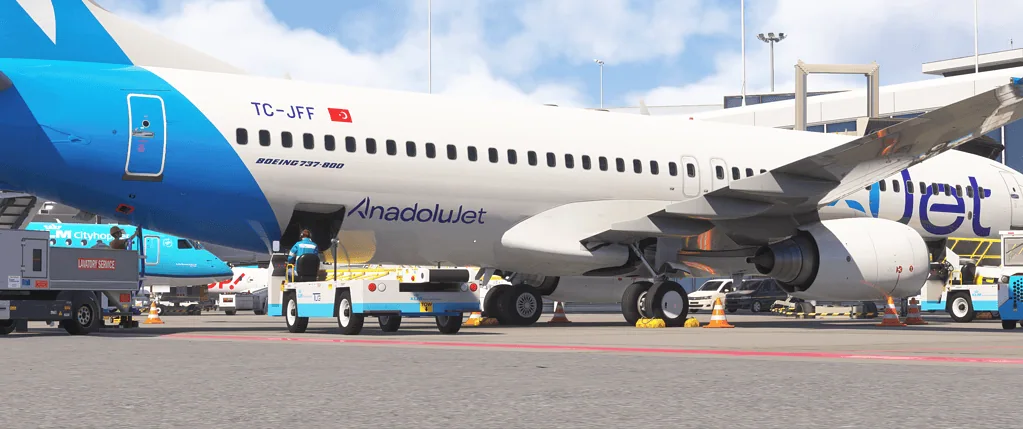
What Is GSX
GSX (Ground Services X) is a third-party utility add-on that enhances airport ground handling in Microsoft Flight Simulator.
It adds features such as:
- Realistic pushback with full steering control
- Passenger boarding animations
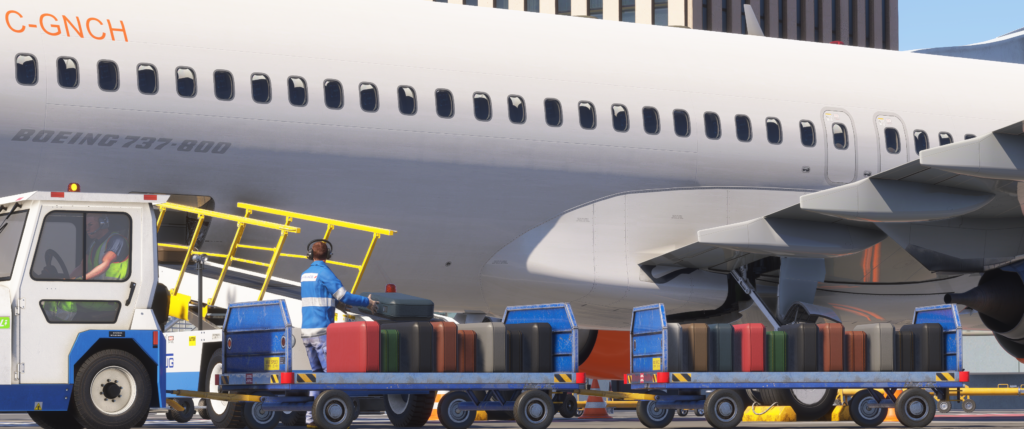
- Baggage loading and unloading
- Catering trucks
- Ground power units (GPU)
- Custom airport stand handling
- Jetway control
Instead of simply clicking a basic “Request Pushback” option, GSX allows you to manage the entire ground operation around your aircraft.
Installation Overview
GSX installs outside the normal Community folder and connects to MSFS through its own installer and configuration system.
Typical installation steps include:
- Download the GSX installer from your purchase account
- Run the installer and point it to your MSFS installation folder
- Allow the installer to scan the simulator and aircraft
- Launch MSFS
After installation, you will see the GSX icon in the in-sim toolbar.
Important tip: if you encounter installation issues, run the installer as Administrator.
Initial Setup
The first time you run GSX inside MSFS:
- Open the toolbar icon
- Allow GSX to build its airport cache
- Confirm that your aircraft is detected
GSX uses aircraft profiles to understand where doors and cargo holds are located.
Before your first flight, it is helpful to:
- Confirm GSX recognises your aircraft
- Check that aircraft doors are mapped correctly
- Test pushback at a quiet airport stand

Using GSX for Pushback
Pushback is one of the most popular GSX features.
To perform a pushback:
- Load your aircraft at a parking stand
- Open the GSX menu from the toolbar
- Select Request Pushback
- Choose the direction or manually control the tug
Unlike the default MSFS pushback, GSX allows you to:
- Steer the tug manually
- Plan pushback routes
- Stop exactly where you want
For smooth pushback:
- Set the parking brake when instructed
- Release the brake only when prompted
- Follow the tug’s steering smoothly

Boarding and Deboarding
GSX simulates full passenger boarding procedures, including:
- Passenger walking animations
- Bus transport for remote stands
- Jetway connections
- Passenger stairs deployment
To start boarding:
- Turn off engines
- Set the parking brake
- Open the correct aircraft doors
- Request boarding from the GSX menu
Boarding speed can be adjusted in the GSX settings if it feels too slow.
Tip: Start boarding during your preflight preparation to make turnaround operations feel realistic.
Refuelling
GSX includes animated refuelling operations with:
- Fuel truck arrival
- Fuel hose connection
- Gradual fuel loading
A typical workflow is:
- Set the desired fuel quantity in the aircraft EFB or FMC
- Request refuelling from the GSX menu
- Monitor the fuel loading process
Avoid changing fuel settings mid-process unless necessary.
Aircraft Profiles
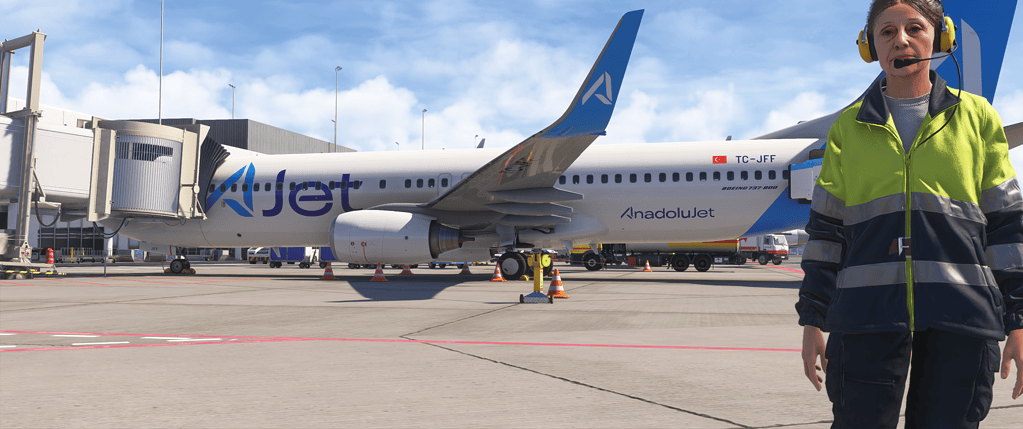
Aircraft profiles tell GSX where important aircraft components are located.
Profiles define:
- Door locations
- Cargo door positions
- Jetway alignment
- Pushback positioning
Many community-created profiles exist for popular aircraft.
To install a profile:
- Download the profile for your aircraft
- Import it using the GSX configuration tool
- Test the door alignment
Good profiles significantly improve realism and prevent issues such as stairs connecting to the wrong door.
Airport Profiles
Some airports require custom GSX configurations.
Without profiles, you may see issues such as:
- Jetways are misaligned with aircraft doors
- Stairs appearing in incorrect locations
- Pushback vehicles clipping through scenery
Many airport profiles are available from the community.
Search for:
- Airport ICAO + GSX profile
Then import it into the GSX configuration system.
Performance Considerations
GSX introduces:
- Additional animated passengers
- Extra vehicle models
- Increased CPU activity
On lower-end systems, this may slightly affect frame rate during busy ground operations.
To reduce performance impact, you can:
- Lower passenger density
- Reduce animation complexity
- Disable features you do not use
Common GSX Problems and Fixes
Jetway Not Connecting
Possible causes:
- Incorrect aircraft profile
- Airport conflict
- Incorrect parking stand
Fix:
- Check stand type
- Try another parking stand
- Verify aircraft profile installation
Pushback Not Moving
Possible causes:
- Parking brake still engaged
- Control conflicts
- Ground collision issue
Fix:
- Confirm brake release
- Restart GSX services
- Move the aircraft to another stand
Passengers Walking Through the Aircraft
Cause:
- Incorrect door mapping
Fix:
- Install the correct aircraft profile
- Adjust door positions in the GSX configuration tool
GSX Toolbar Not Appearing
Fix:
- Re-run the GSX installer
- Confirm the correct MSFS installation path
- Restart the simulator
Is GSX Worth It
GSX is most valuable if you:
- Fly airliners regularly
- Enjoy airline procedures
- Want realistic aircraft turnaround operations
- Like immersive airport environments
If you mainly:
- Fly general aviation aircraft
- Do bush flying
- Skip ground operations
Then GSX may be less essential.
For airline-focused simmers, however, GSX is one of the most immersive add-ons available.
Best Practices for Realistic Airline Operations
Arrival
- Taxi to the stand
- Set the parking brake
- Shut down engines
- Request passenger deboarding
- Open the correct doors
Departure
- Request catering and fuel first
- Start passenger boarding
- Close doors when complete
- Request pushback
- Start engines during pushback
Following this workflow makes your flights feel structured and realistic.
Conclusion
GSX transforms airport ground handling in Microsoft Flight Simulator 2024 from simple menu selections into a fully animated airline turnaround experience. With realistic pushback control, passenger boarding, refuelling operations, and aircraft-specific profiles, it adds depth and immersion to every flight. While it requires a little setup and occasional profile adjustments, once configured correctly, GSX becomes a seamless and highly rewarding part of the flight simulation experience.

- You Know You’re a Flight Simmer When… - 12 August 2026
- Pete’s Ultimate MSFS 2024 Graphics Settings Guide - 1 August 2026
- How to Use GSX with the PMDG 737-800 in MSFS 2024. - 20 July 2026