

Pasted text(30).txt
Document
Last updated: May 2026
Microsoft Flight Simulator 2024 has taken a massive step forward in visual fidelity, realism, and overall experience. But here’s the thing I’ve learned over time — immersion doesn’t come from just cranking everything to Ultra and hoping for the best.
True immersion is built. Layer by layer.
If you’ve ever had a moment where you genuinely forgot you were sitting at your desk, then you already know what we’re chasing here. And the good news is, with the right setup and approach, MSFS 2024 can deliver that in a big way.
Let’s walk through how to get there.
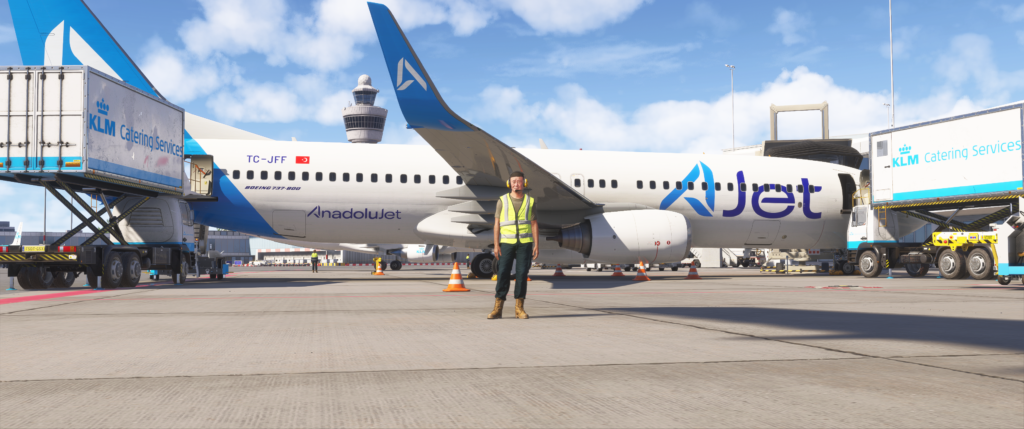
What “Immersion” Actually Means in Flight Simulation
Before diving into hardware and settings, it’s worth understanding what we’re aiming for.
Immersion isn’t just graphics.
It’s the feeling that:
- The aircraft has weight and presence
- The environment reacts realistically
- You’re mentally in the cockpit, not in a game
It’s a combination of:
- Visual realism
- Audio depth
- Control feedback
- Workflow and procedures
- Environmental consistency
When all of those align, that’s when the magic happens.
The Foundation: A Smooth, Stable Simulator
This might not be the most exciting part, but it’s the most important.
If your sim is stuttering, hitching, or constantly loading scenery, immersion breaks instantly.
What to Focus On
- Stable frame pacing (not just high FPS)
- Reliable internet connection for scenery streaming
- Sensible graphics settings (Ultra isn’t always best)
From my own experience, a smooth 40–60 FPS with no stutters feels far more immersive than a choppy 80 FPS.
Key Tip
If you’re seeing buildings “morph” or load late, that’s usually streaming — not your GPU. Improving network stability can make a surprising difference.
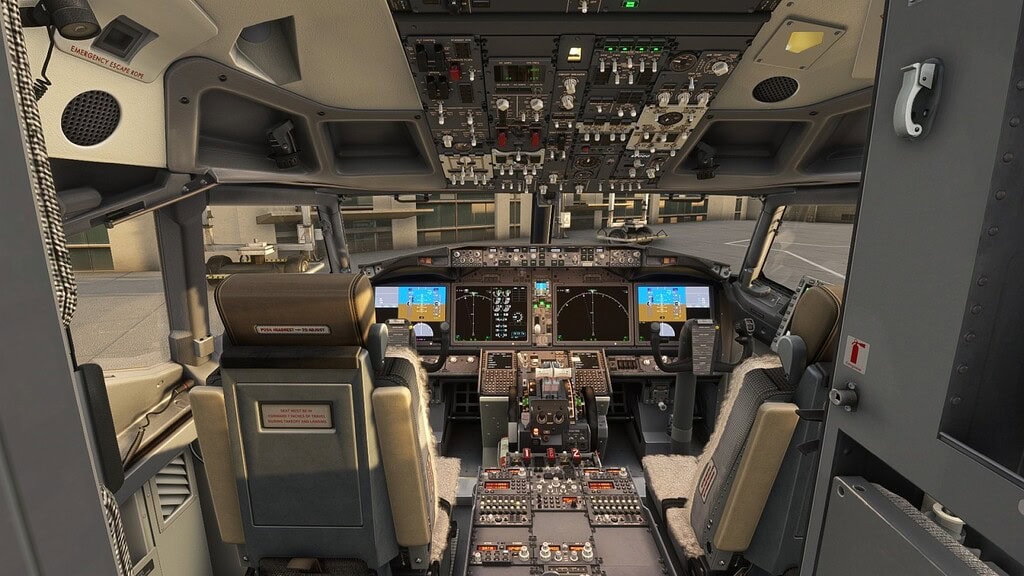
A fully operational cockpit adds immersion.
Visual Immersion: More Than Just Ultra Settings
MSFS 2024 already looks fantastic, but immersion comes from consistency, not just detail.
Focus on These
- Terrain Level of Detail (TLOD)
- Object Level of Detail (OLOD)
- Lighting and shadows
- Anti-aliasing clarity in the cockpit
What Actually Matters
- A sharp, readable cockpit
- Smooth distant terrain loading
- Natural lighting transitions
You don’t need everything maxed — you need it balanced.
Audio: The Most Underrated Immersion Tool
This is one area many people overlook.
Good audio can completely transform your experience.
What to Pay Attention To
- Engine sound depth and positioning
- Environmental audio (wind, runway noise, rain)
- ATC and cabin ambience
A decent set of headphones can make a bigger difference than upgrading your GPU.
When you hear the engines spool behind you, rather than just “in your ears,” it adds a whole new layer.
Controls: Where Immersion Becomes Physical
This is where things really start to feel real.
Even a simple upgrade from a gamepad to a proper yoke or joystick is a massive step.
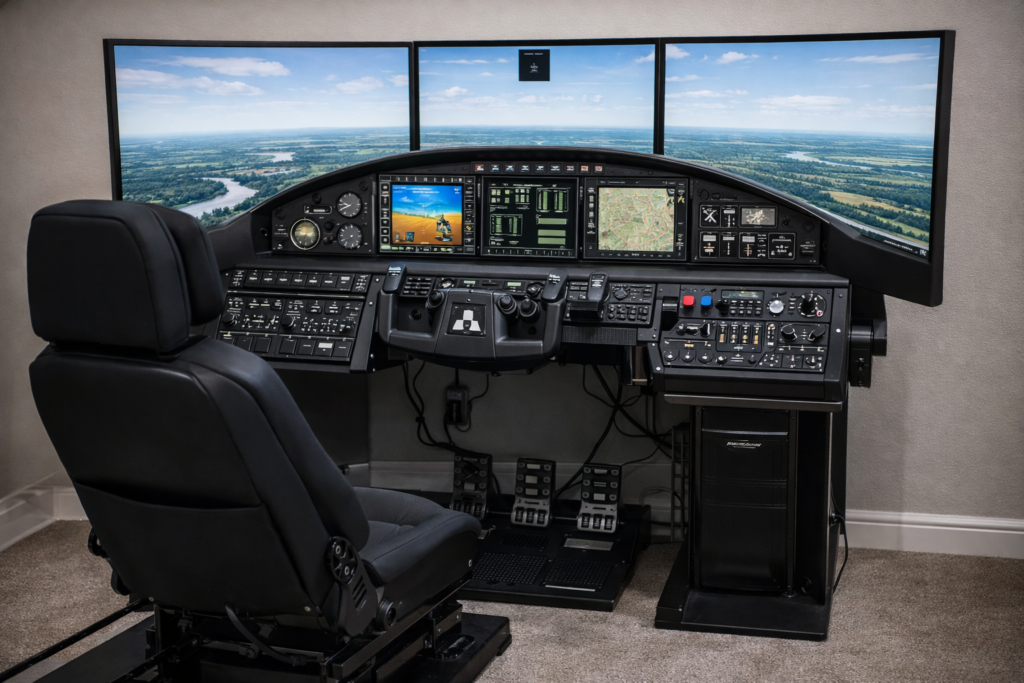
Hardware That Improves Immersion
- Yokes or flight sticks
- Throttle quadrants
- Rudder pedals
- Trim wheels
Why It Matters
- Fine control during landing
- Realistic throttle handling
- Proper coordination in turns
You start flying the aircraft, not just steering it.
Camera Setup: Your “Seat” in the Cockpit
One of the quickest immersion wins is getting your camera right.
Set Up
- Proper pilot eye position
- Correct field of view (not too wide)
- Minimal camera movement gimmicks
What You Want
A natural, believable cockpit perspective — like you’re sitting in the left seat, not floating around the cabin.
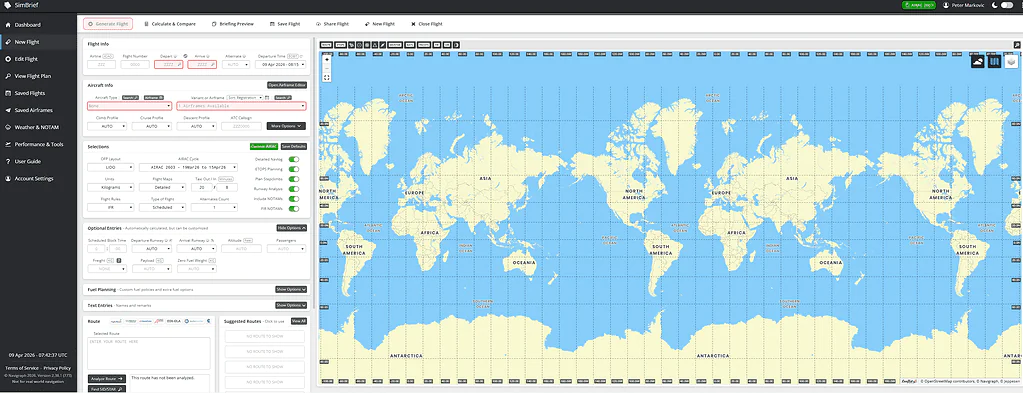
A realistic flight plan adds immersion.
Flight Planning and Procedures
This is where immersion shifts from visual to mental.
Flying properly makes a huge difference.
Instead Of
- Spawning on the runway
- Full throttle and go
Try
- Cold and dark starts
- Following checklists
- Using proper departure procedures
- Managing descent planning early
This is especially important in aircraft like the 737, where timing and planning matter.
And yes — we’ve all been too high on approach because VNAV left it too late. That’s part of the learning curve.
Weather and Atmosphere
Weather in MSFS 2024 is one of its strongest immersion features.
Use
- Live weather whenever possible
- Dynamic conditions
- Real-world time of day
Why It Matters
Flying into changing weather, low visibility, or crosswinds makes every flight feel unique.
It also forces you to actually fly the aircraft properly.
Add-ons That Enhance Immersion
Without turning this into a review list, there are categories of add-ons that can help.
Useful Immersion Tools
- Weather engines
- Sound packs
- Airport enhancements
- Traffic injection tools
- Camera systems
The key is not to overload your sim — just add what genuinely improves your experience.
The Human Element
This might sound a bit odd, but immersion also comes down to mindset.
Simple Habits That Help
- Plan your flight before loading in
- Fly routes that interest you
- Stick with one aircraft and learn it properly
- Avoid constantly jumping between setups
The more familiar you become with your aircraft, the more natural everything feels.
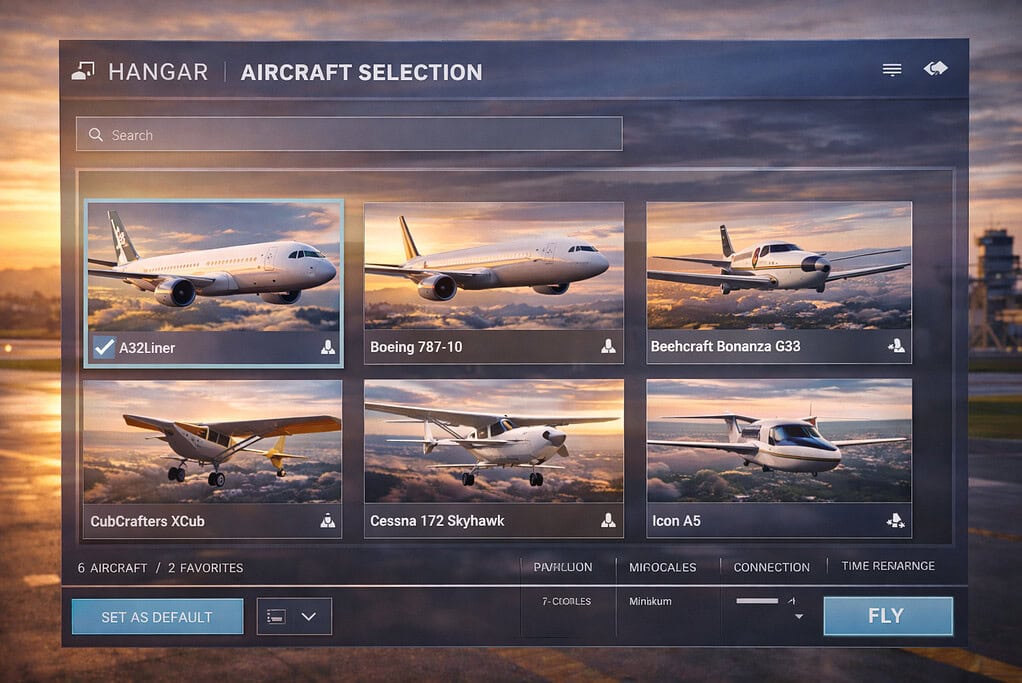
Detailed aircraft add significantly to immersion.
Bringing It All Together
When everything clicks — smooth performance, solid controls, good audio, proper procedures — something changes.
You stop “playing” the sim.
You start flying.
And that’s where MSFS 2024 really shines.
Flight simulation immersion in MSFS 2024 isn’t about one setting or one piece of hardware — it’s the combination of performance, visuals, sound, controls, and how you approach your flying. Focus on balance, stability, and realism, and the experience becomes something genuinely special.

- You Know You’re a Flight Simmer When… - 12 August 2026
- Pete’s Ultimate MSFS 2024 Graphics Settings Guide - 1 August 2026
- How to Use GSX with the PMDG 737-800 in MSFS 2024. - 20 July 2026