
Why I Use ChasePlane In MSFS 2024 (And Why I Fly With It On Every Flight)
Last Updated: June 2026
Watch my ChasePlane video above to see the views I use most in Microsoft Flight Simulator 2024.
Quick Answer
If you’re wondering whether ChasePlane is worth it, my answer is yes. I use ChasePlane on every flight in MSFS 2024 because it makes flying more immersive, provides excellent wing views, improves camera control, and allows me to enjoy both the aircraft and scenery in ways the default camera system simply doesn’t.
There are plenty of flight simulator add-ons that I’ve purchased over the years. Some are excellent, some are average, and some end up sitting quietly on my hard drive after the initial excitement wears off.
ChasePlane is different.
It is one of the few add-ons that has become part of my normal flying routine. In fact, I use ChasePlane on every flight. Whether I’m flying a short domestic route, a long-haul airline flight, or simply exploring a scenic area in Microsoft Flight Simulator 2024, ChasePlane is always running.
That alone probably tells you how highly I rate it.
What makes ChasePlane special isn’t that it adds a new aircraft, airport, weather system, or mission. Instead, it changes something that we interact with constantly during every flight: the camera system.
At first glance, that might not sound particularly exciting. After all, MSFS already includes cameras. Why would anyone need another camera add-on?
That was exactly what I wondered before I started using it.
Now, after countless flights, I honestly wouldn’t want to go back.
What Is ChasePlane?
ChasePlane is an advanced camera system for Microsoft Flight Simulator that replaces and enhances many aspects of the default camera experience.
Instead of relying solely on the built-in camera controls, ChasePlane allows you to create, organise, save, and switch between custom camera views quickly and easily.
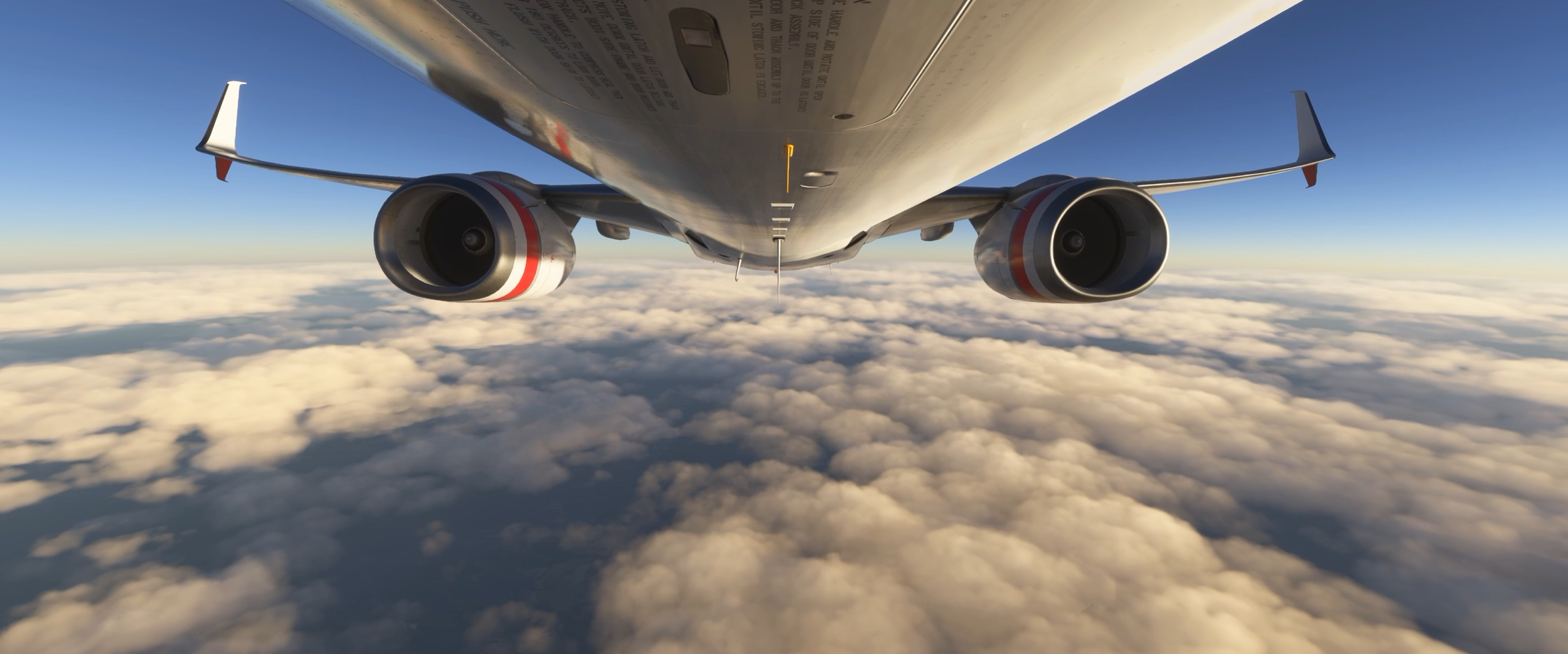
You can create views inside the cockpit, outside the aircraft, on the wings, in passenger positions, underneath the aircraft, or virtually anywhere else you can imagine.
More importantly, those views become easy to access during flight.
Rather than constantly moving cameras around manually, you can jump instantly to views that you’ve already configured.
That may sound like a small thing, but once you’ve experienced it, it becomes difficult to imagine flying without it.
Why I Bought ChasePlane
Like many simmers, I initially focused on aircraft, scenery, and weather add-ons. Camera systems weren’t really on my radar at first, but ChasePlane eventually caught my attention for a few very practical reasons.
- I wanted more natural camera movement.
- I wanted better ways to enjoy scenery during a flight.
- I wanted easier access to left and right wing views.
- I wanted smoother external aircraft views for videos.
- I wanted the simulator to feel more immersive, not just more complicated.
Eventually I started seeing more and more videos where people were using ChasePlane, and I began to notice how natural and fluid their camera movements looked compared to the default simulator views.
I also wanted better ways to enjoy the scenery during flights.
Microsoft Flight Simulator 2024 is an incredibly beautiful simulator. Sometimes the scenery is every bit as impressive as the aircraft itself.
I found myself wanting to spend more time looking outside the aircraft rather than remaining fixed in the cockpit for entire flights.
That’s what eventually convinced me to give ChasePlane a try.
Once I did, I quickly realised that it wasn’t simply another camera utility. It genuinely changed how I experienced the simulator.
The Difference Between Flying And Experiencing A Flight
This might sound a little strange at first, but I think there’s a difference between flying a flight and experiencing a flight.
Flying is about procedures, navigation, aircraft systems, and getting safely from one airport to another.
Experiencing a flight is about everything else:
- Watching the wing flex during turbulence.
- Seeing the sun rise over the horizon.
- Enjoying a beautiful approach into a scenic airport.
- Sitting back during cruise and appreciating the aircraft you’ve spent good money on.
- Looking around naturally instead of being locked into one fixed view.
ChasePlane helps me do exactly that.
Instead of being locked into a handful of standard views, I can move around the aircraft naturally and enjoy the flight from different perspectives.
That flexibility adds a surprising amount of immersion.
Real Pilot Tip
As a real pilot, one of the things I enjoy most about ChasePlane is being able to look around the aircraft naturally and appreciate the flight from different perspectives. Real flying isn’t just about staring at instruments, and neither is flight simulation. Looking out over the wing, watching weather build in the distance, or simply enjoying the view is all part of the experience.
The Views I Use Most
One of the reasons I use ChasePlane on every flight is because certain views have become part of my normal routine.
Every simmer is different, but these are the views I personally use the most.
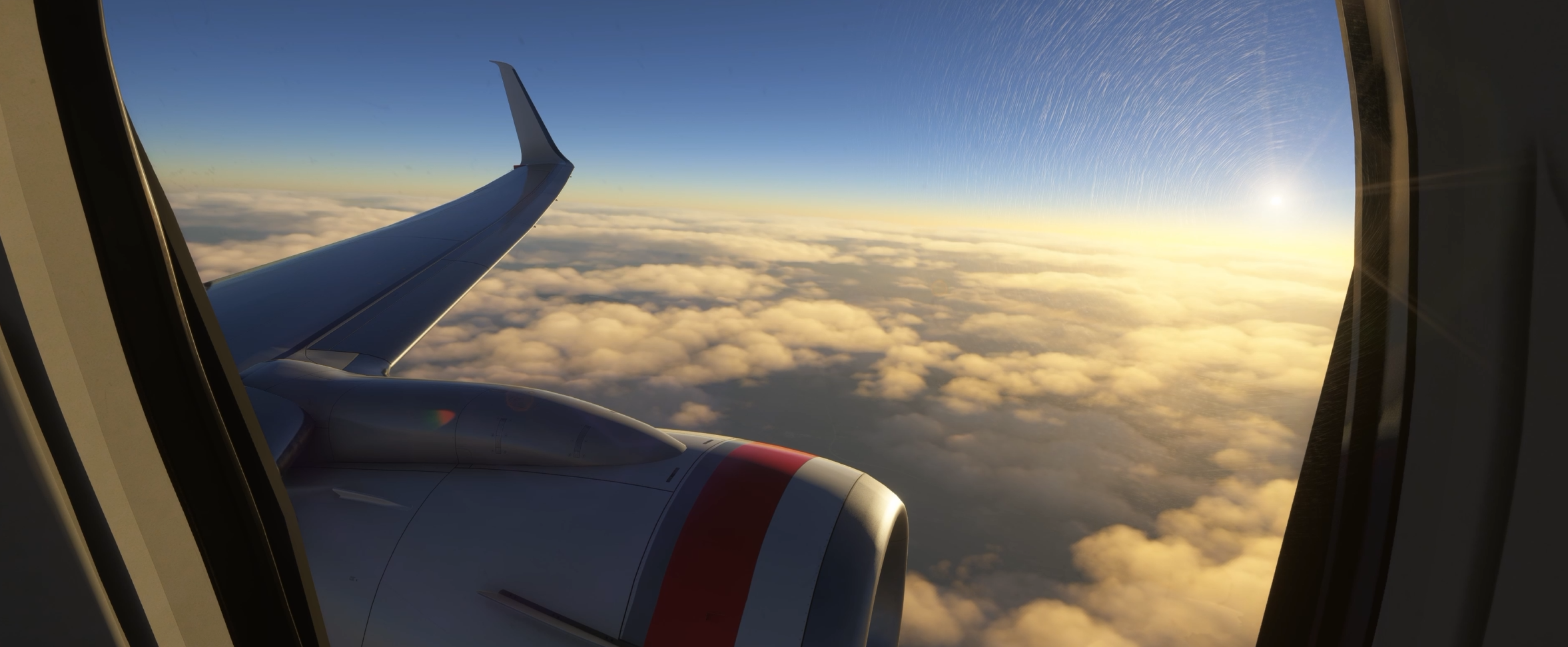
Left Wing View
If I had to choose my favourite ChasePlane view, the left wing view would probably be near the top of the list.
There is just something about looking out over the wing during a climb or descent that instantly creates the feeling of being on a real flight.
I often use this view shortly after takeoff.
Watching the runway disappear behind the aircraft while the wing cuts through the clouds is one of those simple pleasures that never seems to get old.
It’s also fantastic for enjoying scenery.
Flying around Australia, New Zealand, Alaska, or Europe from a wing view can be incredibly relaxing.
Sometimes I’ll spend several minutes simply enjoying the view.
Right Wing View
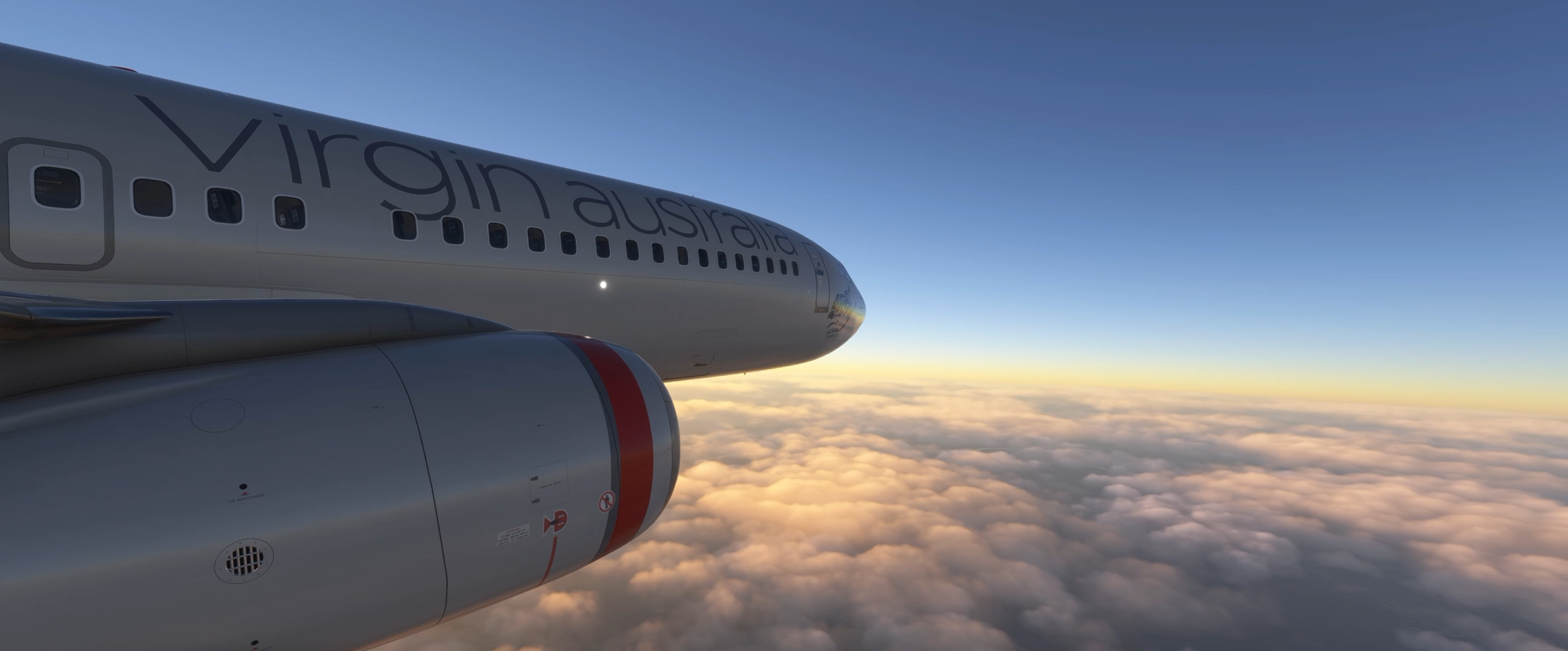
The right wing view gets just as much use.
Depending on the route, the lighting, and the direction of the aircraft’s turns, the right side often provides a completely different perspective.
I frequently switch between left and right wing views throughout a flight.
That ability to instantly change perspectives is one of the things that makes ChasePlane so enjoyable.
You’re no longer stuck looking through the same window for hours at a time.
Captain’s Seat View
Of course, I still spend most of my time flying from the cockpit.
ChasePlane allows me to position my captain’s seat view exactly where I want it.
That may not sound exciting, but having a comfortable, natural cockpit position makes a surprisingly large difference over the course of a long flight.
I like being able to quickly return to a view that feels right every time I load an aircraft.
Once you’ve dialled in your preferred cockpit position, it becomes second nature.
Cinematics™ Mode
This is probably the feature I enjoy most outside of the wing views.
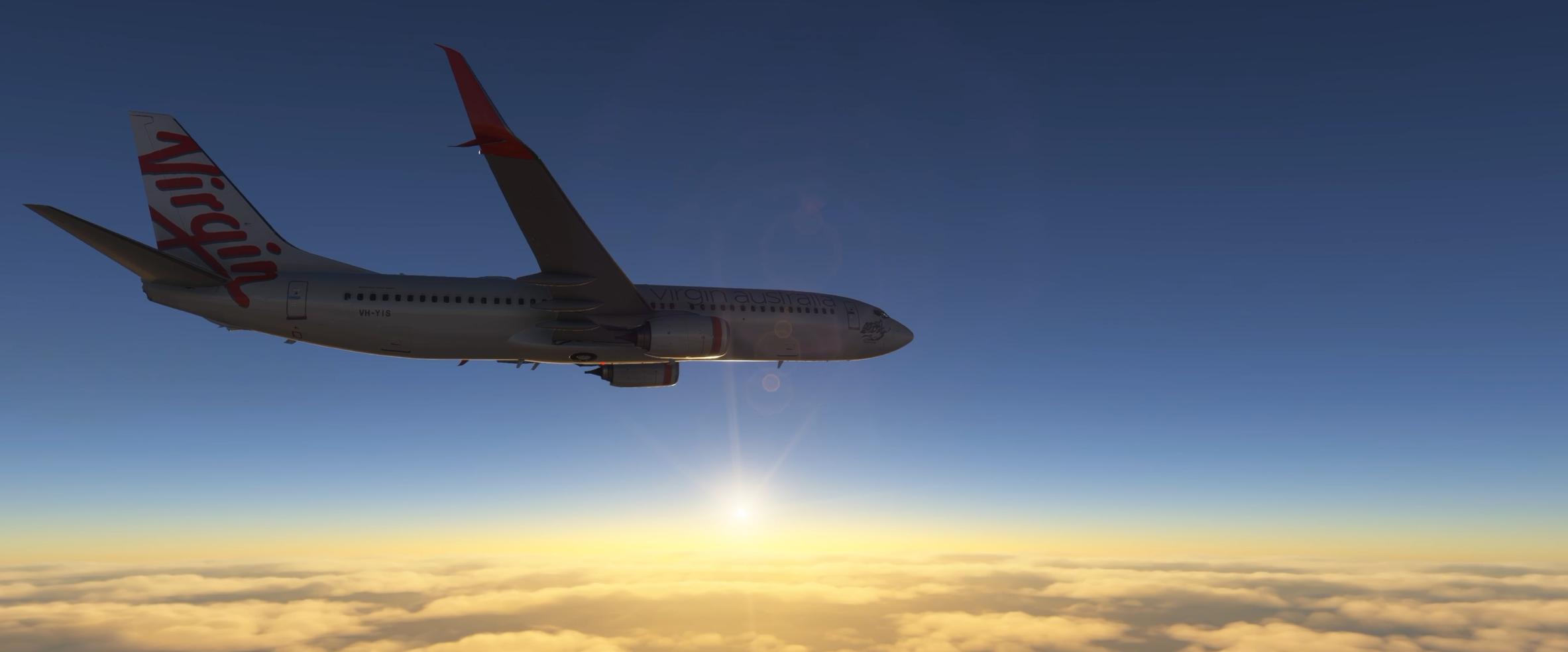
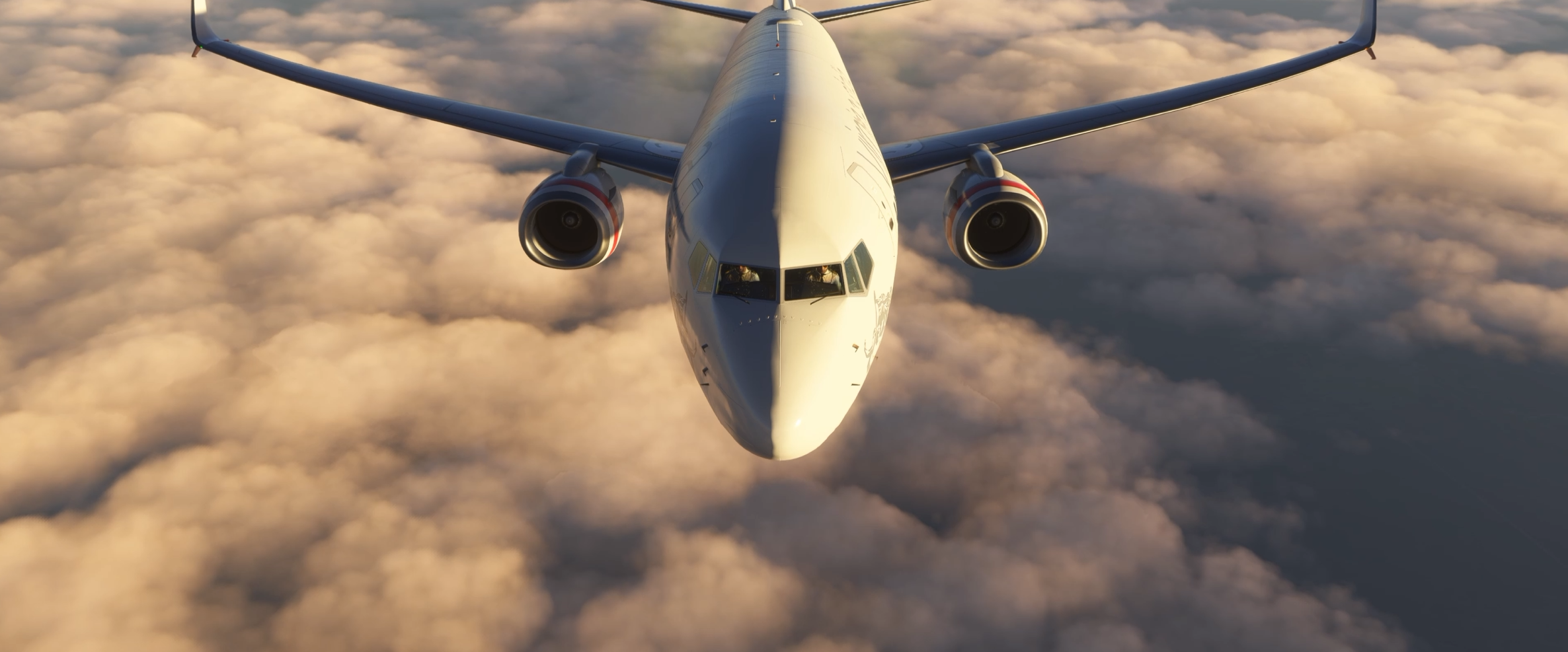
One of the ChasePlane features I enjoy most is Cinematics™ Mode. It automatically presents the aircraft from a variety of camera angles and perspectives, allowing me to sit back and enjoy both the scenery and the aircraft during flight.
Sometimes I’ll simply sit back during cruise and watch the aircraft from various external perspectives while enjoying the scenery below.
Microsoft Flight Simulator 2024 can produce some truly spectacular visuals. The cloud formations, lighting effects, weather systems, coastlines, mountain ranges, cities and airports all look fantastic from outside the aircraft.
ChasePlane allows me to appreciate all of that.
Rather than staring at the same cockpit view for an entire flight, I can enjoy the aircraft itself as part of the experience.
There have been plenty of occasions where I’ve found myself simply watching the aircraft fly through beautiful weather while the camera slowly moves around it.
It’s difficult to explain until you’ve experienced it yourself, but it genuinely adds another dimension to flight simulation.
My Most-Used ChasePlane Views
- Left wing view during climb and descent.
- Right wing view when the scenery or light is better on that side.
- Captain’s seat view for normal flying.
- Cinematics™ Mode during cruise.
- External views during pushback, taxi, and video recording.
Why ChasePlane Makes Videos Better
As someone who enjoys creating flight simulation content, ChasePlane has become one of my favourite tools.
Good camera work can completely transform a video.
You can have the most beautiful aircraft, the most detailed scenery, and the most realistic weather in the world, but if your camera work is poor, the final video will often feel flat.
ChasePlane gives you far greater control over how the aircraft is presented, especially for:
- External fly-bys.
- Wing views.
- Passenger perspectives.
- Taxi shots.
- Departure sequences.
- Arrival footage.
- Cinematic cruise footage.
The result is a more professional-looking video that feels dynamic rather than static.
Even simple flights become more interesting when you can switch naturally between different camera angles.
For anyone creating YouTube content, I think ChasePlane is one of those add-ons that quickly proves its value.
It helps transform ordinary footage into something far more engaging.
It’s Not Just About Making Videos
One thing I should point out is that I use ChasePlane constantly even when I’m not recording.
That is probably the biggest compliment I can give it.
There are some tools that only get used when creating content.
ChasePlane isn’t one of them.
I use it because it makes flying more enjoyable.
Even if nobody was ever going to see the flight, I would still use it.
The ability to move naturally around the aircraft, enjoy the scenery, and appreciate the aircraft from different perspectives simply makes the simulator more immersive.
That benefit exists whether you’re recording a video or sitting quietly at home enjoying a flight.
Screenshots Become More Interesting
Although I primarily think of ChasePlane as a flying tool, it is also excellent for screenshots.
Flight simulation has become incredibly visual over the last few years.
Many aircraft look stunning. Many airports look stunning. The scenery itself can be breathtaking.
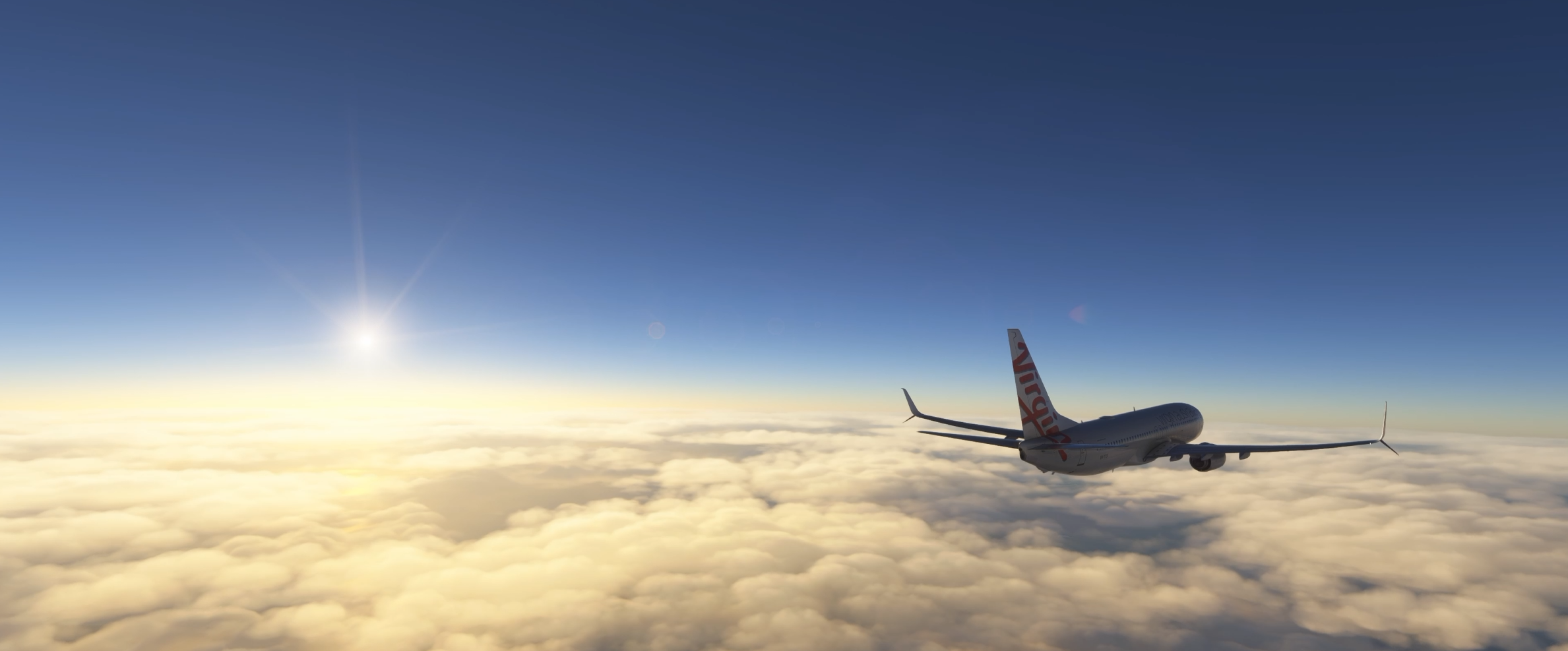
Having the ability to quickly position cameras exactly where you want them allows you to capture far better screenshots, especially during:
- Sunrise departures.
- Golden-hour arrivals.
- Storm clouds in the distance.
- Mountain ranges below.
- Scenic coastal flights.
- Aircraft showcase moments.
All of these situations become easier to capture when you have complete control over the camera system.
Useful Cockpit Views
Although many people focus on the external views, the cockpit views are equally important.
I like being able to create dedicated views for specific areas of the aircraft.
Depending on what I’m flying, that might include:
- The overhead panel.
- The autopilot controls.
- The FMC or CDU.
- The throttle quadrant.
- The radio stack.
- Engine instruments.
Being able to jump directly to these views saves time and feels far more efficient than manually repositioning the camera every time.
This becomes particularly useful when flying more complex aircraft.
Instead of fumbling around with camera controls, everything is exactly where you expect it to be.
How ChasePlane Improves Different Phases Of Flight
At The Gate
I often start using ChasePlane before the aircraft even moves.
It’s nice to be able to look around the aircraft while loading passengers, fuel, or cargo.
External views help create the feeling that you’re preparing for a real flight rather than simply loading into a simulator.
Pushback And Taxi
This is another phase where ChasePlane shines.
I enjoy watching the aircraft during pushback and taxi operations.
Being able to move outside the cockpit gives you a much better appreciation of the aircraft’s size and surroundings.
Large airports become far more interesting when viewed from different angles.
Takeoff
Takeoff remains one of my favourite parts of any flight.
Most of the time I’ll be in the cockpit during the takeoff roll itself.
However, once safely airborne, I often move to a wing view.
Watching the aircraft climb away from the airport from a wing perspective is one of the reasons I enjoy ChasePlane so much.
Cruise
This is where Cinematics™ Mode really comes into its own.
Instead of spending hours staring at instruments, I can occasionally sit back and enjoy the flight.
Watching the aircraft fly through the virtual world while scenery passes below adds a lot to the overall experience.
It’s relaxing, immersive, and simply enjoyable.
Approach And Landing
Approach is another phase where I use multiple views.
The cockpit remains important, of course, but wing views during descent can be spectacular.
Watching an airport slowly appear beneath the wing as you descend through cloud layers never seems to lose its appeal.
After landing, external views once again become useful during taxi back to the gate.
Comparing ChasePlane To The Default Camera System
This isn’t intended to be a criticism of the default MSFS camera system. Microsoft Flight Simulator already includes a reasonably capable camera setup, and you can certainly fly perfectly well without ChasePlane.
The question isn’t whether the default cameras work. The question is whether ChasePlane makes the experience better.
For me, the answer is unquestionably yes.
- The camera management feels easier.
- The workflow feels smoother.
- The customisation options are better.
- The transitions feel more natural.
- It encourages me to explore different perspectives throughout the flight.
That alone adds significant value.
Does ChasePlane Affect Performance?
One question that often comes up is whether ChasePlane has any noticeable effect on simulator performance.
Speaking purely from my own experience, it has never been something I’ve worried about.
I use ChasePlane on every flight and have done so for a long time. If it was causing major performance issues, it would have been one of the first things I noticed.
Obviously every system is different, and simulator performance is influenced by many factors including aircraft complexity, scenery, weather, AI traffic, graphics settings and hardware.
However, ChasePlane has never been one of those add-ons that made me think twice about running it.
For me, the benefits far outweigh any concerns.
Good To Know
From my own experience, ChasePlane has never been an add-on that I worry about from a performance perspective. Every system is different, but I run it on every flight because the improvement to immersion far outweighs any concerns I might have had.
Who I Think ChasePlane Is Best Suited For
Not every add-on is for every simmer.
If you spend 100% of your time locked in the cockpit and never use external views, you may not appreciate ChasePlane as much as I do.
On the other hand, if you enjoy the overall experience of flight simulation, I think it becomes much more compelling.
I believe ChasePlane is particularly well suited to:
- Simmers who enjoy wing views.
- People who like creating videos.
- Screenshot enthusiasts.
- Airliner pilots.
- General aviation pilots.
- Scenic flight enthusiasts.
- Virtual airline pilots.
- Anyone who enjoys cinematic camera perspectives.
In short, if you enjoy looking at your aircraft as much as flying it, ChasePlane will probably appeal to you.
Common Mistakes New ChasePlane Users Make
One mistake I often see is people trying to create too many camera views immediately.
When you first install ChasePlane, it can be tempting to spend hours building dozens of custom views.
My advice is much simpler.
Start with the views you know you’ll actually use:
- Captain’s seat.
- Left wing view.
- Right wing view.
- One external aircraft view.
- One useful cockpit panel view.
- Cinematics™ Mode.
Once those become part of your normal workflow, you can gradually add more views over time.
That’s exactly how I approached it.
Frequently Asked Questions About ChasePlane
Do I need ChasePlane to enjoy MSFS 2024?
No. Microsoft Flight Simulator 2024 is already an excellent simulator without it. However, I personally find the experience more enjoyable with ChasePlane installed.
Can I use ChasePlane with airliners?
Absolutely. Many of my favourite ChasePlane moments have been in airliners, particularly using wing views during climb and descent.
Can I use ChasePlane with general aviation aircraft?
Yes. The flexibility of the camera system works equally well across a wide range of aircraft types.
Is ChasePlane only useful for content creators?
Not at all. Although it is excellent for videos and screenshots, I use it constantly when I’m simply flying for my own enjoyment.
Does ChasePlane take a long time to learn?
I don’t think so. Like any new tool, there is a short learning period, but once you’ve configured your favourite views it becomes very straightforward.
Why I Continue Using ChasePlane
After all this time, the simplest answer is probably the most accurate one.
I continue using ChasePlane because it makes my flights more enjoyable.
That’s really what it comes down to:
- Every flight feels more immersive.
- The aircraft feels more alive.
- The scenery becomes more enjoyable.
- The simulator becomes more cinematic.
- I can appreciate the aircraft I’ve purchased from angles that simply aren’t as convenient with the default camera system.
Most importantly, it has become completely integrated into the way I fly.
I no longer think about whether I should start ChasePlane before a flight.
I simply start it because it’s part of my simulator setup.
My Favourite ChasePlane Moment
If I had to choose my favourite use of ChasePlane, it would probably be those moments shortly after takeoff when the aircraft is climbing away from the airport.
I’ll often switch to a wing view and simply enjoy the scene.
- The runway slowly disappears behind the aircraft.
- The city shrinks below.
- The wing catches the sunlight.
- The aircraft settles into its climb.
It’s a simple moment, but it captures exactly why I enjoy flight simulation.
ChasePlane helps me experience those moments more naturally.
Key Takeaways
- I use ChasePlane on every flight.
- My favourite views are the left wing, right wing, and ChasePlane’s Cinematics™ Mode.
- It improves immersion throughout every phase of flight.
- It’s excellent for videos and screenshots.
- I find it easier and more enjoyable than relying solely on the default camera system.
- It’s one of the few add-ons that has become a permanent part of my simulator setup.
Final Thoughts
There are plenty of add-ons that I enjoy using, but only a handful have become permanent parts of my simulator setup.
ChasePlane is one of them.
I use it on every flight.
I use it for videos.
I use it for screenshots.
I use it for wing views.
I use it for Cinematics™ Mode.
I use it because it makes Microsoft Flight Simulator 2024 more enjoyable.
Could I fly without it?
Of course.
Would I want to?
Probably not.
For me, ChasePlane has become one of those rare add-ons that quietly changes the way you experience the simulator. Once it becomes part of your flying routine, it’s difficult to imagine going back.
If you’re the type of simmer who enjoys immersing yourself in the flight rather than simply operating the aircraft, ChasePlane is well worth a look.
For my own flying, it’s an add-on I wouldn’t want to be without.

- You Know You’re a Flight Simmer When… - 12 August 2026
- Pete’s Ultimate MSFS 2024 Graphics Settings Guide - 1 August 2026
- How to Use GSX with the PMDG 737-800 in MSFS 2024. - 20 July 2026