

Why Your Aircraft Won’t Follow VNAV in MSFS 2024. If your aircraft refuses to descend, ignores altitude constraints, or stays far too high until the last minute, you’re not alone. VNAV behaviour in Microsoft Flight Simulator 2024 can feel inconsistent, especially when flying more advanced aircraft like the 737 or A320.
The good news is that in most cases, VNAV is not “broken” — it’s simply not being given the right information or timing to work properly. Once you understand how VNAV expects to operate, the problem becomes much easier to manage.
What VNAV Actually Does
VNAV (Vertical Navigation) is designed to manage your aircraft’s climb and descent automatically based on your flight plan. It calculates when to climb, when to level off, and when to begin descent, all while following altitude constraints along the route.
For VNAV to work correctly, it relies on:
- A complete and accurate flight plan
- Correct altitude settings
- Proper aircraft configuration
- Enough distance to descend safely
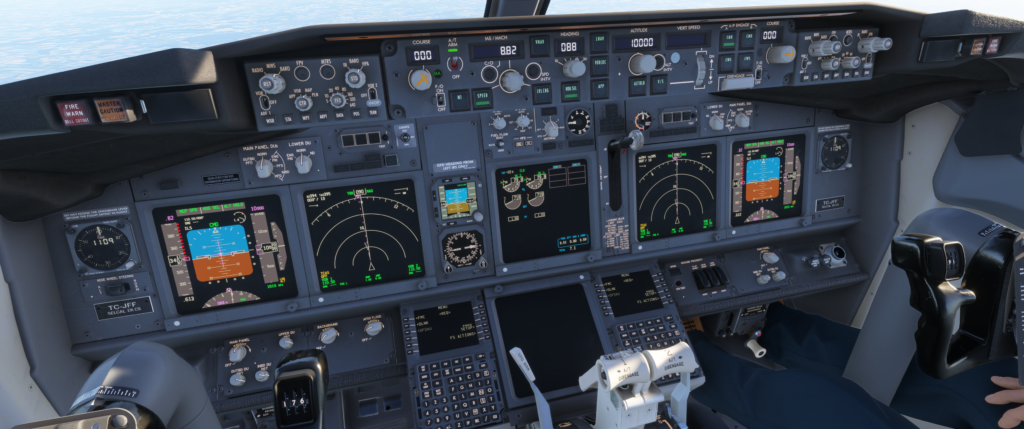
Why VNAV Doesn’t Work Properly
1. Incomplete or Incorrect Flight Plan
If your route does not include proper altitude constraints or is missing key waypoints, VNAV has nothing to follow. This often happens when flight plans are entered manually or not imported correctly.
- Missing STAR (arrival procedures)
- No altitude restrictions
- Incorrect cruise level
2. Cruise Altitude Not Set Correctly
VNAV needs a defined cruise altitude to calculate descent. If this is not set in the FMC or flight computer, the system cannot determine when to begin descending.
3. Descent Started Too Late
This is one of the most common issues. VNAV calculates a smooth descent path, but if you are too close to the airport or too high, it simply cannot recover.
In these situations, the aircraft may:
- Stay at cruise altitude too long
- Descend very aggressively
- Ignore constraints completely
4. VNAV Not Armed or Activated Properly
In many aircraft, VNAV must be armed before it becomes active. If LNAV or autopilot modes are not correctly set, VNAV may never engage.
5. Aircraft Limitations
Different aircraft behave differently. Some are more forgiving, while others require precise setup. Study-level aircraft in particular expect correct procedures.
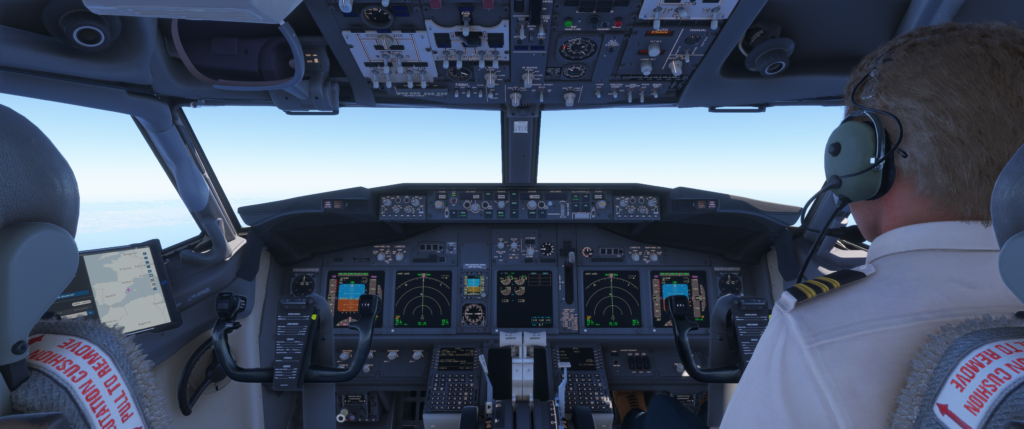
How to Fix VNAV Issues Step-by-Step
1. Use a Proper Flight Plan
Whenever possible, use a tool like SimBrief to generate a complete route with altitude constraints. This gives VNAV the data it needs to function correctly.
2. Set the Correct Cruise Altitude
Always confirm that your cruise altitude is entered correctly in the FMC. This is critical for VNAV calculations.
3. Monitor Top of Descent (TOD)
VNAV usually calculates a Top of Descent point. Keep an eye on this and prepare early.
4. Start Descent Earlier Than Expected
If you’ve noticed VNAV starting too late, you can manually begin descent slightly earlier using vertical speed mode. This helps avoid being too high on approach.
5. Use Vertical Speed (VS) as Backup
If VNAV is not behaving as expected, switch to VS mode and manage your descent manually.
- Set a controlled descent rate
- Monitor speed and altitude
- Rejoin VNAV if possible
A Simple Rule That Helps
A reliable method used by many sim pilots is the “3:1 rule”:
- For every 1,000 feet of altitude, allow 3 nautical miles to descend
Example:
- 30,000 feet → start descent around 90 nautical miles from destination
This gives VNAV enough distance to work smoothly and avoids last-minute problems.
When VNAV Still Doesn’t Work
Even with everything set correctly, VNAV may not always behave perfectly. Simulator updates, aircraft differences, and add-ons can all influence how systems operate.
In these situations, the best approach is to:
- Stay ahead of the aircraft
- Monitor altitude trends
- Be ready to take manual control
Final Thoughts
VNAV is a powerful tool, but it works best when you support it with good planning and timing. Once you understand how it thinks, you’ll find your descents become smoother, more predictable, and far more realistic.
In many cases, the solution is simply starting your descent earlier and giving the system enough distance to do its job properly.
With a little practice, VNAV becomes something you can rely on — rather than something you have to fight against.

- You Know You’re a Flight Simmer When… - 12 August 2026
- Pete’s Ultimate MSFS 2024 Graphics Settings Guide - 1 August 2026
- How to Use GSX with the PMDG 737-800 in MSFS 2024. - 20 July 2026