
Welcome aboard
Your guide to better flight simulation
Hi, I’m Pete. I created Flight Simulation Showcase because aviation and flight simulation have been part of my life for a very long time. I’m a real-world private pilot, a lifelong aviation enthusiast, and someone who still gets a genuine thrill from loading into Microsoft Flight Simulator, sitting on the runway, advancing the throttle, and watching the world open up ahead.
This site is built for people who enjoy that same feeling. Some visitors are brand new and just want to know how to take off, land, and understand what all the cockpit instruments are doing. Others are learning airliners, tuning graphics settings, trying to fix frustrating simulator problems, choosing hardware, or exploring add-ons that make the experience more realistic.
My aim is simple: keep things friendly, practical, and easy to understand. Flight simulation can be relaxing, technical, beautiful, challenging, and occasionally frustrating — sometimes all in the same evening. This site is here to help you enjoy more of the good parts and spend less time stuck wondering what went wrong.

Pete
Private Pilot • Flight Simulation Enthusiast
Welcome aboard. I created Flight Simulation Showcase to help make Microsoft Flight Simulator easier to understand, more enjoyable to fly, and more rewarding for simmers of all experience levels.
EXPLORE THE SITE
Find the part of flight simulation you want to enjoy next
Flight Simulation Showcase is organised into clear sections so you can quickly find the help, inspiration, or information you need.
Start here if you are new to Microsoft Flight Simulator and want clear, friendly help with the basics.
Open Beginners Hub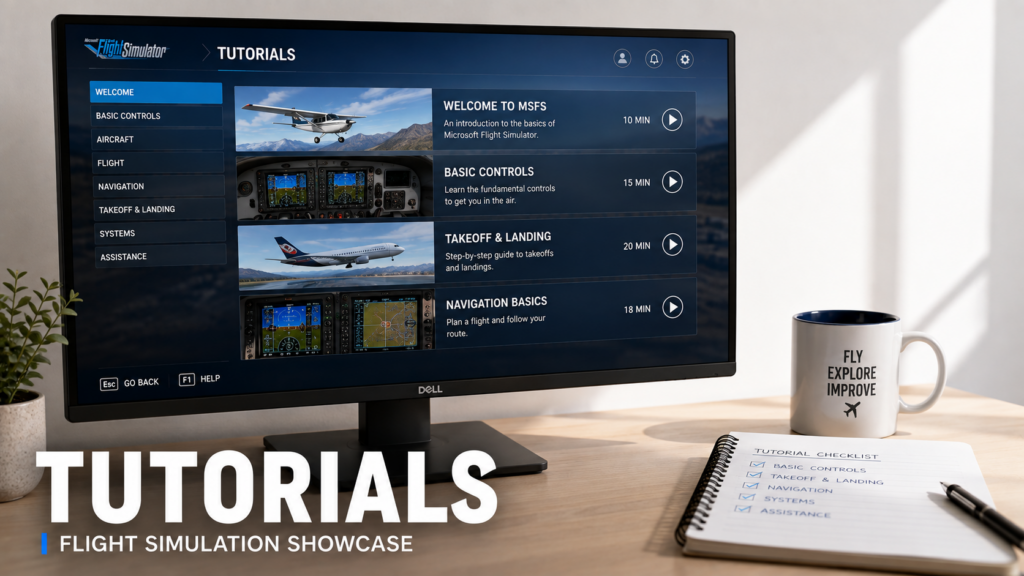
Learn taxiing, takeoff, landing, autopilot, navigation, approaches, flight planning and practical simulator flying.
Browse Tutorials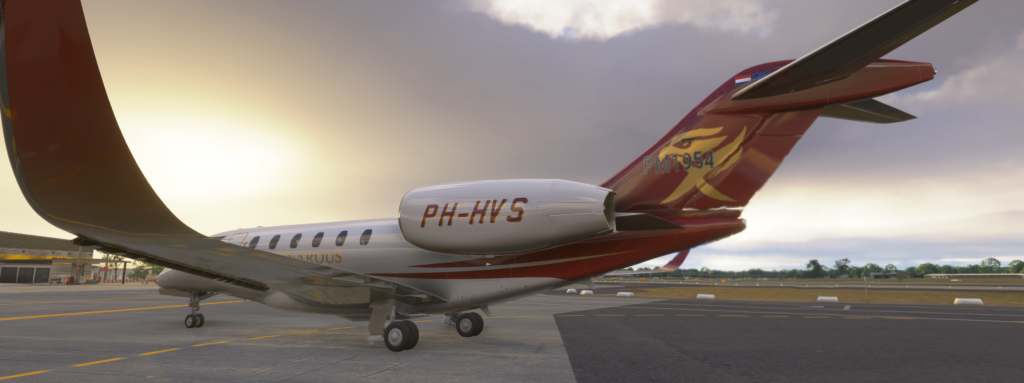
Explore airliners, general aviation aircraft, military aircraft, business jets, bush aircraft and aircraft recommendations.
Explore Aircraft
Discover useful add-ons, utilities, aircraft tools, scenery, weather tools and realism-enhancing software.
Explore Add-ons
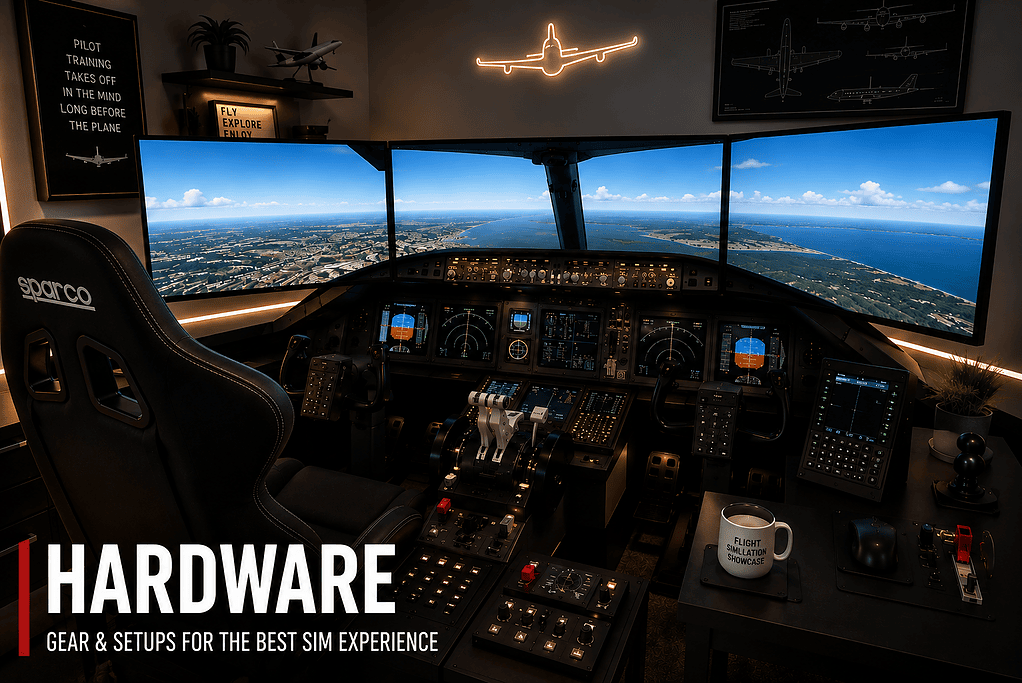
Find advice about joysticks, yokes, rudder pedals, monitors, VR headsets, PCs and home simulator setups.
View Hardware
Improve smoothness, image quality, HDR, graphics settings, GPU tuning, VR performance and overall simulator performance.
Improve Performance
Fix stutters, crashes, loading issues, installation problems, controller faults, aircraft problems and add-on issues.
Fix Problems
Understand aviation terms, simulator language, navigation concepts, abbreviations, aircraft systems and procedures.
Open Glossary
Start simple and build confidence
If you are new to Microsoft Flight Simulator, the first few hours can feel a little overwhelming. There are aircraft controls, camera views, instruments, airport layouts, weather settings, assistance options, flight plans, ATC, navigation, and a lot of cockpit buttons that may not make much sense at first.
That is completely normal. Real flying is learned step by step, and flight simulation is no different. You do not need to understand everything on day one. The best way to begin is to learn the basics, fly simple aircraft, practise short flights, and slowly add more realism as you become more comfortable.
The Beginners Hub is designed to help with that. It brings together friendly guides on what Microsoft Flight Simulator is, common beginner mistakes, basic flying, aircraft choice, essential instruments and useful reference material.
Open Beginners HubTurn flights into proper flying
Once you are comfortable getting airborne, the real enjoyment often comes from learning to fly with more purpose. Taxiing correctly, lining up on the runway, rotating smoothly, trimming the aircraft, managing climb speed, planning a descent and landing with control all make a huge difference to the experience.
The Tutorials Hub focuses on practical flying skills. It is there for simmers who want clear guidance on the things that make each flight feel more satisfying. That includes takeoff, landing, autopilot, ILS approaches, navigation, flight planning and basic aircraft handling.
You do not need to become a professional airline pilot to enjoy Microsoft Flight Simulator, but learning some real-world flying habits can make the simulator far more rewarding. A little planning, a little patience, and a better understanding of what the aircraft is doing can transform the whole experience.
Browse Tutorials
Explore the aircraft you love flying
Aircraft are the heart of flight simulation. Some simmers love flying airliners, managing routes, approaches and procedures. Others prefer the simplicity and charm of general aviation. Some enjoy military jets, business jets, classic aircraft, or bush flying into challenging strips.
Flight Simulation Showcase includes aircraft guides and recommendations covering a growing range of aircraft types. You will find content about the Airbus A320, PMDG 737-800, Cessna 172, Cessna Citation X, F/A-18 Super Hornet, F-35 Lightning II, Spitfire Mk IXc, FSReborn Phenom 300E and more.
The aim is not just to list aircraft, but to help you understand why a particular aircraft might be enjoyable, what kind of flying it suits, and how it fits into the broader simulator experience.
Explore Aircraft GuidesBuild a simulator setup that feels right for you
Good hardware can make Microsoft Flight Simulator far more enjoyable, but it is very easy to spend money in the wrong place. A joystick, yoke, rudder pedals, throttle quadrant, better monitor, VR headset or more capable PC can all improve immersion — but the best choice depends on how you like to fly.
A simmer flying mostly airliners may want a very different setup from someone flying bush aircraft, helicopters, military jets or casual scenic flights. A beginner may be better served by a good joystick than by jumping straight into a full cockpit setup.
The Hardware Hub is built around practical advice. It covers flight controls, monitors and displays, VR performance, complete home setups and hardware choices that can help make the simulator feel more natural and enjoyable.
Explore Hardware
Make the simulator smoother and better looking
Microsoft Flight Simulator can look breathtaking, but it can also be demanding. Graphics settings, HDR, GPU usage, CPU load, frame rate, VR performance and visual clarity all affect how enjoyable the simulator feels.
Sometimes the goal is maximum visual beauty. Other times the goal is smoothness. Often the best result is a sensible balance between the two. A simulator that looks incredible but stutters constantly is not enjoyable, while a smooth simulator with poor image quality can feel disappointing.
The Graphics & Performance Hub brings together guides on graphics settings, performance tuning, HDR setup, NVIDIA and AMD settings, VR performance, stutters, blurry visuals, low GPU usage and other common performance concerns.
Open Graphics & PerformanceFix frustrating problems faster
Every simmer eventually runs into a problem. Microsoft Flight Simulator may take too long to load, freeze after an update, suffer from stutters, lose controller settings, show a black screen, fail to follow a flight plan, or refuse to behave the way you expected.
When that happens, it is easy to start guessing. The Troubleshooting Hub is designed to give you a more organised place to begin. It covers performance issues, loading problems, installation faults, aircraft and avionics issues, controls, camera problems, marketplace issues, add-ons, multiplayer and online features.
The aim is not to pretend every problem has a magic one-click fix. It is to help narrow things down, explain likely causes, and give you practical steps that make sense.
Open Troubleshooting Hub
Add more realism, usefulness and immersion
Add-ons are one of the biggest reasons Microsoft Flight Simulator can keep growing with you. They can improve flight planning, ground handling, airline realism, weather, navigation, scenery, airports, traffic, passenger simulation and aircraft operation.
The Add-ons Hub brings together guides and recommendations covering useful software such as GSX, Navigraph, SimBrief, traffic injection, weather tools, passenger and airline simulation, scenery, airports and aircraft add-ons.
My approach is practical. Not every add-on is essential, and not every simmer needs the same tools. The goal is to help you understand what each type of add-on can do and whether it might genuinely improve your own simulator experience.
Explore Add-onsReal pilot perspective, without making things complicated
One of the things I try to bring to Flight Simulation Showcase is a real pilot’s way of thinking, but in a relaxed and approachable way. Real flying teaches you to plan ahead, stay ahead of the aircraft, understand what is happening, and avoid rushing decisions.
Those ideas translate surprisingly well into flight simulation. A better circuit, a smoother approach, a more sensible descent, a cleaner landing, or a better understanding of what the autopilot is doing can make the simulator much more satisfying.
At the same time, this is still a hobby. It should be enjoyable. My goal is not to bury visitors in jargon or make things feel intimidating. It is to share helpful aviation thinking in a way that makes Microsoft Flight Simulator more rewarding.
POPULAR STARTING POINTS
Glossary, FAQ and helpful explanations
Flight simulation has its own language. You will come across terms like VFR, IFR, ILS, VNAV, PFD, ND, SID, STAR, trim, flare, glideslope, autopilot modes and many more. Some of those terms are simple once explained, but confusing when you first meet them.
The Flight Simulation Glossary is designed to become a useful reference library for aviation and simulator terms. It is there for quick explanations, but over time it can also grow into a collection of mini-lessons that help make the simulator easier to understand.
Open Flight Simulation Glossary
Follow Flight Simulation Showcase
The website is the main home for detailed guides, but the Flight Simulation Showcase YouTube channel is also part of the wider project. Over time, it gives me another way to share flights, aircraft, scenic routes, simulator moments and aviation content.
Some things are best explained in writing. Others are better shown visually. The website and YouTube channel can work together to make Flight Simulation Showcase more useful and enjoyable.
Ready for your next flight?
Whether you are making your very first takeoff, learning a new aircraft, improving your landings, building a better home simulator, fixing a stubborn problem, or simply enjoying the view from 35,000 feet, I hope Flight Simulation Showcase helps you get more enjoyment from Microsoft Flight Simulator.
Pick a starting point below, have a look around, and enjoy the flight.