
This Flight Simulator 2024 Guide is for beginners to advanced — everything you need to start flying properly and actually understand what’s going on
Microsoft Flight Simulator 2024 is one of those experiences that immediately grabs your attention. The first time you load it up, it’s hard not to be impressed. The scenery looks real, the lighting feels natural, and the aircraft have a presence that makes everything feel alive. But once that initial excitement settles, most people hit the same point. You get airborne, you’re flying along, everything looks fantastic… and then the thought creeps in:
“I don’t actually know what I’m doing.”
Switches everywhere
There are switches everywhere, autopilot modes that don’t behave the way you expect, and aircraft that sometimes feel like they’re doing their own thing. If that sounds familiar, you’re not alone. I’ve been through the same process — and not just recently.
First version of Microsoft Flight Simulator
I actually started with the very first version of Microsoft Flight Simulator. Back then, it was basic compared to what we have now, but it sparked something. I enjoyed it enough that it eventually led me to gain my pilot’s licence.
Enjoying simming
These days, I don’t fly in the real world anymore, but I’m still flying regularly in the simulator — and still enjoying it just as much. And when I’m not simming, I enjoy writing about it. That’s really what this site is about — sharing what I’ve learned in a way that actually makes sense.
About this guide
Over time, I’ve worked through what really matters in flight simulation, what can be ignored early on, and how everything fits together in a practical way. That’s exactly what this guide is.
Not a manual
This isn’t a manual, and it’s not a list of disconnected tips. This is a complete, structured way to approach Microsoft Flight Simulator so that things start to make sense — step by step. You don’t need to rush through it. In fact, it’s better if you don’t. Just take it one section at a time, and you’ll find things start to click naturally.
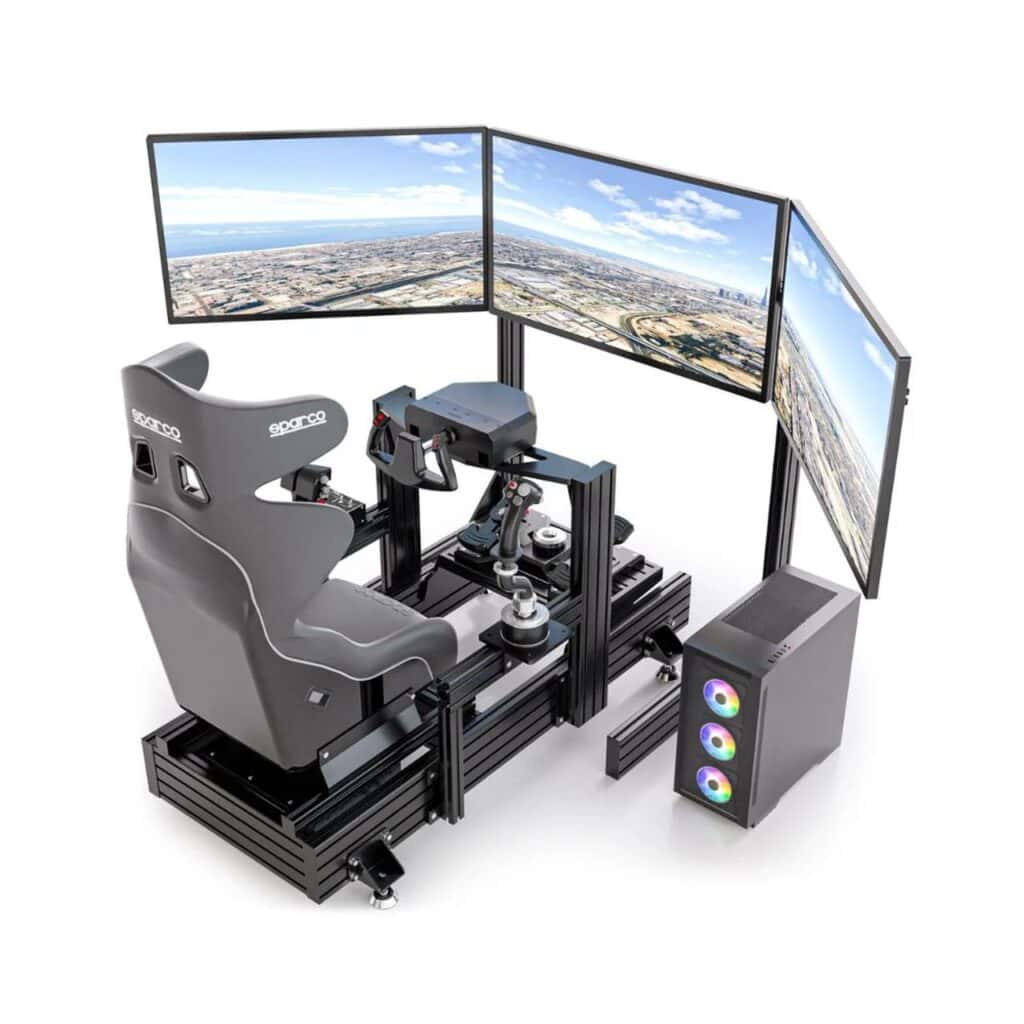
Before You Even Fly (This Will Save You a Lot of Frustration)
This is the part almost everyone skips — and it’s usually why things feel difficult later.
Don’t Judge the Simulator Too Quickly
When you first install Microsoft Flight Simulator, it’s very tempting to jump straight into a flight. But it’s worth slowing down just for a moment.
Let the simulator:
- Fully update
- Load completely at least once
- Sit on the menu for a few minutes
MSFS does a lot in the background:
- It connects to streaming servers
- It builds and manages cache
- It prepares scenery data
If you rush into flying straight away, performance can feel inconsistent, and that often gives the impression that something is wrong. Most of the time, it isn’t.
Graphics vs Smoothness (What Actually Matters)
This is something many people learn the hard way. It’s easy to push everything to Ultra settings — and visually, it looks incredible. But from experience, this is the truth:
A smooth simulator feels real. A stuttering one breaks immersion instantly.
You want:
- Consistent frame rate
- Smooth camera movement
- Immediate response from your controls
If your sim feels smooth, you’re in a very good place — even if every setting isn’t maxed out.
Understanding Streaming (This Explains a Lot)
One of the biggest differences with modern Microsoft Flight Simulator is that it streams the world in real time. This means things don’t behave like traditional offline simulators.
You might notice:
- Buildings appearing gradually
- Terrain changing shape as it loads
- Objects popping in
This can look strange if you’re not expecting it. But it’s not your system struggling — it’s simply how the simulator works. Once you understand this, you stop chasing the wrong fixes, and things become much less frustrating.
See: MSFS Performance & Streaming Guide
Your First Flight (Keep This Simple)
This is where everything begins — and it should feel straightforward, not overwhelming.
Start With the Right Aircraft
For your first flights, use something like:
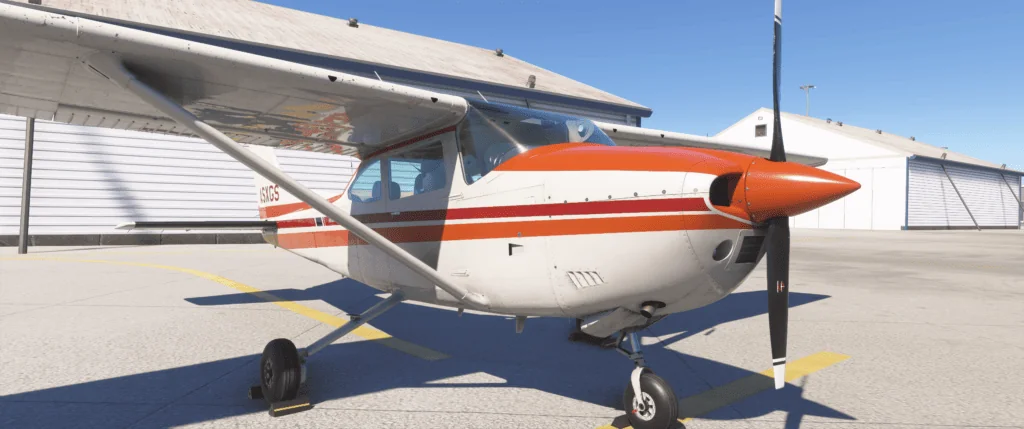
- Cessna 172
It’s stable, predictable, and designed for exactly this purpose — learning. There’s no complex automation to deal with, which means you can focus entirely on flying.
What You Should Focus On
At this stage, ignore anything advanced.
Just concentrate on:
- Getting the aircraft moving
- Keeping it straight
- Getting airborne
- Holding altitude
- Bringing it back down
That’s your entire focus. You don’t need navigation systems, autopilot, or procedures yet.
A Real Insight From Flying
One of the most common mistakes — both in real-world flying and in the simulator — is overcontrolling.
New pilots tend to:
- Make large control inputs
- Constantly try to correct the aircraft
But the reality is quite different.
- Aircraft are designed to be stable.
- They don’t need constant correction.
- Small, smooth inputs are all that’s required.
- Once you get used to that, flying becomes much more relaxed and natural.
See: Cessna 172 Beginner Guide
Controls and Setup (Fix This Early — It Makes Everything Easier)
If the aircraft feels difficult to control, it’s often not your flying — it’s your setup.
Sensitivity Settings (The Hidden Problem)
If your controls feel:
- Too sensitive
- Jerky
- Difficult to manage
This is almost always down to sensitivity settings. Even a small adjustment can completely change how the aircraft behaves. Reducing sensitivity slightly makes the controls feel smoother and more predictable. It’s one of the biggest improvements you can make early on.
Choosing Your Controls
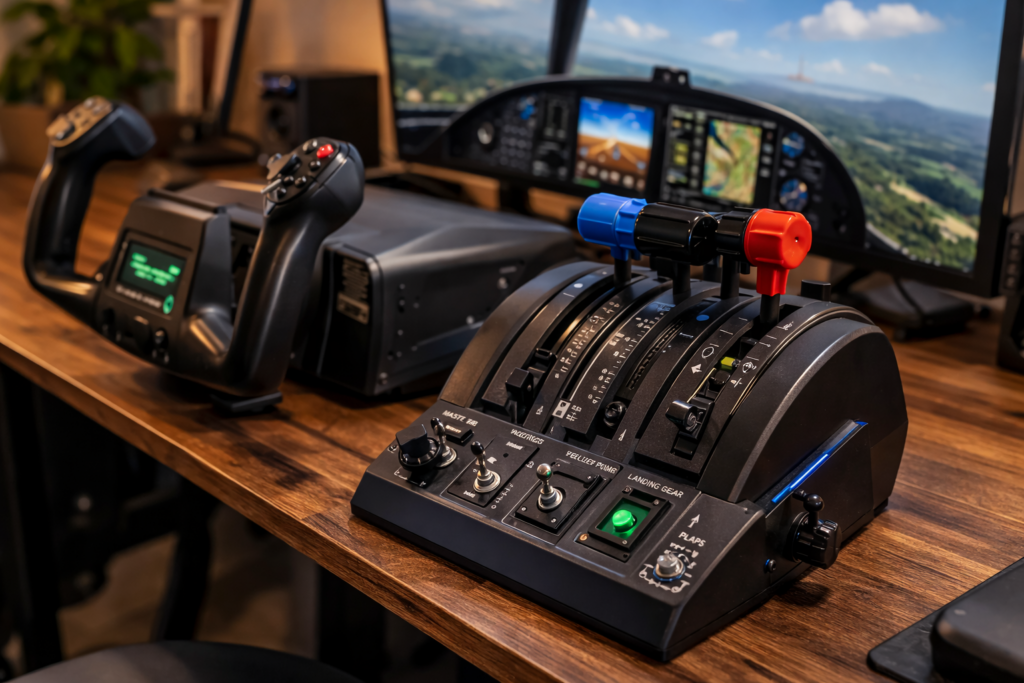
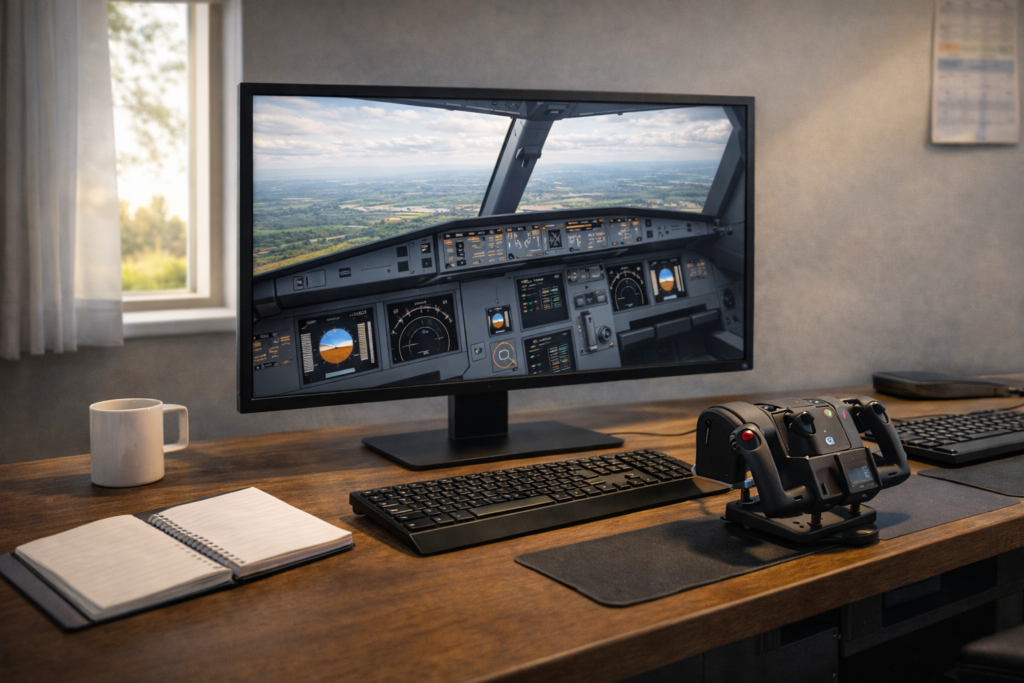
You don’t need expensive equipment to enjoy Microsoft Flight Simulator. There are a few common options:
- Controller — easy to use, good starting point
- Joystick — excellent balance of control and simplicity
- Yoke — more realistic feel, especially for larger aircraft
Each works well — the best choice is the one that feels comfortable and natural for you.
What Matters Most
Not the hardware itself, but how it feels.
You want:
- Smooth input
- Predictable response
- Comfort over longer sessions
If your controls feel right, everything else becomes easier.
See: MSFS Controls and Hardware Setup
Understanding Aircraft Types (Why Everything Feels Different)
This is where things start to make sense. Different aircraft behave differently — and once you understand why, a lot of confusion disappears.
General Aviation Aircraft (Cessna, etc.)
These are:
- Manual
- Direct
- Straightforward
What you do with the controls directly affects the aircraft. There’s very little automation involved. This is why they’re ideal for learning.
Airbus Aircraft
Airbus aircraft introduces a different concept.
They are:
- Highly automated
- System-driven
- “Managed” by onboard computers
The aircraft often controls:
- Speed
- Descent
- Flight profile
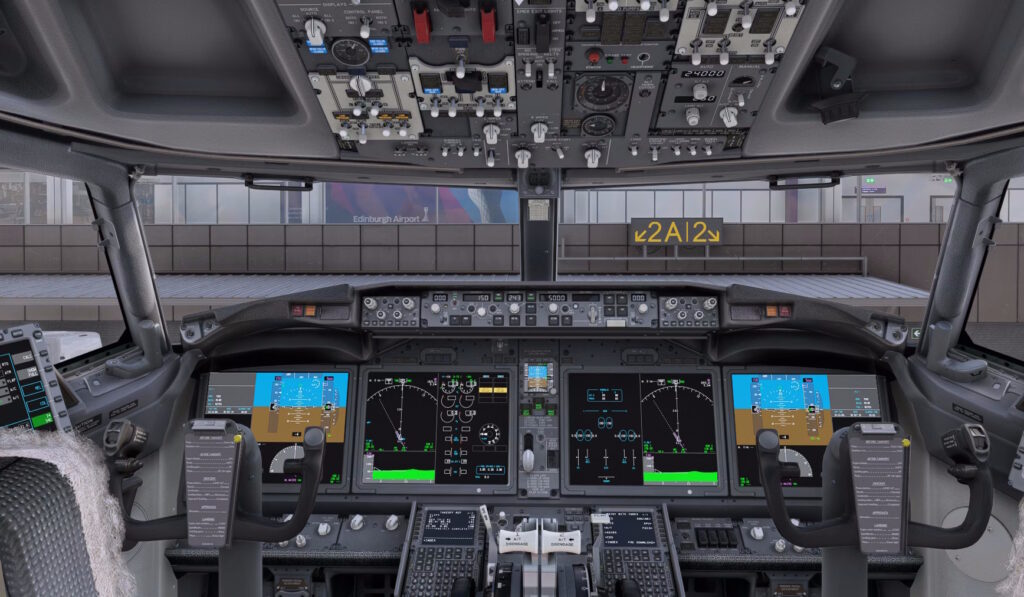
This can feel confusing at first because it’s not always obvious what the aircraft is doing or why. Flying Aircraft (737). Boeing aircraft take a more direct approach.
They are:
- Less automated
- More pilot-controlled
- More predictable in behaviour
You tell the aircraft what to do — and it does it. This is why many people (myself included) find Boeing aircraft easier to understand when learning.
See: Airbus A320 Guide
See: Boeing 737 Guide
Navigation Basics (The Step That Brings It All Together)
Flying is one thing. Flying somewhere properly is where everything starts to connect.
Start Simple
Use the world map:
- Choose a departure airport
- Choose a destination
- Let the simulator create a basic route
That’s enough to begin.
VFR vs IFR (Keep This Simple for Now)
You’ll hear these terms a lot:
- VFR — Visual Flight Rules (you fly by looking outside)
- IFR — Instrument Flight Rules (you fly using instruments and systems)
At the beginning, don’t overthink this. Start simple, get comfortable, and then build up to more structured flying later.
This is the part that turns the simulator from “confusing” into something that actually makes sense.
UNDERSTANDING & CONTROL
Autopilot Explained (This Is Where Everything Starts to Click)
If there’s one area that confuses almost everyone in Microsoft Flight Simulator, it’s autopilot. And the reason is simple.
Most people expect autopilot to “just work”.
They assume:
- The aircraft knows where it’s going
- It understands what they want
- It will just handle things automatically
But that’s not how it works.
What Autopilot Actually Is
Autopilot is not intelligent.
It doesn’t think or anticipate. It simply follows:
- The modes you select
- The instructions you give
That’s it.
Once you understand that, everything becomes much clearer.
Why Autopilot Feels So Confusing at First
The confusion usually comes from expectation.
You might:
- Set an altitude
- Expect the aircraft to descend
- Watch…, and nothing happens
So it feels broken. But it isn’t. The autopilot is doing exactly what you told it to do — just not what you expected it to do.
Modes Are Everything
This is the key concept.
Autopilot works through modes.
Each mode tells the aircraft what to do:
- Heading mode → follow a direction
- Altitude hold → stay at a level
- Vertical speed → climb or descend
- LNAV → follow route
- VNAV → follow vertical profile
If the wrong mode is active: The aircraft will do the wrong thing
A Real-World Style Scenario
Let’s say you’re cruising along at 35,000 feet. You’re approaching your destination, and you expect the aircraft to start descending. But it doesn’t.
You’re still at cruise altitude. Closer… closer… still nothing. Now you’re getting near the airport, and you’re way too high. The aircraft won’t come down
This is one of the most common situations in MSFS.
What Actually Happened
Nothing is broken.
The aircraft didn’t descend because:
- No descent mode was active
- You didn’t command a descent
The autopilot simply maintained altitude — exactly as instructed.
The Simple Way to Think About Autopilot
Instead of thinking:
“Why isn’t the aircraft doing what I want?”
Think:
“What have I told the aircraft to do?”
That one shift in thinking changes everything.
The Three Modes You Should Master First
You don’t need to learn everything at once. Start with these:
Heading Mode
You choose a heading, and the aircraft follows it.
Altitude Hold
The aircraft maintains the current altitude.
Vertical Speed (VS)
You tell the aircraft to climb or descend at a specific rate.
Why These Matter
Because they give you direct control. You’re no longer guessing what the aircraft is doing. You’re telling it exactly what to do.
See: Autopilot Beginner Guide
Understanding Aircraft Systems (Without Getting Overwhelmed)
This is where a lot of people either:
- Get interested
- Or get overwhelmed
The key is not trying to understand everything at once.
What You Actually Need to Know Early On
At the beginning, focus on:
- What controls the aircraft
- What affects speed
- What affects altitude
You don’t need to understand every system.
The Trap Most People Fall Into
They try to:
- Learn every switch
- Understand every system
- Follow the full procedures
Too early, and that leads to frustration.
A Better Approach
Think of it in layers.
1: Basic control (fly the aircraft)
2: Basic systems (autopilot, navigation)
3: Advanced systems (FMC, procedures)
Build gradually.
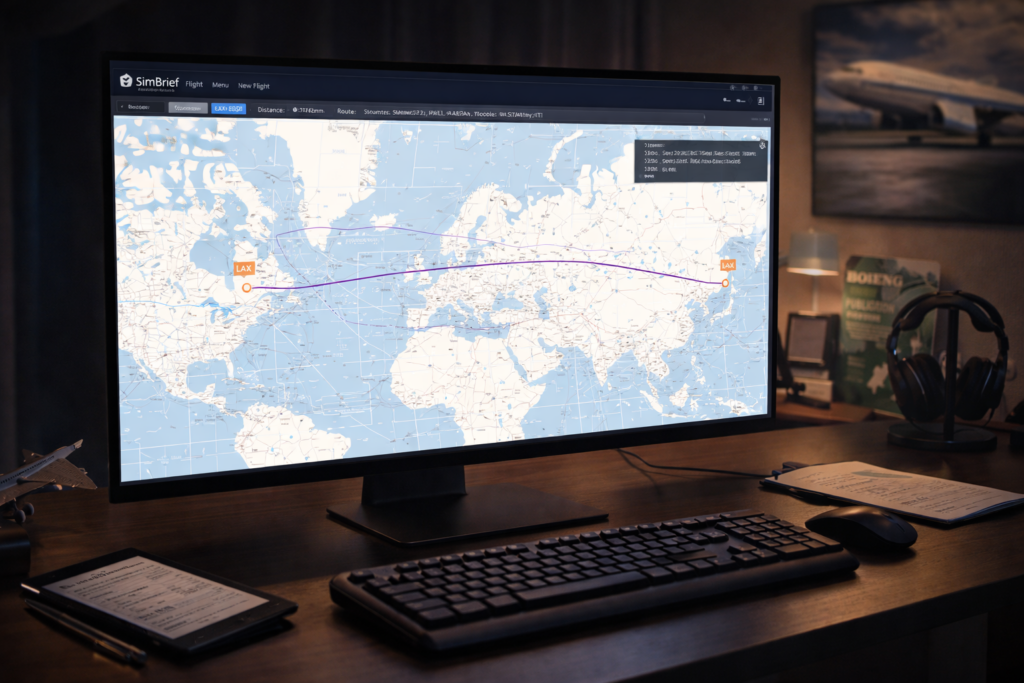
Flight Planning (Making Flights Feel Real)
This is where the simulator starts to feel structured.
What a Flight Plan Actually Is
A flight plan is simply:
- Where are you going
- How are you getting there
That’s it.
Using the World Map
At this stage, this is all you need:
- Select departure airport
- Select destination
- Choose a route
The simulator will handle the rest.
Why This Matters
Without a plan, you’re just flying around.
With a plan:
You’re flying with purpose
See: MSFS Navigation Guide
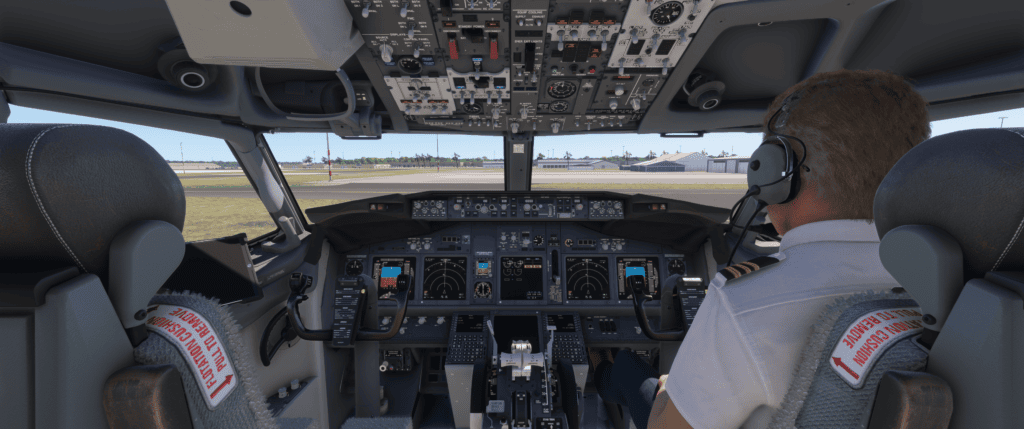
Putting It Together (A Simple Structured Flight)
Now let’s combine what you’ve learned so far.
Takeoff
- Manual
- Focus on control
Climb
- Stabilise aircraft
- Engage autopilot (if desired)
Cruise
- Maintain altitude
- Follow route
Descent
- Plan ahead
- Start early
Approach and Landing
- Reduce speed
- Align with the runway
- Land smoothly
Why This Structure Matters
Because it turns flying from: Random
Into: Controlled and predictable
The Moment Everything Clicks
There’s a point where things start to make sense.
It doesn’t happen instantly.
But you’ll notice:
- You’re not fighting the aircraft
- You understand what it’s doing
- You anticipate instead of reacting
That’s the turning point.
Common Mistakes (And How to Avoid Them)
This section alone can save you a lot of frustration.
1. Doing Too Much Too Soon
Trying to:
- Learn airliners immediately
- Use full procedures
- Understand everything
Solution: Start simple, build gradually
2. Overcontrolling
Large inputs = unstable flight.
Solution:
Small, smooth movements
3. Trusting Autopilot Too Early
Autopilot without understanding = confusion.
Solution: Learn basic control first
4. Leaving Descent Too Late
This is the big one. Solution:
Start early (we’ll go deeper in Part 3)
5. Chasing Perfect Settings
Constant tweaking leads nowhere.
Solution: Find stable settings and stick with them
Building Confidence (This Is What You’re Really Doing)
You’re not just learning controls. You’re building confidence.
What Confidence Looks Like
- You know what the aircraft will do
- You’re not surprised by the behaviour
- You can recover from mistakes
How You Build It
Not by reading everything.
But by:
- Flying regularly
- Keeping things simple
- Learning gradually
A Practical Mindset (This Makes Everything Easier)
This is probably the most important part of the entire guide.
Don’t Try to Be Perfect
You don’t need:
- Perfect procedures
- Perfect landings
- Perfect flights
You need: Understanding
Accept That Mistakes Are Part of It
You will:
- Overshoot
- Be too high
- Make rough landings
Everyone does.
Focus on Progress
Each flight: You learn something
That’s what matters.
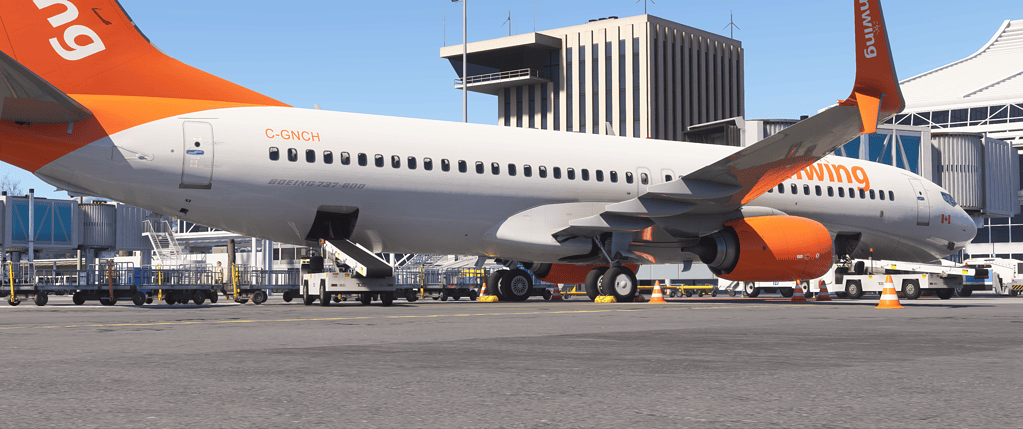
Flying the 737 (Full Practical Walkthrough)
This is where everything you’ve learned starts to come together.
Up to now, you’ve been:
- Learning control
- Understanding autopilot
- Getting comfortable with flying
Now you’re stepping into something more structured.
What Makes the 737 So Good for Learning
The 737 is popular for a reason.
It’s:
- Logical
- Predictable
- Direct
It doesn’t try to “think for you” like some aircraft.
Instead: You tell it what to do — and it does it
That makes it ideal for learning how everything fits together.
The Big Picture (How a Flight Actually Works)
Every flight follows the same structure:
- Plan
- Takeoff
- Climb
- Cruise
- Descent
- Approach
- Landing
Once you understand this flow, flying stops feeling random.
Preflight (Keep This Simple at First)
This is where a lot of people get overwhelmed. So don’t.
What You Actually Need to Do
At a basic level:
- Enter the route into the FMC
- Set your cruise altitude
- Make sure your aircraft is ready
That’s enough to start.
You don’t need to understand every detail.
A Practical Tip
Don’t aim for perfection here.
- Aim for:
- Familiarity
You’ll naturally improve over time.
Takeoff (Stay Focused and Simple)
Takeoff in the 737 is straightforward.
What to Do
- Apply power smoothly
- Keep the aircraft straight
- Rotate gently
- Establish a steady climb
What Not to Do
- Don’t rush
- Don’t overcontrol
- Don’t try to “force” the aircraft
Let it fly.
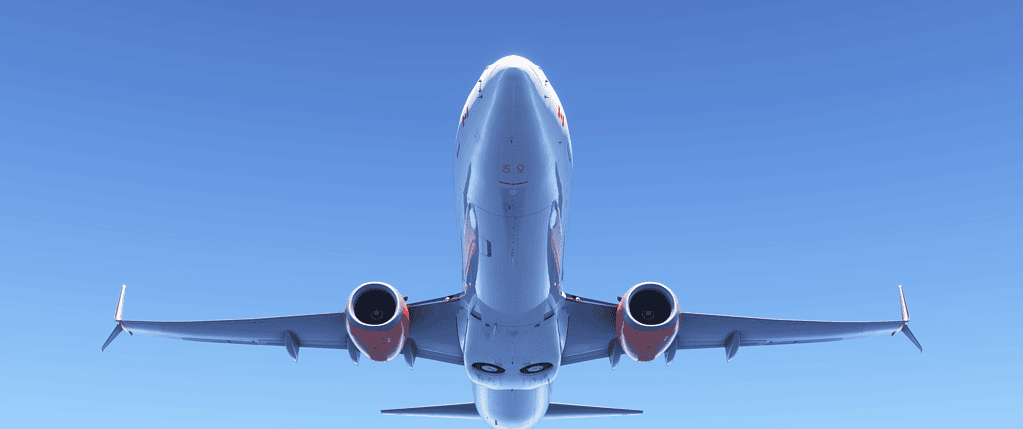
Climb Phase (Stabilise and Settle)
Once you’re airborne and climbing:
What You Should Do
- Engage autopilot when stable
- Monitor your climb
- Follow your route
What You Should Avoid
- Constant adjustments
- Overthinking
The aircraft is designed to climb efficiently.
Cruise (Relax — But Stay Aware)
Cruising is the easiest part of the flight.
What Happens Here
- The aircraft maintains altitude
- Follows route
- Requires minimal input
What You Should Do
- Monitor
- Make small adjustments if needed
- Stay aware of your position
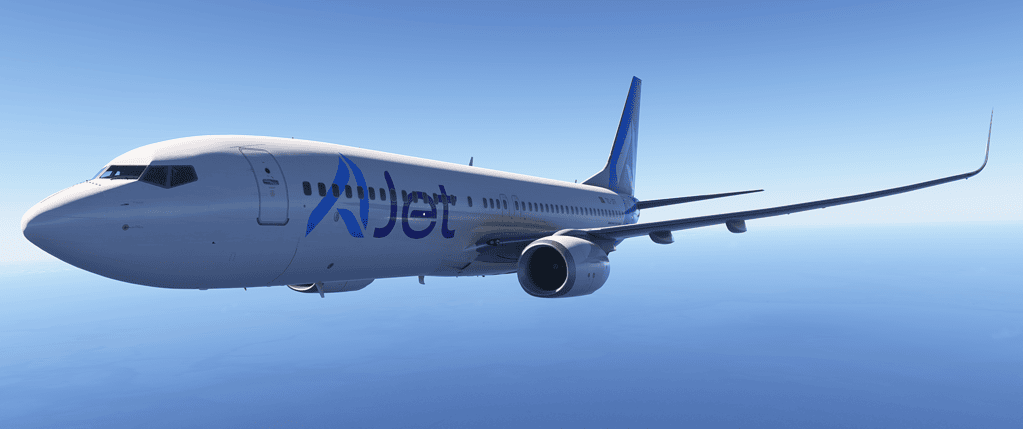
Descent Planning (This Is Where Flights Are Won or Lost)
This is the most important section in your entire guide.
Why Descent Matters So Much
Because it affects:
- Your approach
- Your speed
- Your landing
If descent is wrong:
Everything else becomes difficult
The Most Common Problem
You arrive near your destination and:
- You’re too high
- The aircraft won’t come down
This happens to almost everyone at first.
Why This Happens
Simple:
- You started descending too late
- Aircraft don’t descend instantly.
- They need distance.
The 3:1 Rule (Use This Every Time)
This is your foundation.
For every 1,000 ft of altitude
You need: 3 nautical miles
Example (Real Scenario)
Cruising at:
35,000 ft
Need to reach:
3,000 ft
Difference:
32,000 ft
Distance required:
96 nautical miles
What This Means
If you’re:
30 miles from the airport
And still at cruise altitude:
It’s already too late
Practical Descent Strategy (This Works Every Time)
If you’re unsure:
Start descent early
Adjust later
This is one of the simplest and most effective improvements you can make.
Managing Descent Properly
Once you begin descent:
Control Your Speed
Too fast:
- You’ll struggle to descend efficiently
Too slow:
- You lose flexibility
Use Vertical Speed Carefully
- Smooth descent is better than aggressive descent
- Avoid extreme changes
Stay Ahead of the Aircraft
Always think: “What’s coming next?”
Not: “What’s happening now?”
If You’re Too High (Recovery Techniques)
This will happen — and that’s fine.
What You Can Do
- Increase descent rate
- Reduce speed
- Use spoilers (carefully)
What Not to Do
- Panic
- Make sudden aggressive changes
The Real Lesson
This isn’t about fixing mistakes.
It’s about learning to prevent them.
See: 737 Descent Guide
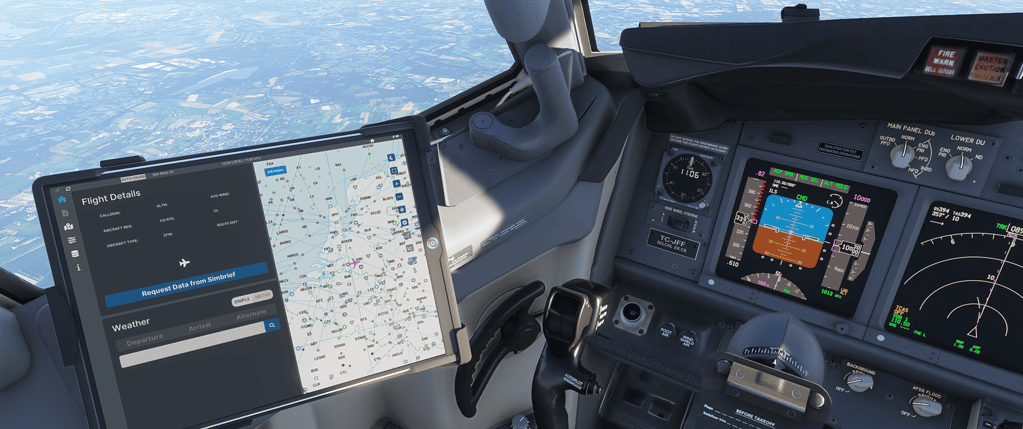
Approach and Landing (Bring It All Together)
Now everything leads to this.
What Matters Most
- Stable approach
- Controlled speed
- Smooth inputs
Keep It Simple
- Line up with the runway
- Reduce speed gradually
- Maintain control
The Key Insight
Landing isn’t about perfection.
It’s about control.
Add-ons (Keep This Under Control)
This is where many people complicate things unnecessarily.
What You Actually Need
Not much.
MSFS is already excellent.
Useful Add-ons
- Aircraft (like the 737)
- Maybe weather
What to Avoid
Installing too much too early.
See: Best MSFS Add-ons Guide
Troubleshooting (Real-World Fixes That Actually Work)
Everyone runs into problems — the key is understanding them.
Performance Issues
If your sim stutters:
- Lower settings slightly
- Close background programs
- Prioritise smoothness
Streaming Issues
If scenery loads slowly:
It’s your internet
Not your PC
Crashes
Usually caused by:
- Add-ons
- Conflicts
Best Approach
Change one thing at a time.
See: MSFS Troubleshooting Guide
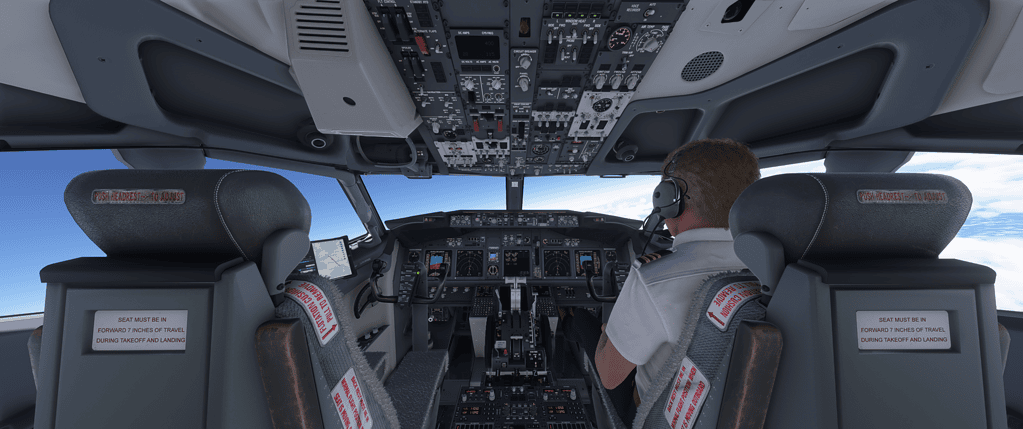
Improving Your Flying (Where It Becomes Enjoyable)
This is where everything starts to feel natural.
What You’ll Notice Over Time
- Smoother control
- Better landings
- Better awareness
The Biggest Skill You Develop
Timing.
Especially:
- Descent
- Speed
Realism (Optional — But Adds Depth)
You don’t need full realism.
But adding some improves immersion.
A Good Approach
- Add gradually
- Keep it enjoyable
- Don’t turn it into work
Building Experience Over Time
This isn’t something you rush.
What Happens Naturally
- You stop reacting
- You start anticipating
- You understand the aircraft
The Key
Consistency.
Where to Go Next
From here, you can:
Explore your guides
Try different aircraft
Build your experience
Frequently Asked Questions (MSFS 2024)
Final Thoughts
Flight simulation is one of those things where there’s always more to learn.
You don’t need to rush.
You don’t need to be perfect.
Just keep flying.
And over time, everything starts to make sense.
Frequently Asked Questions (MSFS 2024)
Is Microsoft Flight Simulator 2024 good for beginners?
Yes — but only if you approach it the right way.
The simulator itself is very detailed, which can feel overwhelming at first. The key is to start simple, use a basic aircraft like the Cessna 172, and focus only on the fundamentals.
Once you build confidence, everything else becomes much easier to understand.
What is the best aircraft to start with in MSFS?
For beginners, the best choice is a light aircraft such as the Cessna 172.
It’s stable, predictable, and doesn’t rely on complex systems. This allows you to focus on actually learning how to fly, rather than managing automation.
Why does my aircraft feel hard to control?
In most cases, this comes down to sensitivity settings.
If the controls feel too responsive or unstable, adjusting sensitivity can make a huge difference. Small changes here often completely transform how the aircraft behaves.
Why won’t my aircraft descend properly?
This is one of the most common issues — especially in airliners.
The usual cause is starting the descent too late. Aircraft need distance, not just time, to lose altitude.
Start your descent earlier than you think you need to.
What does autopilot actually do?
Autopilot doesn’t “fly the aircraft” smartly or automatically.
It simply follows:
- The modes you select
- The instructions you give it
If something isn’t behaving correctly, it’s almost always because the wrong mode is active.
Do I need add-ons to enjoy MSFS 2024?
No, the simulator is already very good on its own.
Add-ons can improve realism and depth, but they’re not essential. It’s better to learn the basics first, then add improvements gradually.
Why do buildings load slowly or look distorted?
This is caused by streaming.
Microsoft Flight Simulator loads scenery data from the internet in real time. If your connection is slower or unstable, buildings may:
- Appear late
- Look distorted briefly
This is normal behaviour and not usually a problem with your PC.
Is it better to fly Airbus or Boeing aircraft?
Both are excellent, but they feel very different.
- Airbus → more automated, system-driven
- Boeing → more direct, pilot-controlled
Many beginners find Boeing aircraft like the 737 easier to understand initially.
How long does it take to get good at MSFS?
It varies, but improvement happens gradually.
You’ll usually notice:
- Better control within a few flights
- More confidence within a few weeks
- Strong understanding over time
The key is consistency, not speed.
Do I need to follow real-world procedures?
No, not unless you want to. You can enjoy the simulator casually, or you can gradually introduce realism over time. There’s no right or wrong way to use MSFS.
Nice little finishing touch (optional but powerful)
Right under the FAQ, add this line:
If you’re just getting started, begin with the Cessna 172 guide here.