
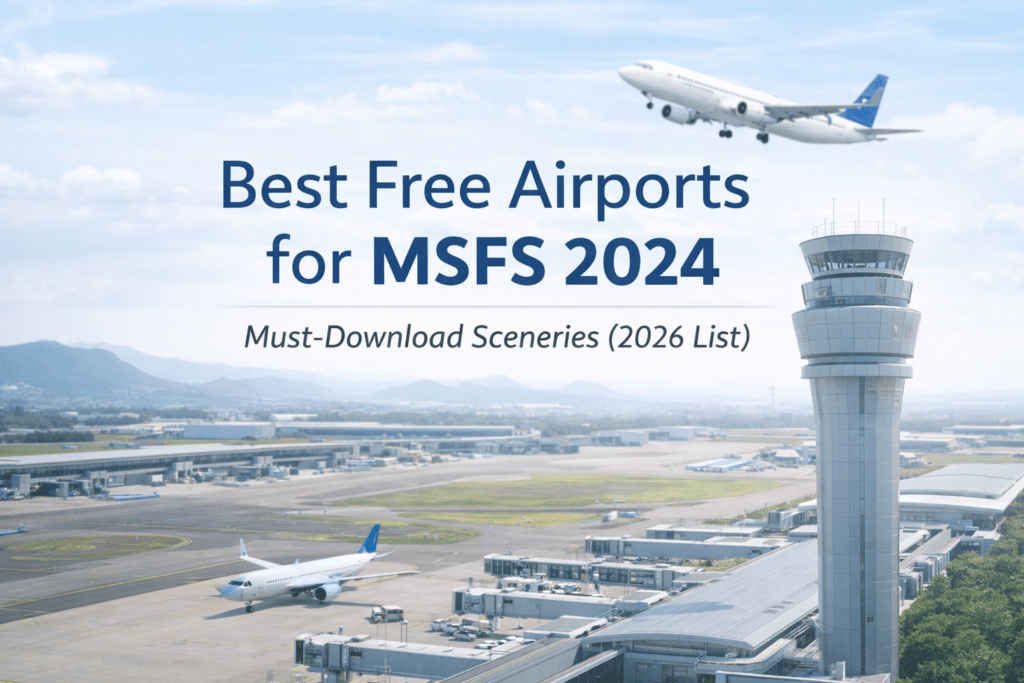
Top Freeware Scenery Worth Installing. One of the greatest strengths of Microsoft Flight Simulator 2024 is its community.
There are talented developers around the world creating high-quality free airport scenery that can dramatically improve realism — without costing you anything.
If you’re looking to upgrade your experience without diving into payware, this guide highlights what makes a great freeware airport and where to find the best ones.
Why Install Free Airports?
Even though MSFS 2024 includes excellent default airports (and official handcrafted ones), freeware airports often:
- Improve taxiway signage and ground markings
- Add realistic terminal buildings
- Enhance night lighting
- Correct layout inaccuracies
- Improve immersion for regional flying
For short routes, VFR flying, or regional airline hops, the difference can be significant.
Where to Find High-Quality Freeware Airports
Most high-quality free airports are found on:
- Flightsim.to
- Developer community forums
- GitHub projects
- Dedicated freeware scenery creators
Always:
- Check user ratings
- Read performance comments
- Confirm compatibility with MSFS 2024
- Avoid installing multiple versions of the same airport
What Makes a Free Airport “Good”?
Not all freeware is equal. The best ones typically include:
Accurate Layout
Taxiways and runways match real-world charts.
Realistic Ground Textures
Proper weathering, correct stand markings, and realistic wear.
Good Night Lighting
Approach lighting, apron lighting, terminal glow.
Optimized Performance
No unnecessary FPS drops.
If a free airport tanks your performance, remove it.
Types of Free Airports Worth Installing
Regional European Airports
Smaller regional airports often receive excellent community upgrades. These are perfect for 45–90 minute airline routes in aircraft like the 737 or A320.
Australian Regional Airports
Regional Australian airfields frequently receive freeware enhancements.
If you enjoy coastal flying or short domestic hops, these can add a lot of immersion.
General Aviation Airfields
Freeware shines especially in:
- Bush strips
- Mountain airports
- Scenic VFR destinations
These are ideal if you fly GA aircraft.
Community Upgrades of Default Airports
Some developers focus on improving default airports rather than rebuilding them completely. These often:
- Improve signage
- Add missing structures
- Fix layout inaccuracies
These are lightweight and performance-friendly.
Free vs Handcrafted vs Payware Airports
It’s important to understand the difference.
Freeware Airports
- Community-created
- No cost
- Varying levels of detail
Microsoft Handcrafted Airports
- Officially enhanced
- Included in certain MSFS editions
- Consistent quality
Premium Payware Airports
- Highest detail
- Custom interiors
- Advanced modelling
- Often best for airline realism
If you’re unsure which official airports are included with your sim, see our Microsoft Handcrafted Airports guide.
How to Install Free Airports in MSFS 2024
Most freeware airports install like this:
- Download the ZIP file
- Extract it
- Place the folder into your Community folder
- Restart MSFS 2024
If the airport doesn’t appear:
- Check folder structure
- Remove duplicate versions
- Ensure compatibility with your sim version
If you run into problems, see our MSFS 2024 Troubleshooting Guide.
Should Beginners Use Free Airports?
Absolutely.
Free airports are ideal if you’re:
- Learning airline procedures
- Flying short regional routes
- Practicing VFR
- Exploring new areas
Just keep your Community folder organized.
Too many add-ons can create conflicts.
Final Thoughts
Free airports are one of the best ways to improve realism without spending money.
When chosen carefully, they can rival paid scenery and dramatically enhance your flying experience — especially for regional and GA operations.
Install selectively, test performance, and enjoy the immersion boost.