
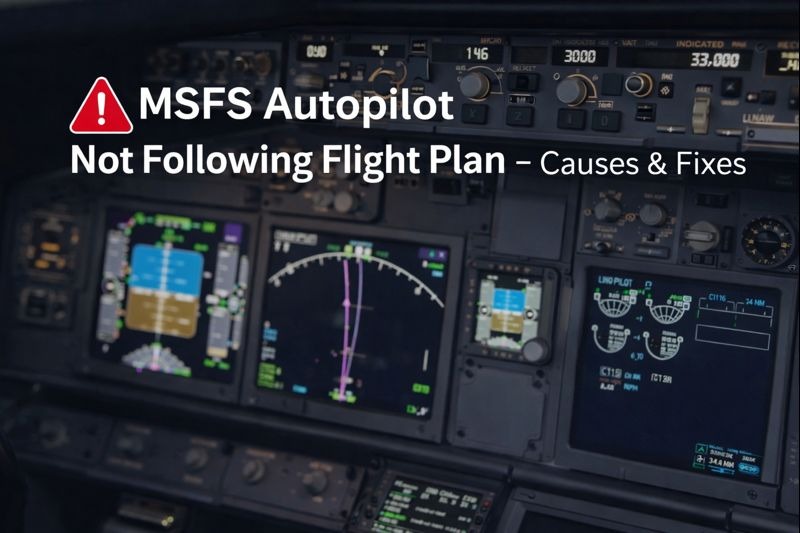
When the MSFS autopilot is not following the flight plan becomes a problem; the aircraft may drift off course, ignore waypoints, or fail to track the programmed route correctly. If you’re still learning how navigation setup, routing logic, and aircraft configuration interact, our How to plan better flights guide explains the preparation steps that help ensure autopilot systems follow the intended flight path from departure to arrival.
In most cases, the autopilot is not broken. What is happening instead is that the aircraft is doing exactly what it has been told to do. Often, even if that is not what the pilot expected.
Autopilot common issues
One of the most common causes is that the autopilot is engaged but is following heading mode rather than navigation mode. When this happens, the aircraft will continue on the selected heading and completely ignore the flight plan.
To fix this, the navigation or LNAV mode must be engaged, and the navigation source must be set to GPS or FMS. If the display shows heading mode instead of navigation mode, the aircraft will not follow the magenta route. This can lead to the MSFS Autopilot Not Following Flight Plan issue.
Autopilot too early
Another frequent cause is engaging the autopilot too early after takeoff. Many aircraft require a stable climb before the autopilot can correctly capture the flight plan. If the autopilot is activated while the aircraft is still accelerating, banking, or correcting pitch, it can behave erratically. Hand-flying the aircraft until it is stable and then engaging the autopilot usually resolves this.
Problems can also originate from the flight plan itself, especially when it is created in the World Map. Complex procedures, disconnected waypoints, or incompatible approaches can confuse the autopilot. Simplifying the flight plan, removing the approach, or flying direct to the first waypoint can help isolate whether the issue is route-related.
Autopilot logic
When flying advanced add-on aircraft, the autopilot logic often differs significantly from that of the default aircraft. Furthermore, these aircraft require the flight plan to be properly entered and activated in the flight management computer. And changes usually need to be executed before they take effect. If the route is not active in the FMC, the autopilot will not follow it, even if it appears correct on the map.
Navigation source
Another common issue is the navigation source being set incorrectly. Also, if the aircraft is set to follow a VOR or localiser rather than GPS or FMS. Furthermore, it will never track the programmed route. Checking the navigation source on the primary flight display is an important step whenever the autopilot does not behave as expected.
Hardware
Hardware can also interfere with the autopilot. Duplicate bindings, noisy axes, or trim inputs from yokes. Also, joysticks, or trim wheels, can override the autopilot without the user realising it. Removing duplicate bindings and temporarily disconnecting unused controllers can help identify this problem.
Simulator update
Real-world autopilot navigation depends on accurate flight-management system programming. Also, valid navigation databases and correct mode selection during each phase of flight. Aviation training references such as the FAA Instrument Flying Handbook explain how autopilot navigation should behave. That provides useful real-world context when diagnosing similar routing problems inside the simulator.